





























Birthday
Gold foil · Playful
The art of inviting
Discover what you can create, design and manage with Winglark — from a thirtieth birthday to a two-day conference — before you create an account.
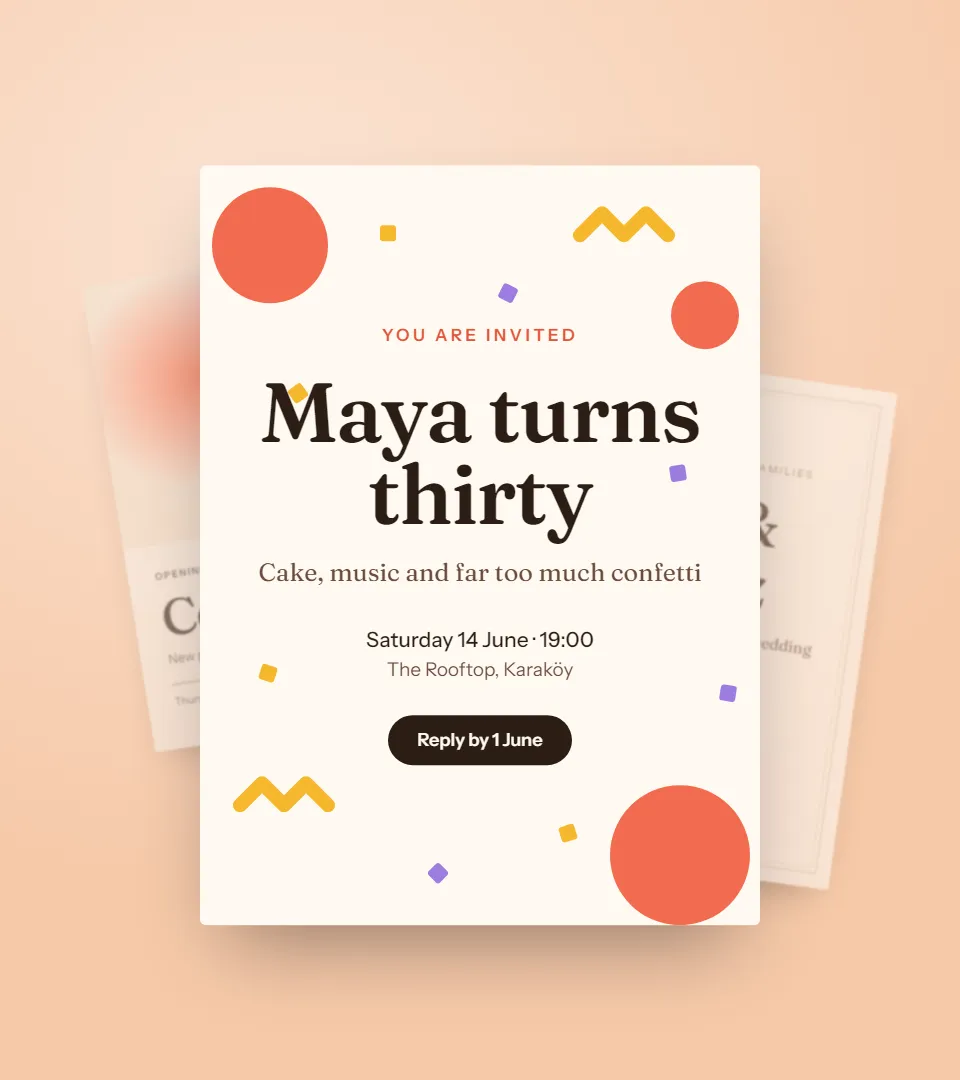
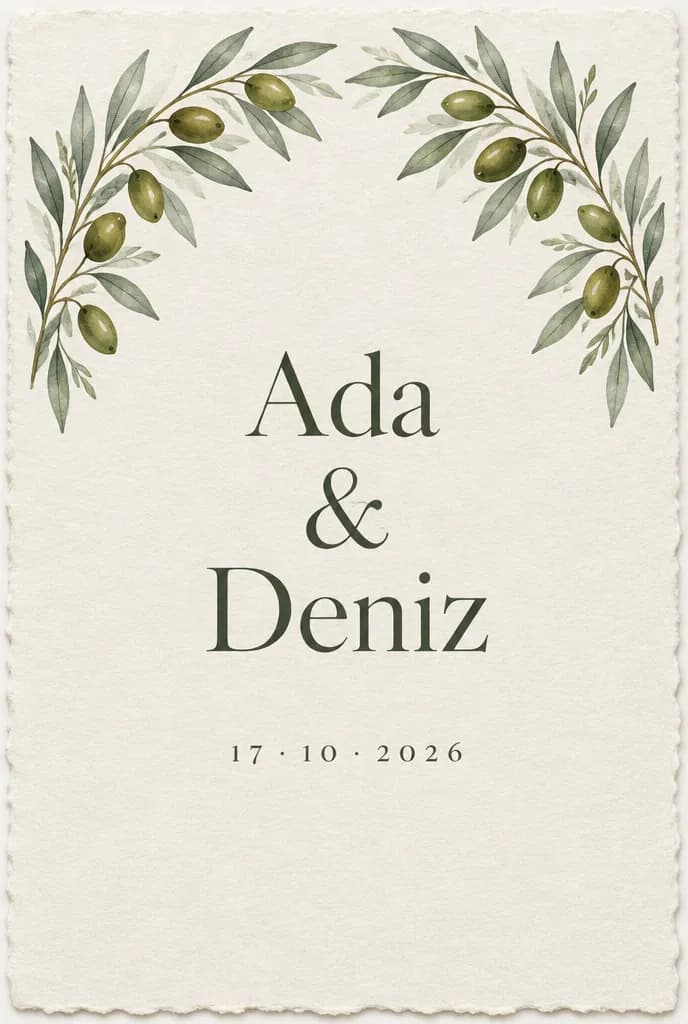
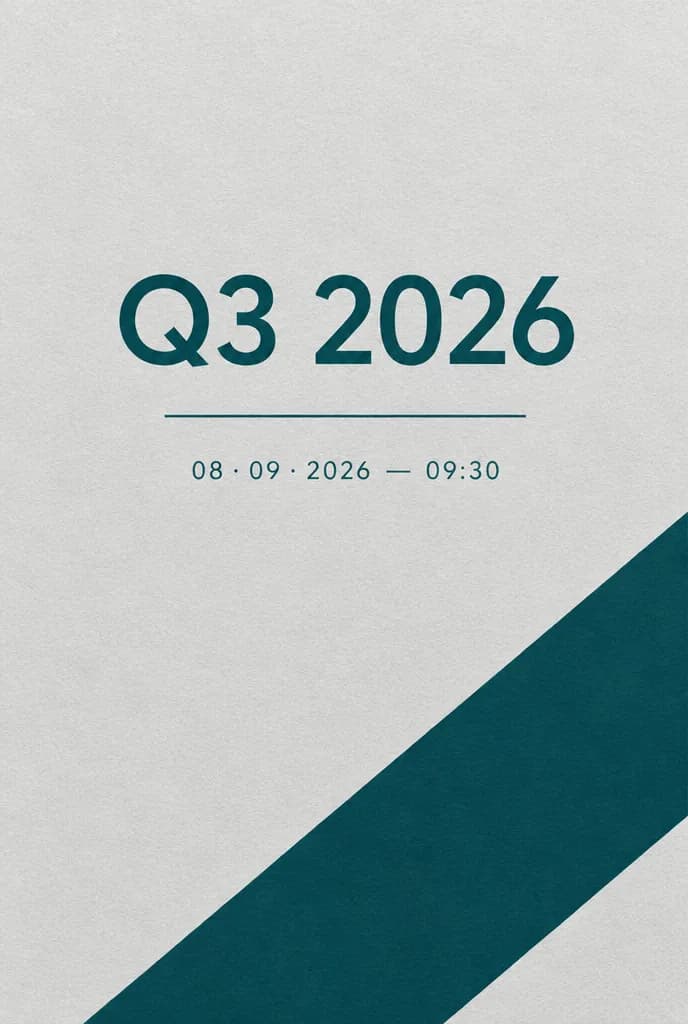
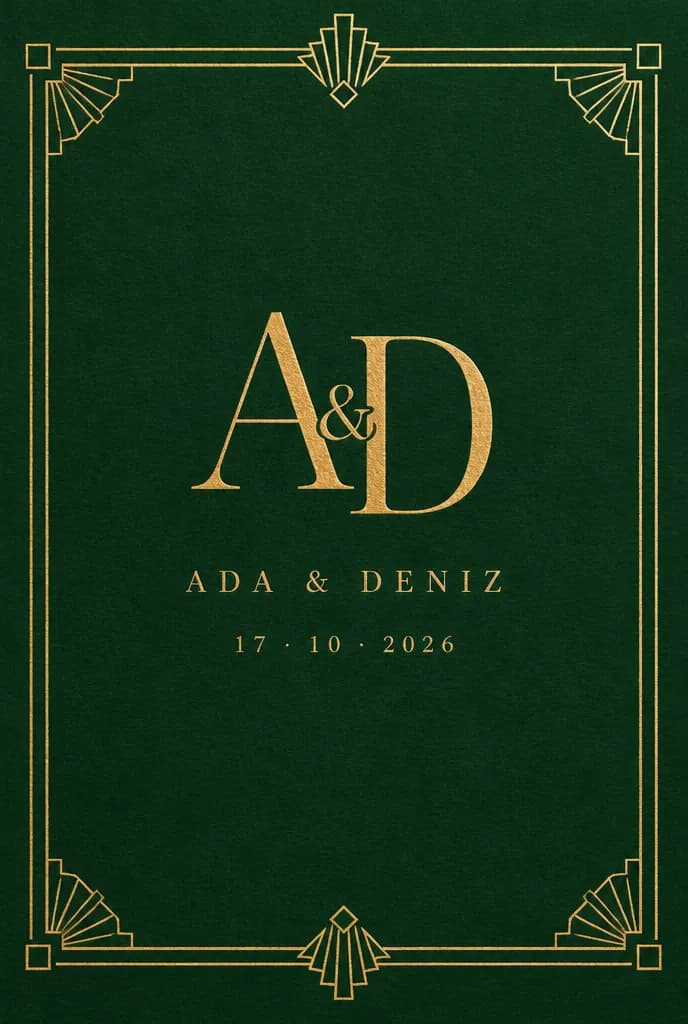
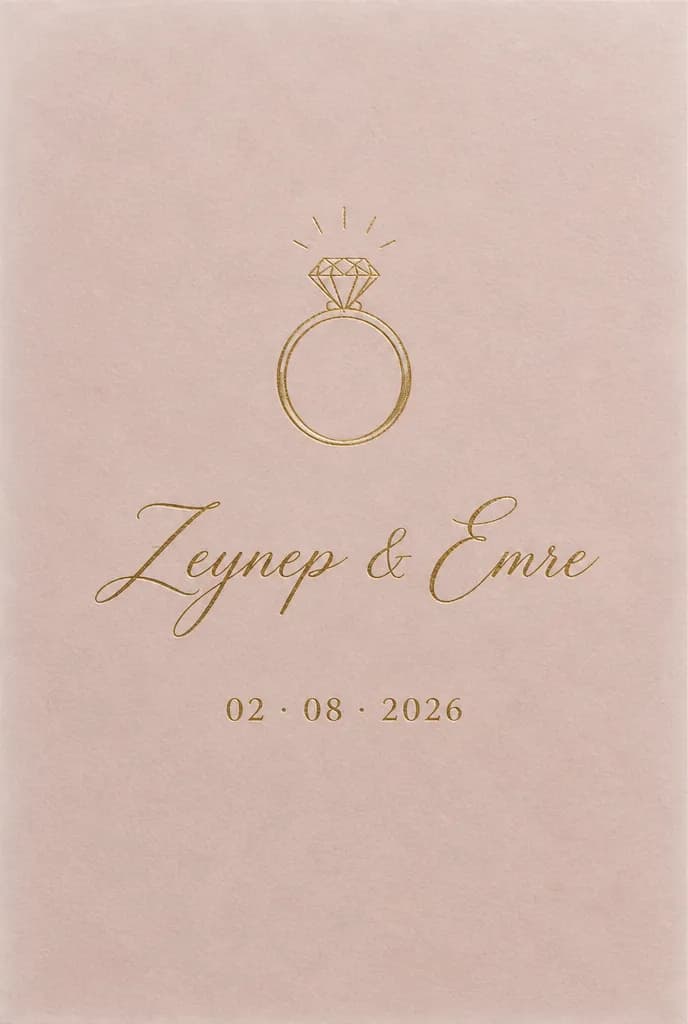
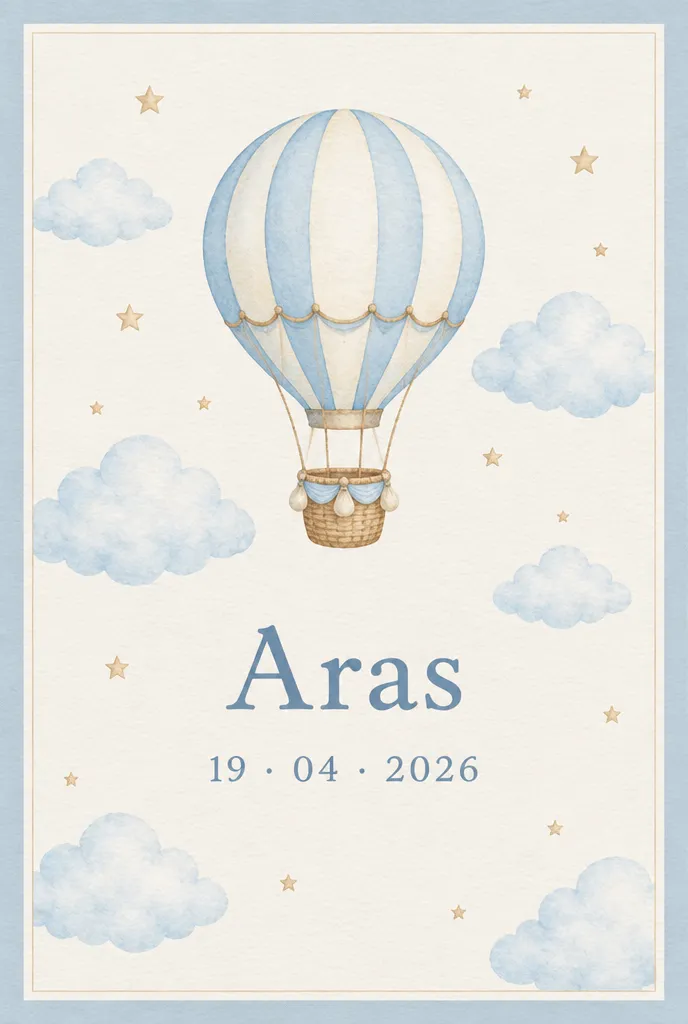
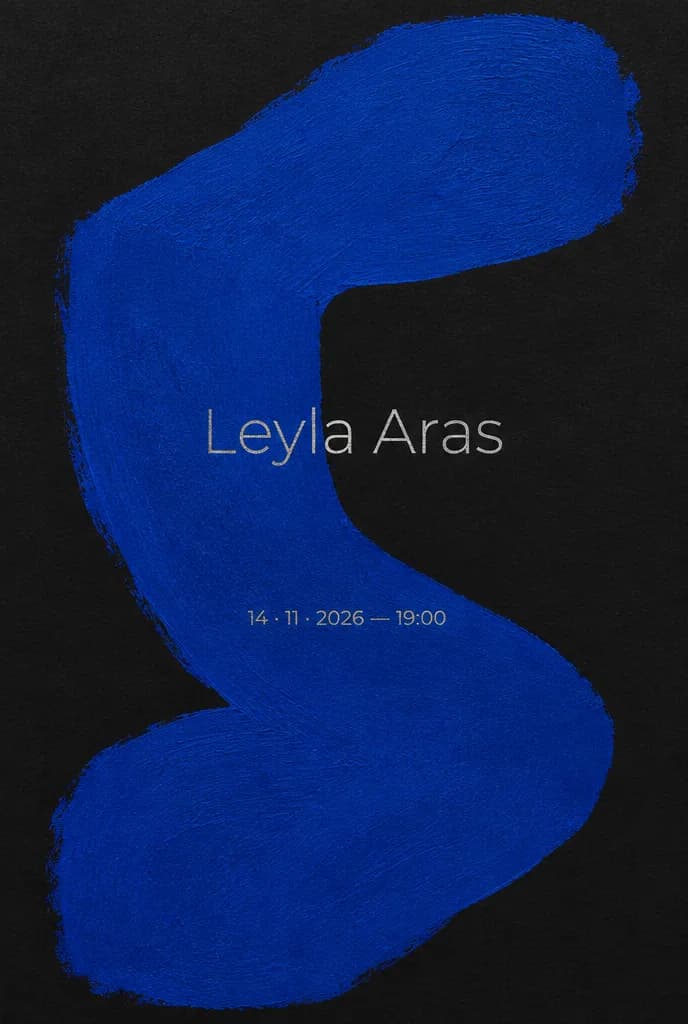
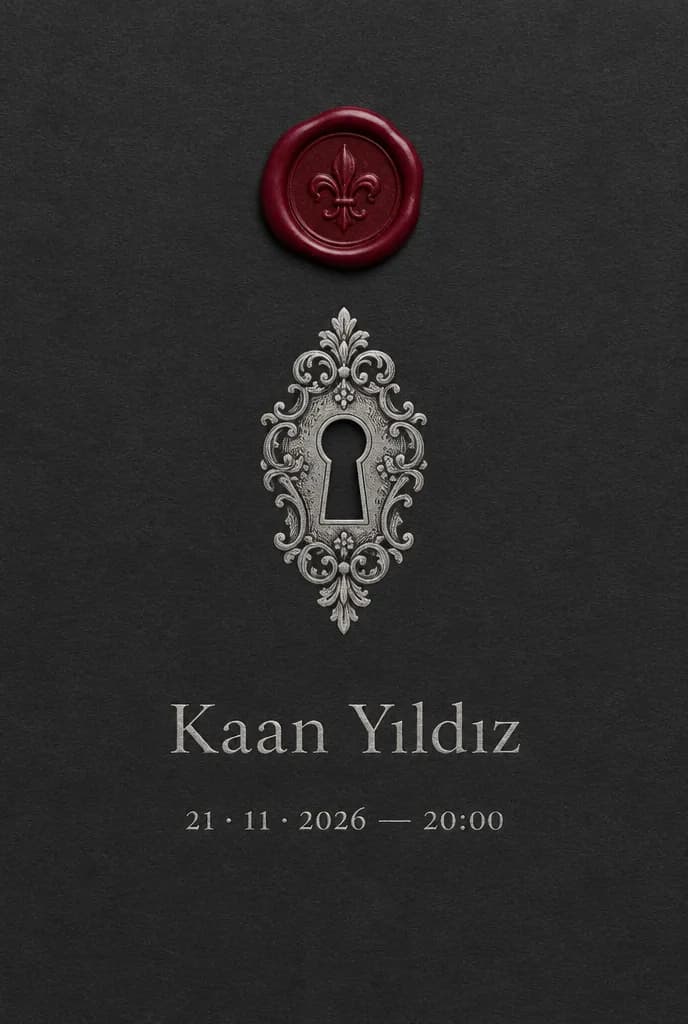
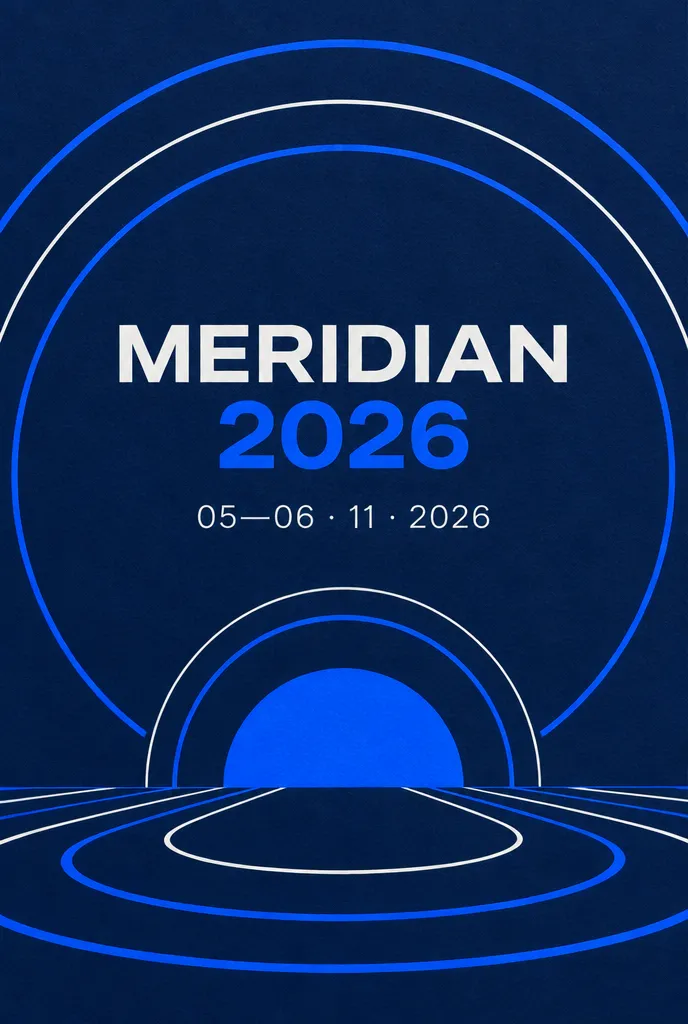
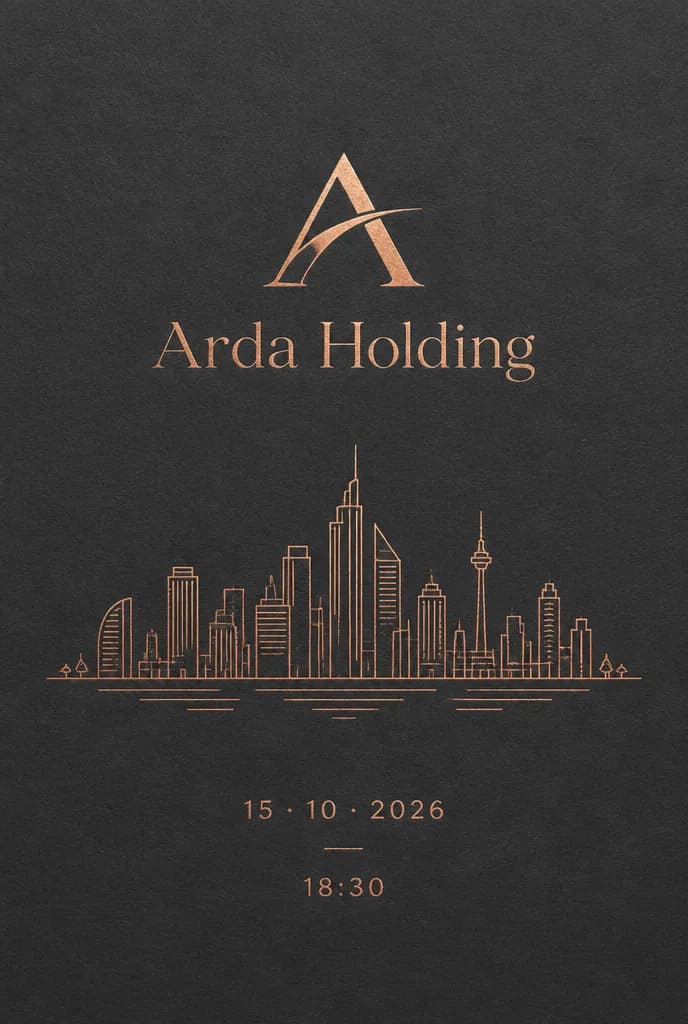
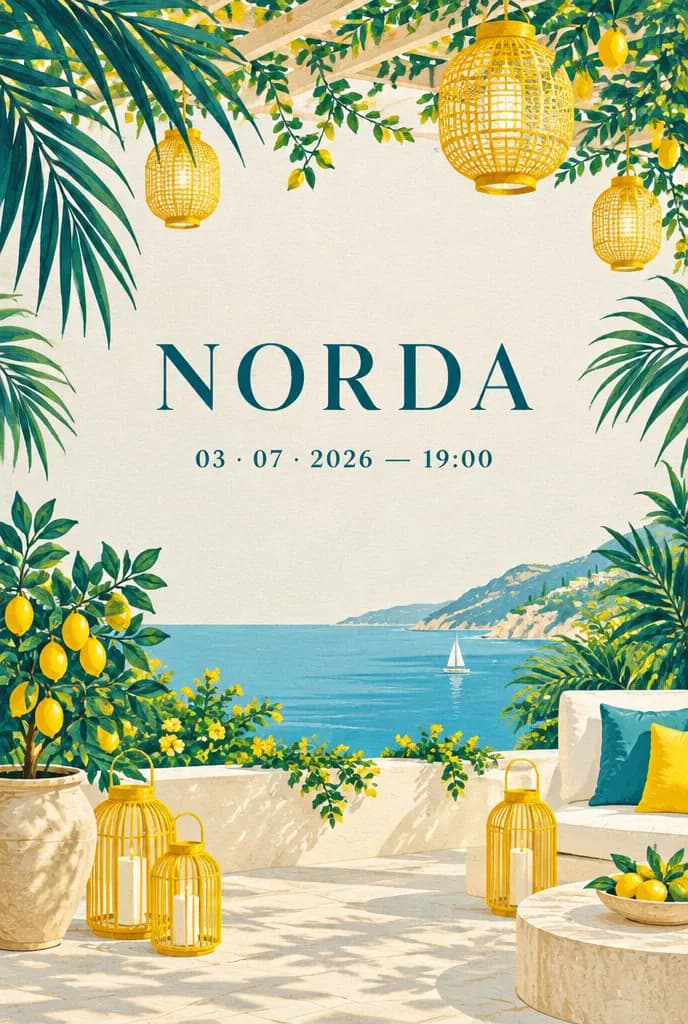
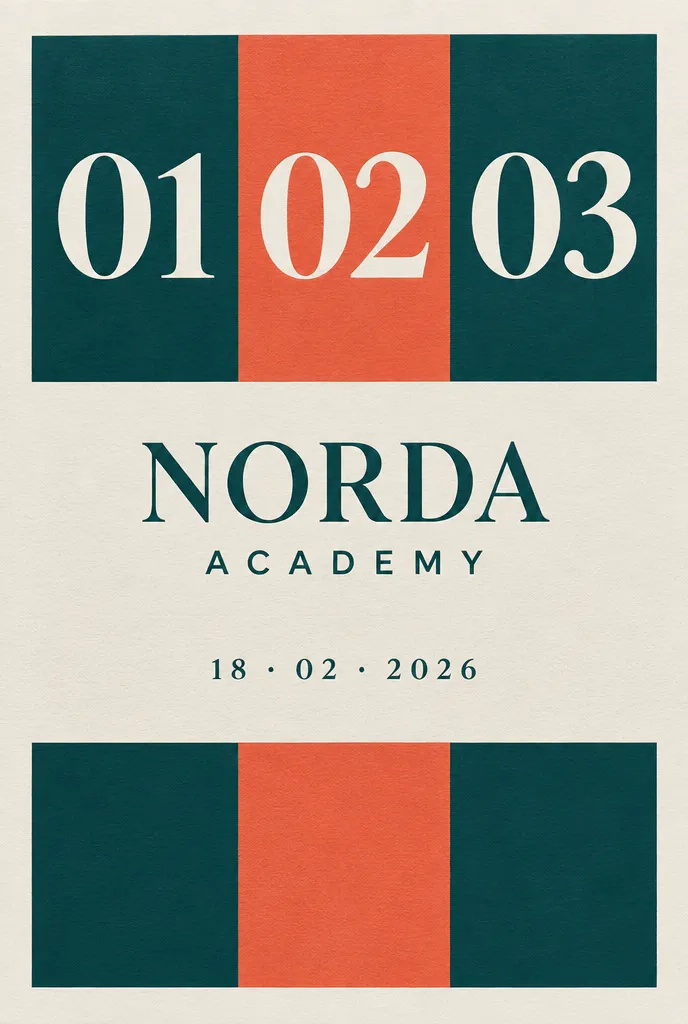
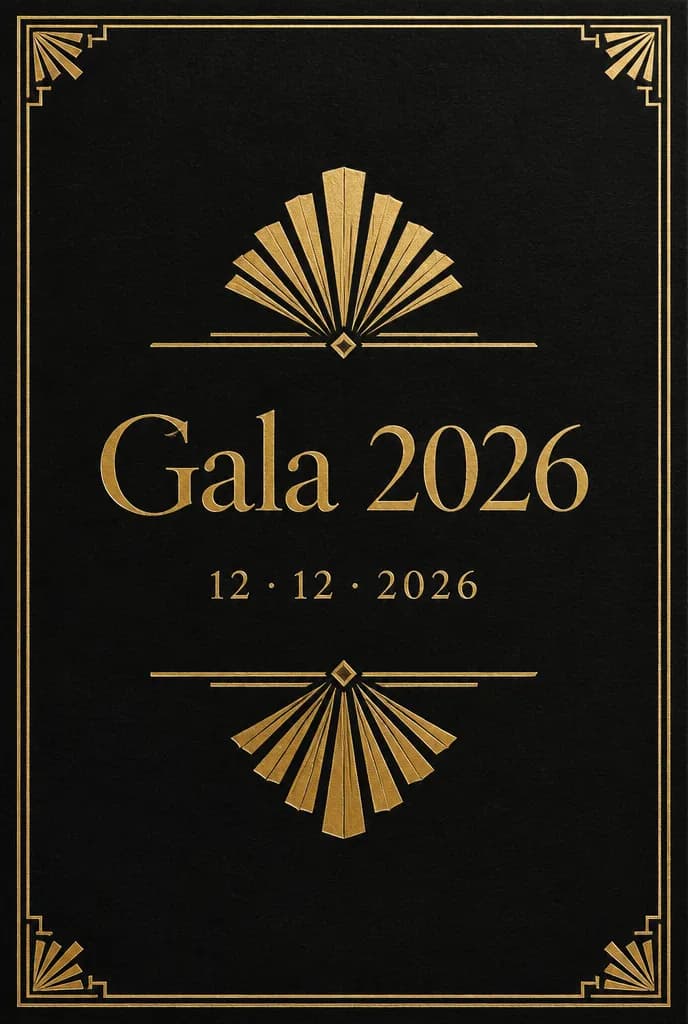
An illustration of what invitations can look like. More ideas, made with AI, further down.
Find your event
Choose a family to see the events in it. Each one comes with its own reply questions, its own rules for plus-ones and its own invitation ideas.


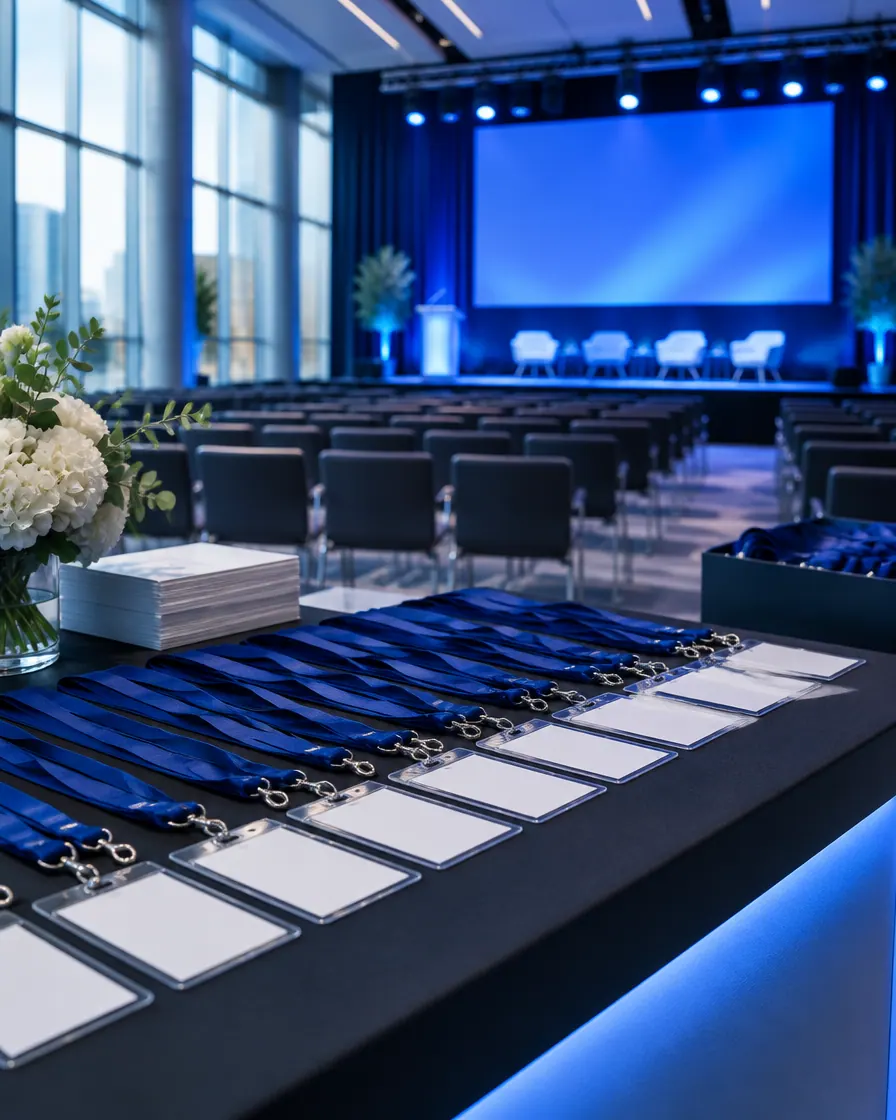
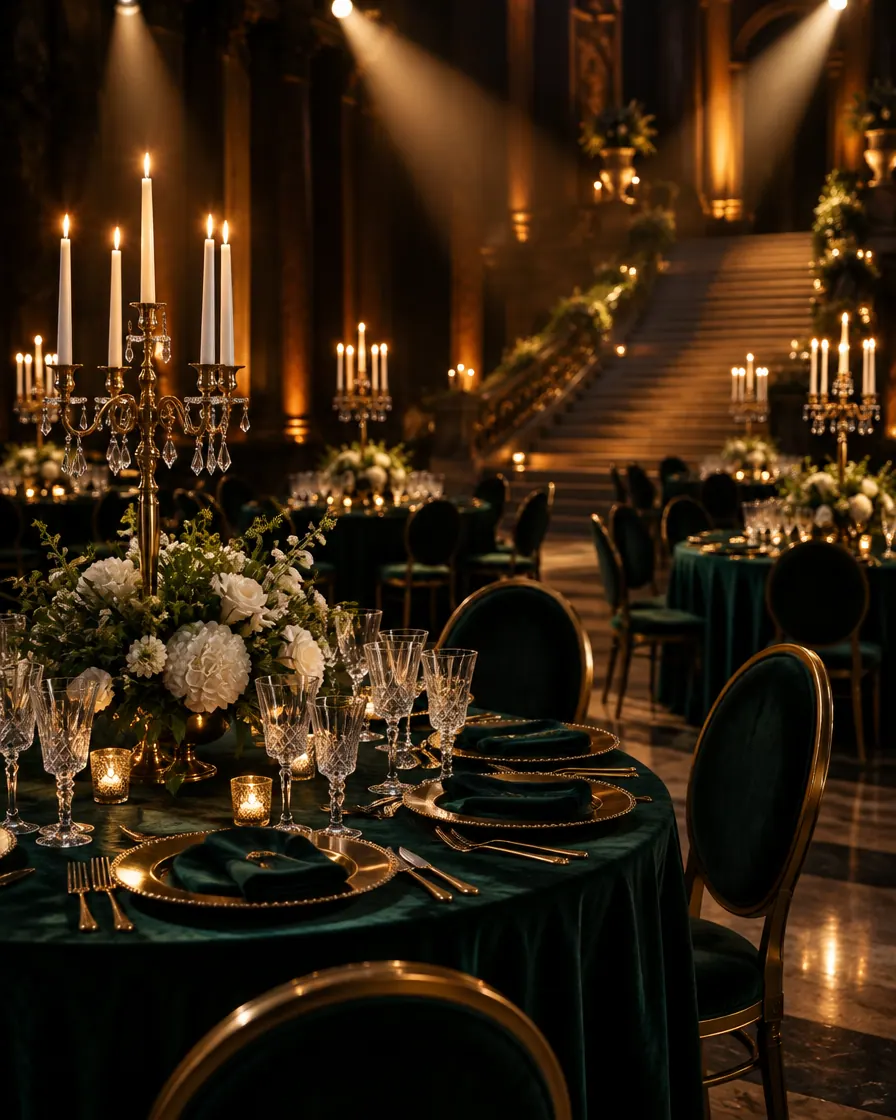

Invitation ideas
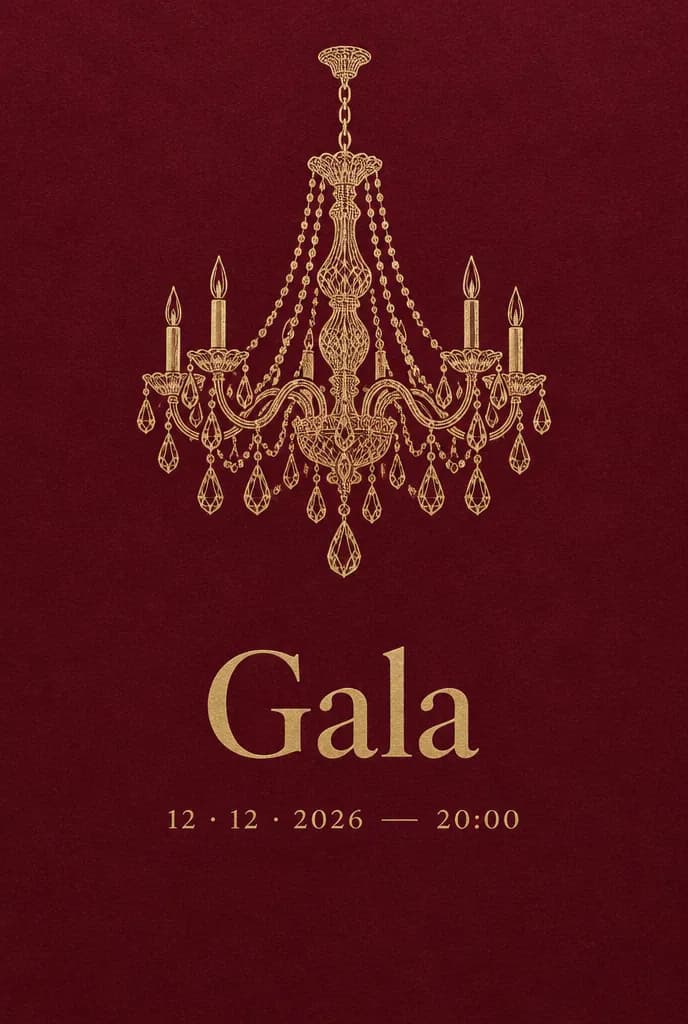
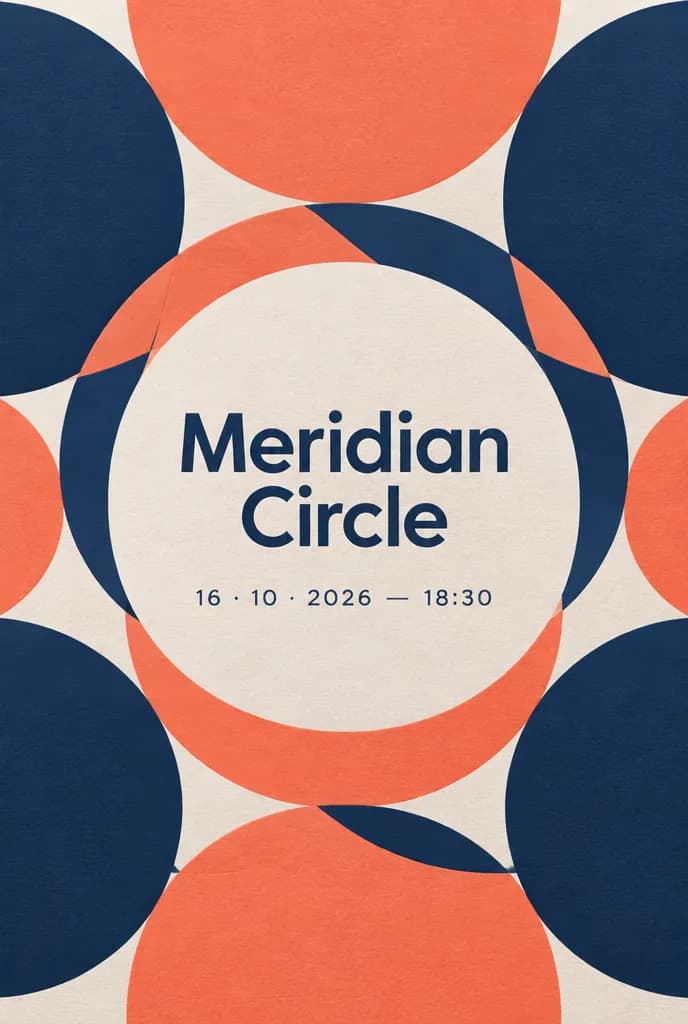
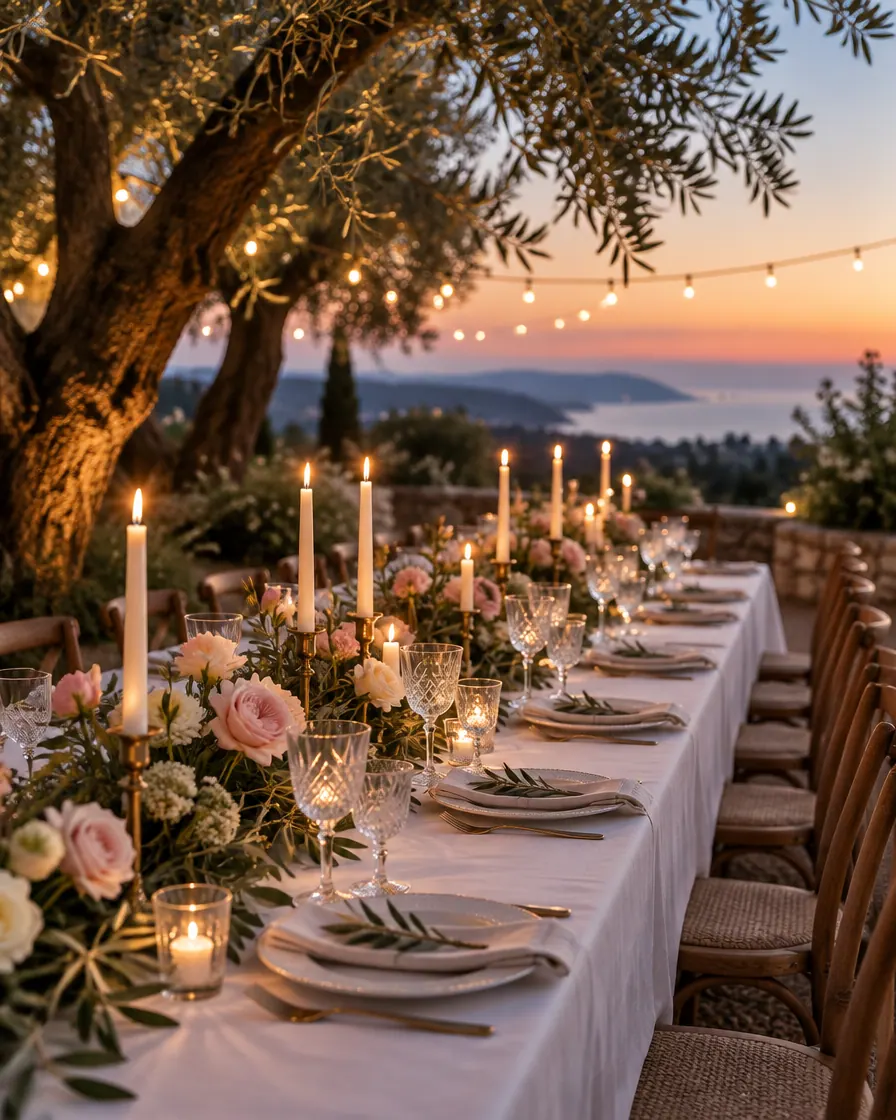
Every invitation here was made with AI to show where an invitation can go. They are not templates to pick from: they are a starting point, and inside, Winglark’s AI assistant makes one for your own event.
Ideas made with AI to show what is possible. They are not ready-made templates: yours is made for your event.
Made with AI
Describe the mood to Winglark’s AI assistant. It creates the artwork and drafts the words for your event, and your names, date and venue sit on top exactly as you entered them.
The AI assistant is included in the Professional and Agency plans.
What your guests see
Guests never need an account. They open an invitation, answer in a minute, and walk in with a code on their phone.
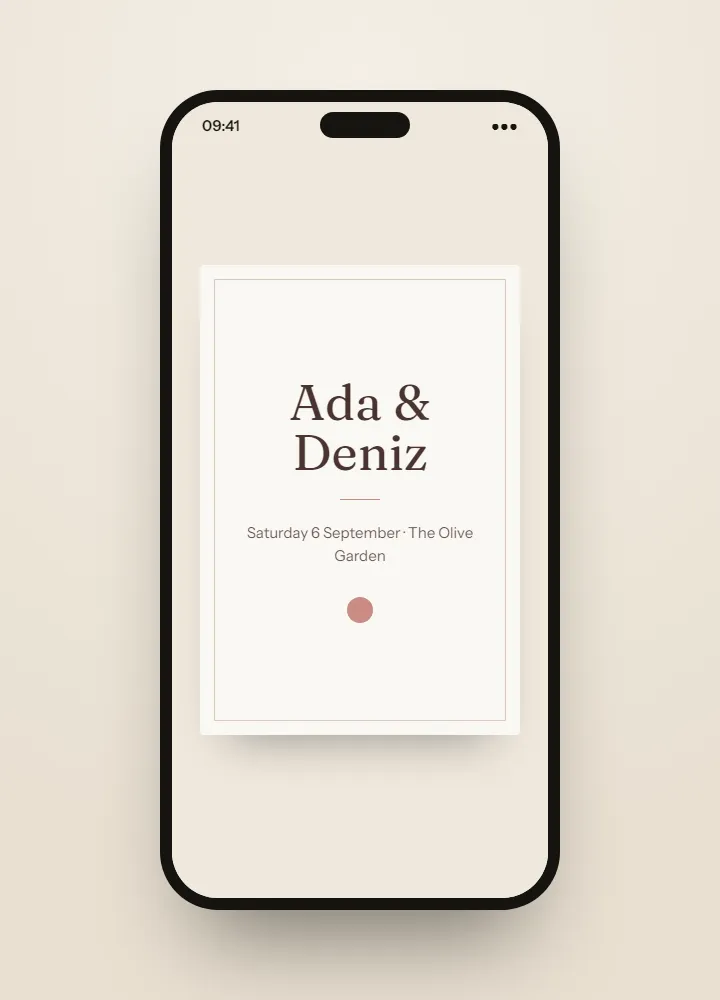
Inside Winglark
These are the product’s own screens, drawn with invented guests. Nothing here is a mock-up of something that does not exist.
ListGuard
Import a spreadsheet; duplicates, invalid addresses and missing details are found before anything is sent.
| Marta Ruizmarta.ruiz@atlas.example | |
| deniz aydındeniz@aydin.example | a name in one field |
| Jonas Weberj.weber@nord.example | |
| Marta RuizMARTA.RUIZ@atlas.example | the same person twice |
| Priya Ramanpriya@meridian.example | |
| Tom Kellehertom@kelleher.exmple | an address that cannot be delivered to |
| Sofia Lindqvistsofia@lindqvist.example | |
| Aziz Karimaziz@karim.example | someone who asked not to be written to |
| Elif Demirelif.demir@atlas.example | |
| Rachel Oseir.osei@harbour.example |
7 will be invited3 wait for a person
The guest fields, the RSVP questions and the reports. A conference asks about sessions and attendance mode; a wedding about meals, transfers and the table plan; a private view about the artist, the visit time and press.
Choose “Other”: the same guest list, invitations, door and reports, without the type-specific fields.
Yes. The plus-one allowance is set per guest — none, one, several or open — and each plus-one is counted, can answer the questions, and gets a code of their own if the door is on.
Yes. The latest reply counts and the earlier ones stay in the record. Silence is kept as its own state — “no answer” is never counted as “no”.
Fifty guests, real invitations, real replies. Request access and we will open your workspace.