33 answers
33 answers
Which topic should the panel take next?
Polls, questions and reactions, live
The audience, as a signal.
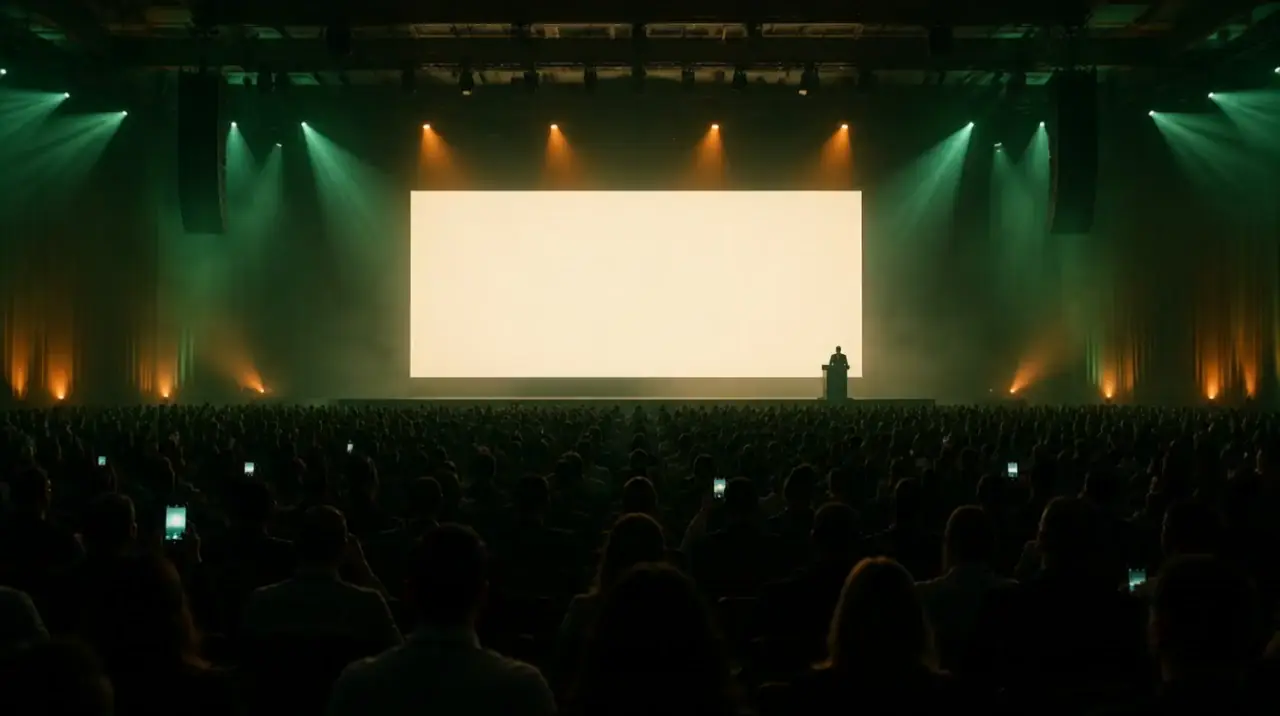
LivePulse lets the room answer while the event is happening: a poll, a rating, a question for the panel, a burst of applause. Guests take part from their phone without installing anything; the results rise on the room screen at the front.
- Vote on the phone
- Watch the bars on the stage
- Tap a reaction
Illustration: the evening, names and figures are invented.
Four ways to ask the room
A question with answers, a score, the floor, and a cheer.
Each is prepared before the event or written on the spot, and started when its moment comes.

Poll
One question, two to six answers, one choice per phone. Show guests the results once they have answered, or keep them hidden until the poll closes.

Rating
A score from one to five — for the keynote, the food, the session — with the average on the screen.

Questions
Guests send questions; nothing reaches the room until you approve it. The room upvotes the ones it wants answered.

Reactions
Applause, love, laughter, fire and wow — gathered from the phones and floating up the room screen.
You decide what the room sees
Nothing reaches the screen until you say so.
Questions arrive in a queue. Approve one and it is on the screen in seconds; reject one and nobody but you ever saw it.
Waiting for you0
- The queue is clear. Send one from the phone, or wait — the room is asking.
Questions from the room
- How do you decide what not to build?▲ 23
- Will the slides be shared after the event?▲ 17
- What changed in your hiring this year?▲ 9
Approve, reject or hide
A rejected question never appears; a hidden one leaves the room’s list without being deleted.
Pin the one being answered
The room and the screen both show which question is on the stage now.
One upvote per phone
The room’s list is ordered by votes, and a phone can vote for a question once.
Named or anonymous
Askers may add their name if the organiser allows it, or stay anonymous.
Illustration: the evening, names and figures are invented.
One thing at a time
The room is asked one question at a time.
A room cannot answer two polls at once, so LivePulse does not ask it to. Starting one pauses whatever was live; resuming it later picks up where it was.
- Draft
Prepared
Polls and ratings wait as drafts, written before the doors open.
- Live
Live
Start one and it appears on every guest’s page and on the screen at once.
- Paused
Paused, then closed
Start the next and the first pauses. Close it to show the final result.

Reactions
The room, in one tap.
Applause, laughter, a heart: phones send them in batches, and the screen lets them rise.
The room screen
The answer, at the size of the room.
A display link for the television or projector at the front. It shows the live poll’s bars, a rating’s average or the top approved questions, with a code to join beside them — and reactions floating up from the phones.
33 answers
Which topic should the panel take next?
Questions from the room
- How do you decide what not to build?▲ 23
- Will the slides be shared after the event?▲ 17
- What changed in your hiring this year?▲ 9
Northlight Summit 2026
Follows what is live
By default the screen shows whatever poll or rating is running and changes when you start the next.
Or what you choose
A particular poll, the questions from the room, or a blank screen with only the join code.
A link you can replace
If the screen link is shared where it should not be, replace it; the old one goes dark at its next refresh.
Fair by design
One phone, one answer. A room that cannot be flooded.
A live vote in a full room is an invitation to game it. LivePulse is built so that a result means what it says.
- One answer per phone
- A second tap keeps the first answer. A phone is recognised by a signed key for this event alone — no name and no account needed.
- Results when you choose
- Hide results until the poll closes, so the first answers do not steer the rest.
- Limits against floods
- Votes, questions and reactions are rate-limited per phone, and questions across a shared network too, so one person cannot drown the room.
- Moderation before display
- A question is read by your team before anybody else sees it.
Questions
Do guests need an app to vote or ask?
No. They answer from Companion, the event’s page on their phone, opened from their invitation or from a QR code in the room.
Can a guest vote twice?
No. Each phone can answer a poll once; a second tap keeps the first answer. Each phone can upvote a question once.
Can guests choose several answers in one poll?
No — a poll takes one answer per phone. For a broader question, run two short polls one after the other.
Who sees a question before the room does?
Only the organising team. Nothing reaches the room’s list or the screen until somebody approves it.
What does the room screen need?
A browser on the television, projector or laptop at the front. Open the screen link and choose full screen.
Are the results part of the event report?
No. While the event runs, results are seen in the event’s live section and on the screen; the event report covers invitations, replies and arrivals.
Ask the room. Hear it answer.
Prepare the polls before the doors open, and start each one when its moment comes.