BadgeDesk
A badge for every guest. Printed when they arrive.
Design the name badge once for the event, print the whole list as one PDF before the doors open, or print each badge the moment GatePass admits the guest. A tablet kiosk lets guests check themselves in and prints theirs.
- Exact label sizes, printed 1:1
- The guest type written as a word
- Badge design on every plan, the free event too
Illustrative conference, guests and badges. The screens are drawn from BadgeDesk as it works.
The badge studio
One design for the event. Every badge from the guest list.
On the laptop, the organiser’s badge design for a conference. Beside it, one badge as it leaves the printer.
- Choose a layoutClassic, bold header, minimal or a large ribbon, at the size your printer or badge holder takes.
- Set the fieldsIn your order: the first name as large as it fits, then last name, company, job title, the guest type, table and seat, the event.
- Pick the colourThe event’s colour or your own, checked so white text stays readable; your logo; both sides for lanyards.
- PrintOne PDF of the list before the day, or one badge at a time at the door.
Layout
- Classic
- Bold header
- Minimal
- Large ribbon
Size
- 4 × 3 in label
- 4 × 6 in label
- A6
- CR80 card
- A4 sheet of 8
- Letter sheet of 6
Preview: a real guest from the list
Fields, in this order
- First name
- Last name
- Company
- Job title
- Guest type
- Table and seat
Colour
Event colour✓ White text readable
- Logo
- Print both sides
- Printed in the event’s language
Illustrative conference, guests and badges. The screens are drawn from BadgeDesk as it works.
What a badge carries
The name the guest asked for, set as large as it fits.
Every line is read from the guest record when the badge is printed, so a correction made this morning is on the badge this afternoon.
- Northwind SummitThu 12 Nov · 09:00JonasWeberNorthwindChief Financial OfficerVIP
- Northwind SummitThu 12 Nov · 09:00AyşeDemirLumen LabsHead of ProductSpeaker
- Northwind SummitThu 12 Nov · 09:00ClaraFontaineLe QuotidienReporterPress
- Northwind SummitThu 12 Nov · 09:00MateoRuizHalden & CoPartnerSponsor
- Northwind SummitThu 12 Nov · 09:00LeaNovakAtlas DisplaysHead of SalesExhibitor
- Northwind SummitThu 12 Nov · 09:00DenizAydınNorthwindEvents ManagerStaff
- Their own name
- A guest’s answer to “Name as it should appear on your badge” replaces the name on the list.
- The type, written out
- VIP, speaker, press, sponsor, exhibitor, staff: on a ribbon, as a word, never as a colour alone.
- Table and seat
- From SeatMap, when the event has a seating plan.
- A colour that reads
- The event’s colour or your own. A colour too light for white text is flagged before anything prints.
- Both sides
- The same face on the back, for lanyards that turn round. Your logo on both.
- The event’s language
- Ribbons and the date print in the language the event runs in.
Batch printing
Print the list before the doors open.
Choose who, download one PDF, print. Every badge printed is recorded, so printing it again is a decision, not an accident.
Which guests
- EveryoneThe whole list.
- Not printed yetOnly the badges nobody has printed.
- By guest typeSpeakers first, or the press desk alone.
- ComingOnly the guests who said yes.
- Checked inThe guests already through the door.
Label printers and sheets
One badge per page, at the label’s exact size.
On a label size, each page of the PDF is one badge at exactly that size, so Zebra, Brother QL and DYMO label printers print it 1:1. On a sheet, the badges are set with crop marks for cutting, on any office printer.
- 4 × 3 in labelLabel: one badge per pageThe common thermal badge label.
- 4 × 6 in labelLabel: one badge per pageTaller, worn upright on a lanyard.
- A6Label: one badge per page105 × 148 mm, for A6 badge holders.
- CR80 cardLabel: one badge per pageCredit-card size, for card printers and clip holders.
- A4 sheet of 8Sheet: crop marks for cuttingEight badges on A4, for any office printer.
- Letter sheet of 6Sheet: crop marks for cuttingSix 4 × 3 in badges on US Letter.
Print at 100% — actual size, no “fit to page”.
Main door
Sending the badge to the printer
Printing needs a connection. The door itself works offline.
At the door
Admitted first, then printed.
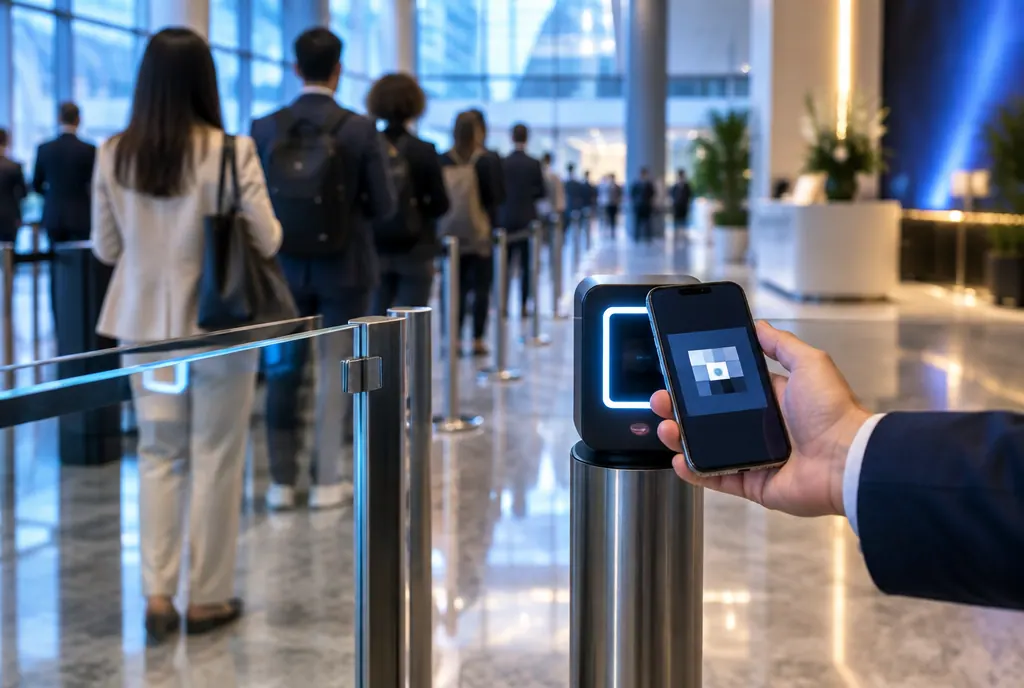
When you offer it, door staff press “Print badge” the moment GatePass admits a guest. Nobody prints badges for people who never came.
- One tap after the scan
- The button appears on the door screen once the guest is admitted.
- A code that works again
- The badge carries the guest’s own GatePass code, so it can be scanned again at a session door.
- Printing needs the network
- The door keeps admitting without signal; the badge prints once the phone is back online.
Self check-in kiosk
Guests check themselves in on a tablet.
Put a tablet at the entrance. Guests scan the code from their invitation, or find their name and confirm it; they are checked in through the same door record as a staff scan, see their table and seat, and their badge prints.
Welcome
Northwind SummitLanguage: EN · TR · DE · FR · ES
Welcome
Scan the code from your invitationorFind my nameFound
Northwind SummitLanguage: EN · TR · DE · FR · ES
Your surnameDemIs this you?
Ayşe D.Confirm with the first letters of your e-mailayşYes, check me inChecked in
Northwind SummitLanguage: EN · TR · DE · FR · ES
Welcome, Ayşe
Table 7Seat 3
Your badge is printing
- One count at the doorA kiosk check-in is a door check-in: the same record as a staff scan, so nobody is counted twice.
- Two ways inThe code from the invitation, or the name confirmed with the first letters of the e-mail address or the last digits of the phone number.
- As many kiosks as doorsSeveral kiosks per event. Rotate a kiosk’s link or pause it from your console.
- Five languagesEnglish, Turkish, German, French and Spanish, with a switch on the screen.
The badge prints automatically, or at a tap: your choice per event.
Illustrative conference, guests and badges. The screens are drawn from BadgeDesk as it works.
On which plans
- Design and batch PDFs
- On every plan, the free event included.
- Printing at the door
- On every plan with the door: Starter, Professional, Agency, the Single Event, or the door upgrade on a free event.
- Self check-in kiosks
- On Professional, Agency and the Single Event.
Questions
How do I print name badges for a conference without a badge printer?
Choose the A4 sheet of eight or the US Letter sheet of six. Any office printer prints them at 100%, with crop marks to cut along — no label printer needed.
Which label printers can print the badges?
On a label size, each page of the PDF is one badge at exactly 4 × 3 in, 4 × 6 in, A6 or CR80, so Zebra, Brother QL and DYMO label printers print it 1:1. Set the printer’s paper to the label size and print at 100%.
Can guests check themselves in on an iPad?
Yes, on any tablet with a browser. Guests scan the code from their invitation, or find their name and confirm it with the first letters of their e-mail or the last digits of their phone, and their badge prints. Kiosks are on Professional, Agency and the Single Event.
If a guest uses the kiosk and then gets scanned at the door, are they counted twice?
No. The kiosk checks guests in through the same door record as a staff scan, so every guest is counted once.
Can I print a badge only when someone actually arrives?
Yes. Door staff press “Print badge” right after GatePass admits the guest, or the kiosk prints it. Printing at the door needs the network; the door itself keeps working offline.
A guest wants a different name on their badge. What do I do?
Ask “Name as it should appear on your badge” with the reply. Their answer replaces the name on the list on every badge they get.
How do I avoid printing the same badge twice?
Every print is recorded. Print with “Not printed yet” and only the remaining badges come out; printing one again is a deliberate choice.
Can the badge be scanned at a session door?
Yes. The QR on the badge is the guest’s own GatePass code, so a breakout room or an evening reception can scan it like the invitation.
Print the badges from the list you already keep.
Design once; the list, the latecomers and the walk-ins print from the same record.