Skip to content

Winglark

Wedding

The most demanding guest list there is, handled with the calm it deserves.

Two ceremonies, three families, a caterer who needs numbers and an aunt who replies by phone. Winglark keeps one list, one reply per guest and one clear answer to “how many are we?”.

A long wedding dinner table under an olive tree at dusk, with candles and roses

Made with AI

Ready inside

What Winglark sets up for this event.

Choose this event type when you create the event and these are in place before you write a word. You can change every one of them.

What your guests are asked

Added to the reply page when you create the event. Edit them, remove them or add your own.

  1. Always askedWill you be there?
  2. Suggested for this eventWhich parts are you coming to?Answers: CeremonyReception
  3. Suggested for this eventMeal choiceAnswers: MeatFishVegetarianVegan
  4. Suggested for this eventAllergies or dietary needsAnswered in their own words
  5. Suggested for this eventBringing children? How many?Answered in their own words
  6. Suggested for this eventDo you need the transfer?Answered in their own words

Plus-ones

Every guest may bring one person to begin with. You change the allowance per invitation, or switch it off.

What the set-up puts first

The steps that matter for this kind of event lead the form; the others stay one click away.

  • Place and arrivalVenue, address and directions, shown on the invitation and the guest page.
  • ProgrammeA running order your guests can read before they arrive.
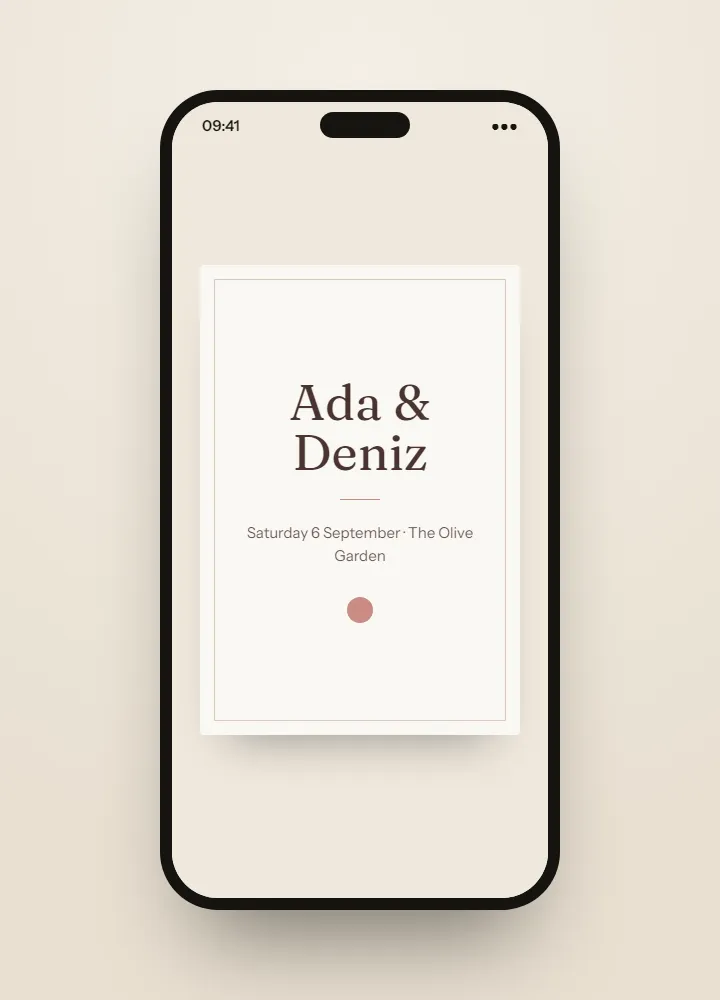
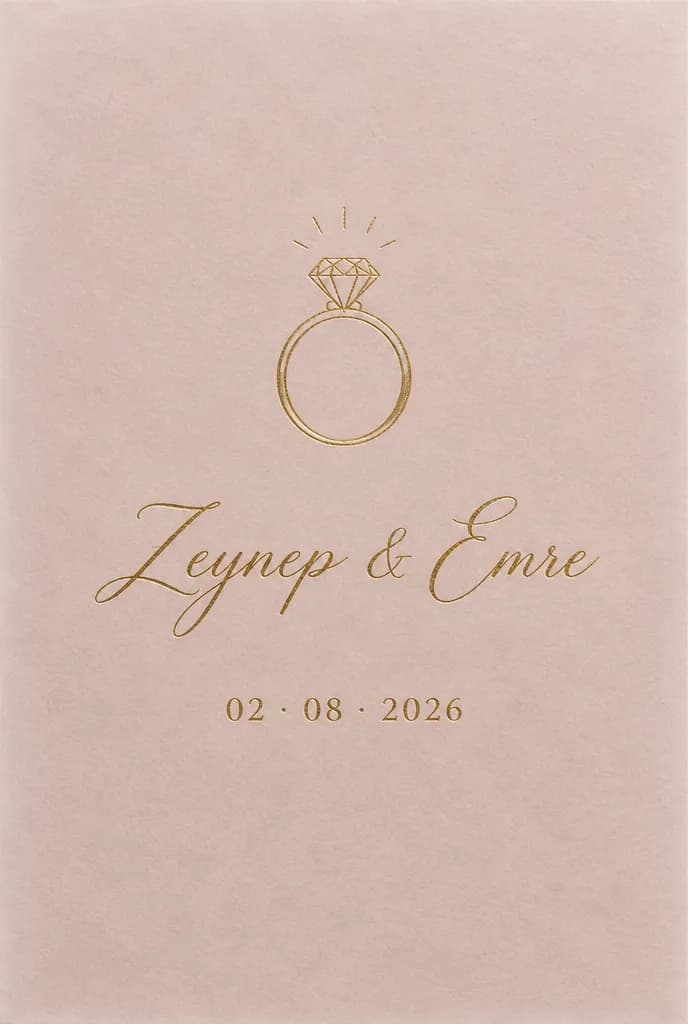
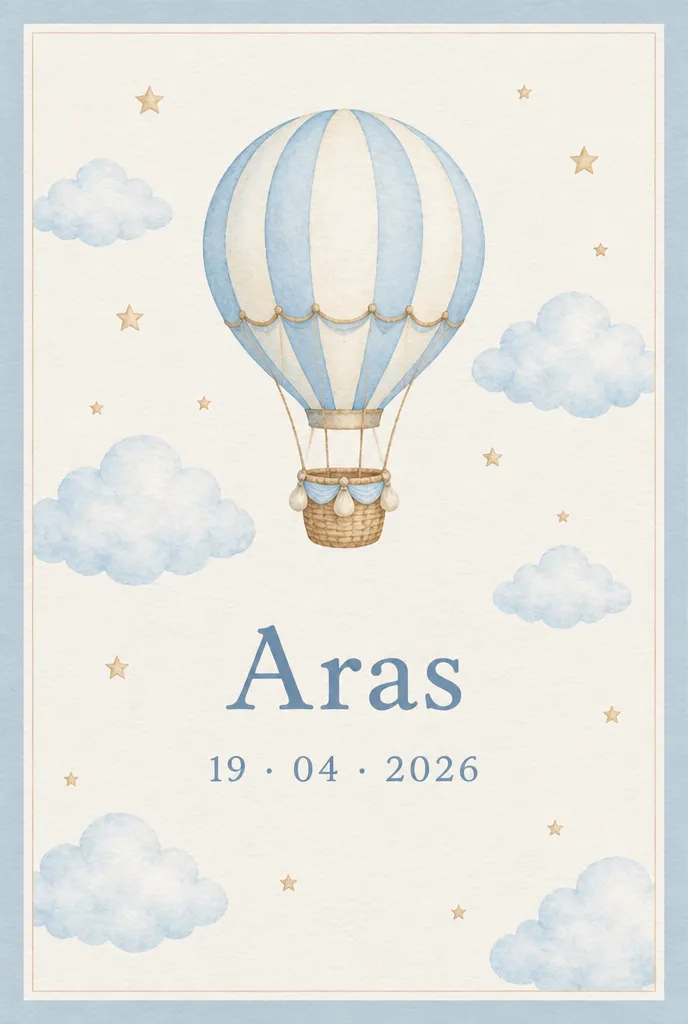
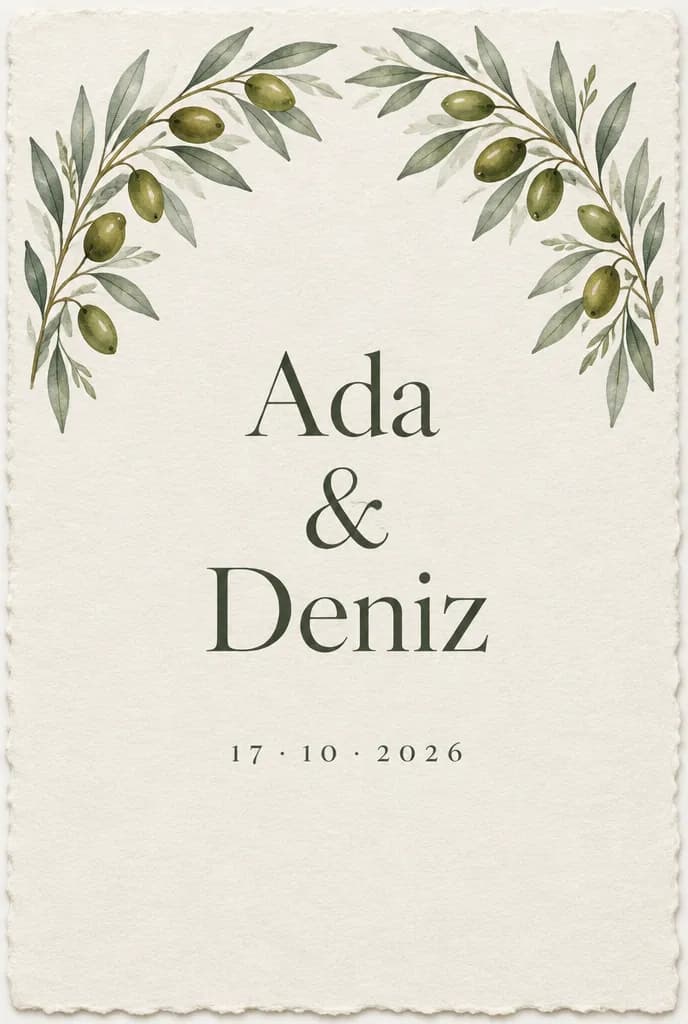
Invitation ideas4 ideas made with AI for this event, to dream from.See the ideas

Invitation ideas

Invitation ideas for this event

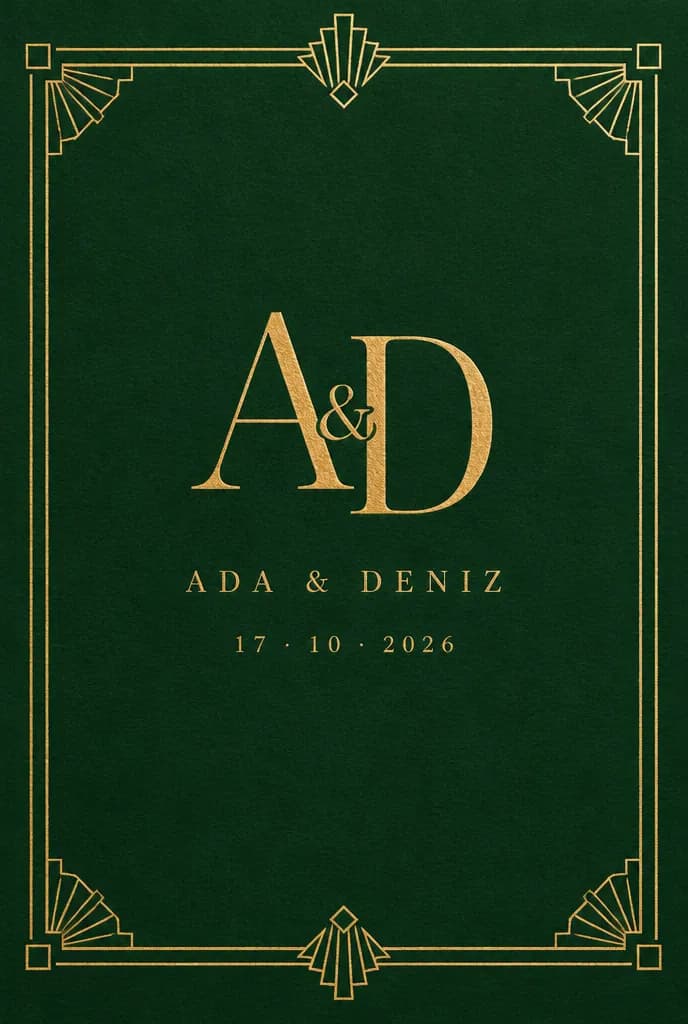
These invitations are ideas made with AI, here to dream from rather than templates to pick. On the Professional and Agency plans, Winglark’s AI assistant creates artwork and drafts the words for your own wedding, and your names, the date and the venue stay exactly as you entered them.

Made with AI

An invitation like this can be yours.

Describe the mood to Winglark’s AI assistant. It creates the artwork and drafts the words for your event, and your names, date and venue sit on top exactly as you entered them.

The AI assistant is included in the Professional and Agency plans.

Wedding

What you can set up

  1. Ceremony and reception, separately

    Put the ceremony and the reception in the day’s running order, each with its own time and place, and the guest page shows both. The reply page asks which parts each guest is coming to.

  2. Meals the caterer can use

    Meat, fish, vegetarian or vegan, plus allergies: the reply page suggests both questions, and the reply export turns every answer into a spreadsheet you can hand to the kitchen.

  3. Children, transfers, accommodation

    The reply page asks how many children a guest brings and whether they need the transfer. Hotel details and a booking code go into the invitation’s own text and stay on the guest page.

  4. One list, two families

    Import both sides’ lists, and duplicates are found before a cousin receives two invitations.

  5. Late additions without double-sending

    Add guests after the first send and only the new names receive an invitation. Nobody hears from you twice by accident.

  6. A welcome at the door

    QR arrival on ordinary phones, even without signal. If your list gives each guest a table, the person at the door sees it the moment they check the guest in. Door check-in is a paid option, on the plans that include it or as an upgrade for a single event.

What your guests see

Your guests’ experience

Guests never need an account. They open an invitation, answer in a minute, and walk in with a code on their phone.

Inside Winglark

What you work with once you are in.

These are the product’s own screens, drawn with invented guests. Nothing here is a mock-up of something that does not exist.

ListGuard

A clean guest list

Import a spreadsheet; duplicates, invalid addresses and missing details are found before anything is sent.

The list as it arrivedWhat the import found
An imported guest list, with what the import found
Marta Ruizmarta.ruiz@atlas.example
deniz aydındeniz@aydin.examplea name in one field
Jonas Weberj.weber@nord.example
Marta RuizMARTA.RUIZ@atlas.examplethe same person twice
Priya Ramanpriya@meridian.example
Tom Kellehertom@kelleher.exmplean address that cannot be delivered to
Sofia Lindqvistsofia@lindqvist.example
Aziz Karimaziz@karim.examplesomeone who asked not to be written to
Elif Demirelif.demir@atlas.example
Rachel Oseir.osei@harbour.example

7 will be invited3 wait for a person

Wedding

How people use it

An intimate ceremony, a bigger party

Forty at the ceremony, a hundred and twenty at the reception. Each guest says which parts they are coming to, and the reply export lists every answer, ready to count.

A wedding abroad

Hotel details in the invitation, a transfer question and a reply deadline weeks ahead, so the planner can book rooms and buses with real numbers.

Two languages at one table

Each guest’s email and reply page speak their own language, dates included; the words you wrote stay exactly as you wrote them.

Questions

Can guests come to the reception only?

Yes. The reply page asks which parts each guest is coming to — the ceremony, the reception or both — and every answer is in the reply export.

How do meal choices reach the caterer?

Each reply’s meal choice and allergies go into the reply export, a CSV or Excel file you can send straight to the kitchen.

What happens when we add guests later?

Only the new guests receive the invitation. People who already have it are not sent a second copy.

Does check-in work if the venue has no signal?

Yes. The door keeps working offline and catches up once the connection returns.

Your first event is free.

Fifty guests, real invitations, real replies. Request access and we will open your workspace.

Wedding invitations, RSVPs and guest lists · Winglark