VoiceBook
Don’t just capture the event. Keep what people felt.
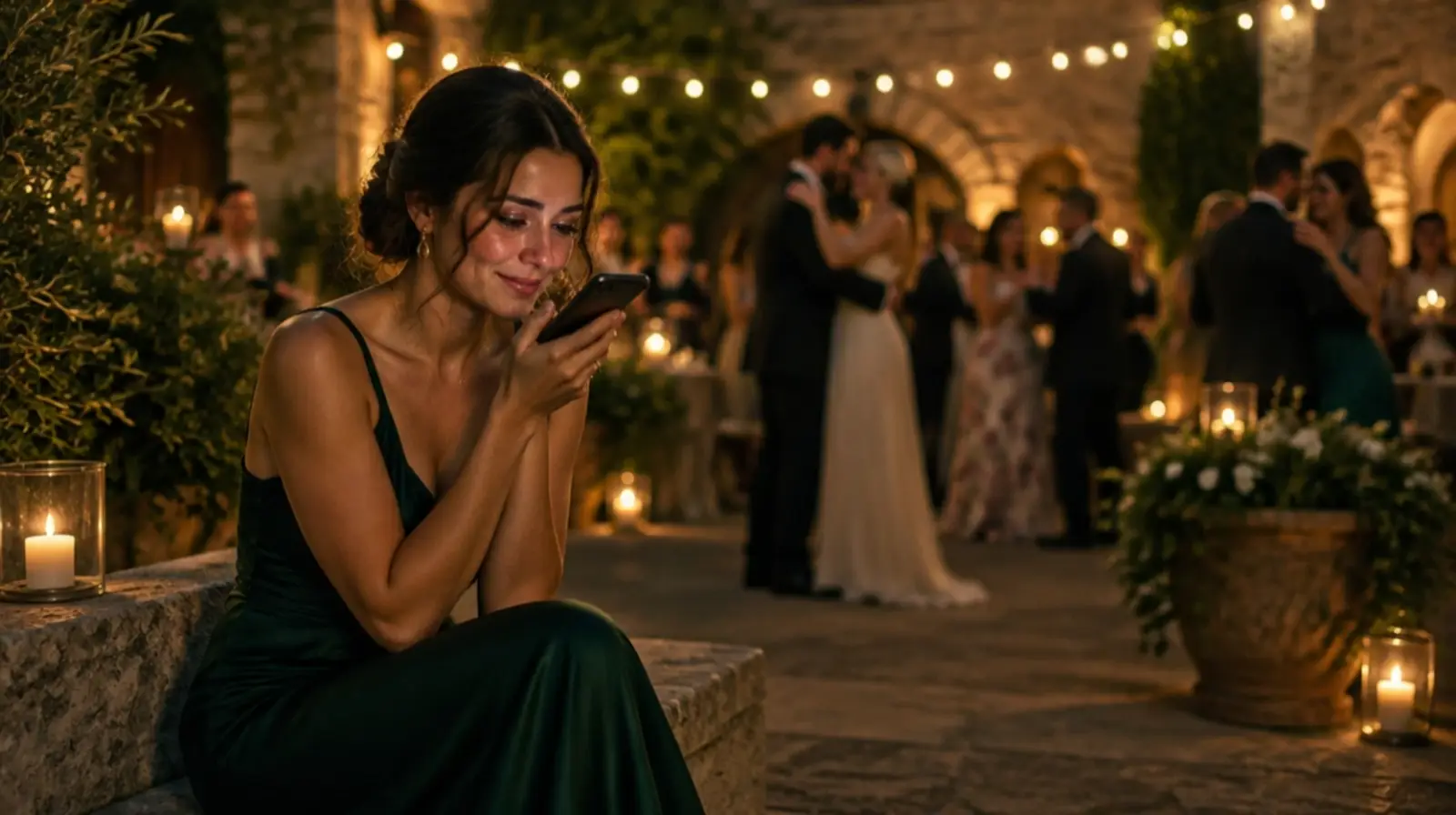
Guests leave a voice note, a short video, a few lines or a photo with a note — from their own phone, without an app. MomentFlow keeps what people saw. VoiceBook keeps what they wanted to say.
- Voice, video, text, photo
- Private to you by default
- No app, no account
Illustrative event and people. The phones on this page run the real Companion.
Four ways to say it
Whatever is easiest in the moment.
Some people speak, some write, some would rather show a photograph and add a line. Each guest chooses; you choose which of the four your event offers.
- A voice note
Recorded in the browser, up to three minutes. The words, the laugh, the pause before the toast.
- A short video
From the phone’s own camera, up to ninety seconds — the face that goes with the voice.
- A few lines
For the quiet guest, the long thought, the joke that needs to be read.
- A photo and a note
The picture they took, and what it meant to them.
Try it
One question. Then it is theirs to answer.
The phone asks the question you wrote — or one that fits the event — and sends what the guest leaves straight to you. Nothing on this page records anything.
- 1Choose voice, video, text or photo
- 2Record, write or pick
- 3Send it to the hosts
Illustrative event and people. The phones on this page run the real Companion.

The question fits the evening
A wedding asks one thing. A conference asks another.
- Weddings
Leave a message for the couple.
- Birthdays and celebrations
Leave a message for the host.
- Conferences and offsites
What will you take away from today?
- Openings and launches
Leave a note about tonight.
For the hosts
Every message in one place, played where you read it.
Voice, video, text and photos side by side. Listen, approve, hide, keep a favourite, download the original, and type or correct a transcript next to the recording.
Selin & ArdaVoiceBook
Voice22:41
— Mert
Text22:58
To the two of you — may every year be as warm as tonight.
— Leyla
Video23:07
Photo23:15
— Deniz
- Views that follow the message
- All, voice, video, text, photos, favourites, approved, waiting.
- Transcripts you can trust
- Written or corrected by your team and marked so. The recording stays the record.
- Downloads on record
- Originals leave Winglark only for people allowed to export them, and each download is logged.

With MomentFlow
What they saw, and what they said, kept together.
Add a message to the same collections as the evening’s photographs, so the speech, the first dance and the voice note from table nine live in one Event Memory.
Private first
Nobody’s voice is published by accident.
A message reaches the hosts and nobody else. It can be shown anywhere only when the guest allowed it at sending and the hosts approved it — two separate yeses.
- Private by default
- Every message is for the organising team only.
- Public needs two yeses
- The guest’s permission, then your approval. Approval alone never publishes a voice or a face.
- Theirs to take back
- A guest can withdraw a message from their own phone; the recording is deleted.
- Checked on arrival
- A file is accepted only when its bytes are what it claims to be.
- Nothing sent elsewhere
- Recordings are not sent to any AI service. Transcripts are typed by your team.
- Signed only if they want
- A name appears only when the guest types one; nothing is taken from the guest list.
Questions
Do guests need an app or an account?
No. They open their event page from the invitation or the QR code at the venue and leave a message in the browser.
Who can hear or read the messages?
Your team, with the right to see the event’s memories. Nobody else, unless the guest allowed it and you approved it.
Are recordings transcribed automatically?
No. You can type or correct a transcript next to each recording. Automatic transcripts are not switched on.
How long can a message be?
A voice note up to three minutes, a video up to ninety seconds, a text up to a thousand characters.
Can a guest delete what they sent?
Yes, from their own phone, at any time. The recording is removed.
Let the evening speak for itself.
Open messages for your next event; read and listen to them for years.