Skip to content

Winglark

Launch

One evening to show it, and the right people in the room to see it.

A launch is judged by who came: the journalists, the partners, the customers who will talk about it on Monday. Winglark sends an invitation in your brand, asks press for their publication in the same reply, and tells you who was in the room when the product was unveiled.

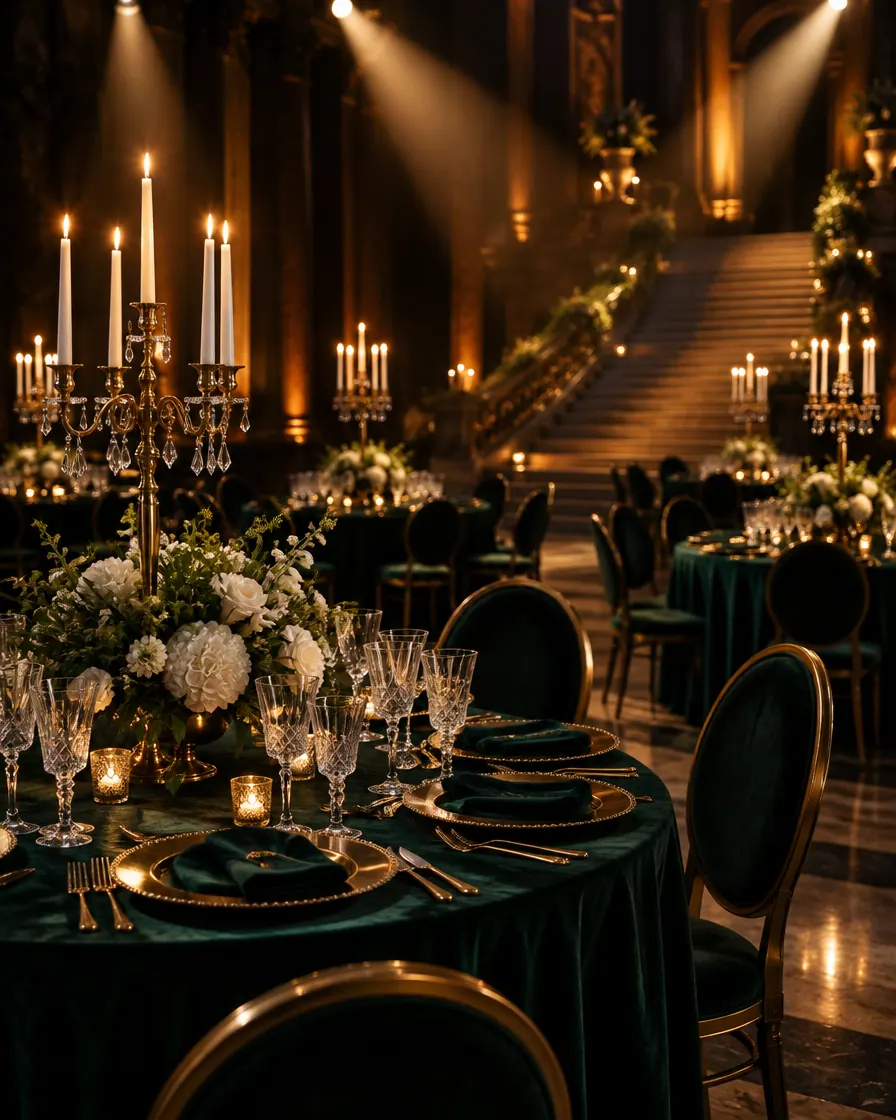
A gala hall with green velvet tables, gold settings and candelabra before guests arrive

Made with AI

Ready inside

What Winglark sets up for this event.

Choose this event type when you create the event and these are in place before you write a word. You can change every one of them.

What your guests are asked

Added to the reply page when you create the event. Edit them, remove them or add your own.

  1. Always askedWill you be there?
  2. Suggested for this eventAre you attending as press?Answered in their own words
  3. Suggested for this eventPublicationAnswered in their own words
Plus-ones

Guests are invited by name. Plus-ones start switched off, and you can switch them on when you want them.

What the set-up puts first

The steps that matter for this kind of event lead the form; the others stay one click away.

  • Place and arrivalVenue, address and directions, shown on the invitation and the guest page.
  • ProgrammeA running order your guests can read before they arrive.
  • GatePass at the doorA QR code per guest and any phone as the scanner, even offline. Included in the plans with door check-in, or added to a single event.
  • Run for a clientThe event is kept with the client it is for, with their other events.
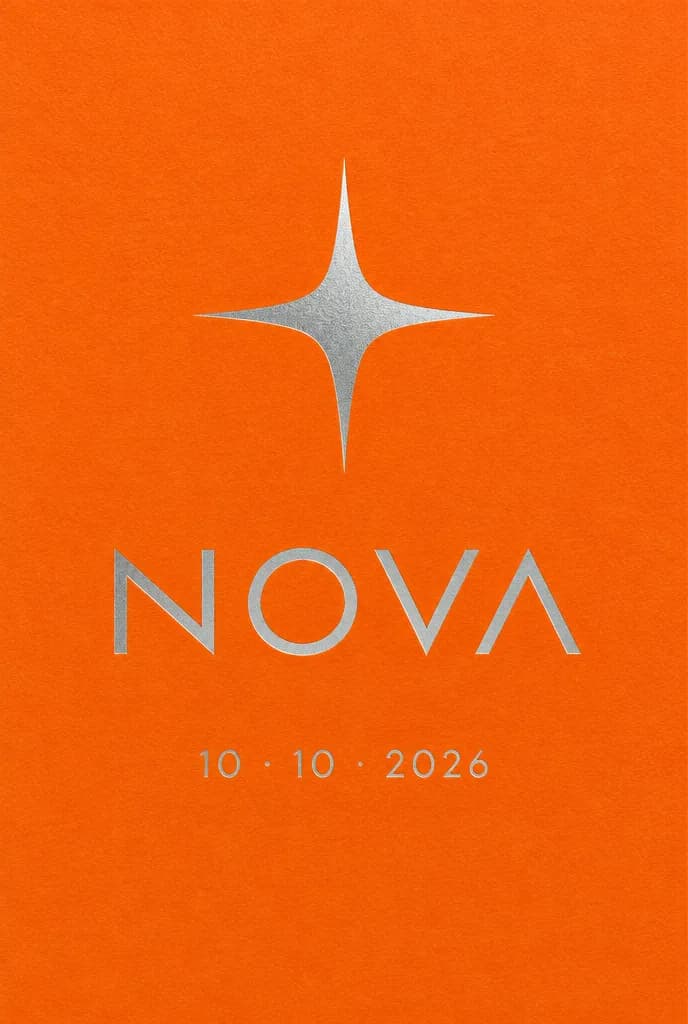
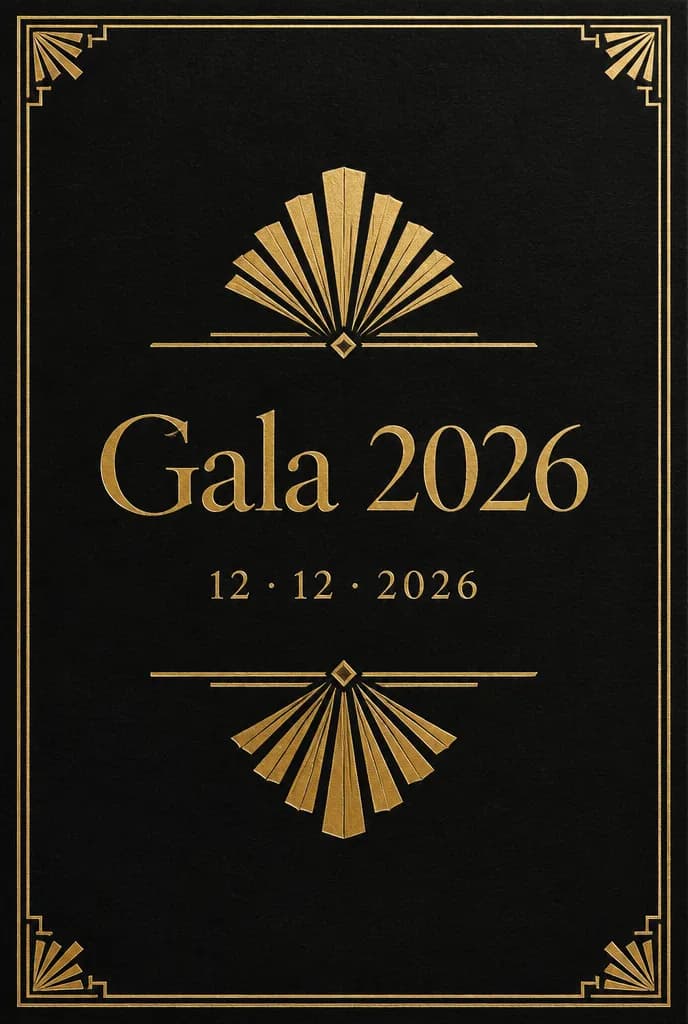
Invitation ideas2 ideas made with AI for this event, to dream from.See the ideas

Invitation ideas

Invitation ideas for this event

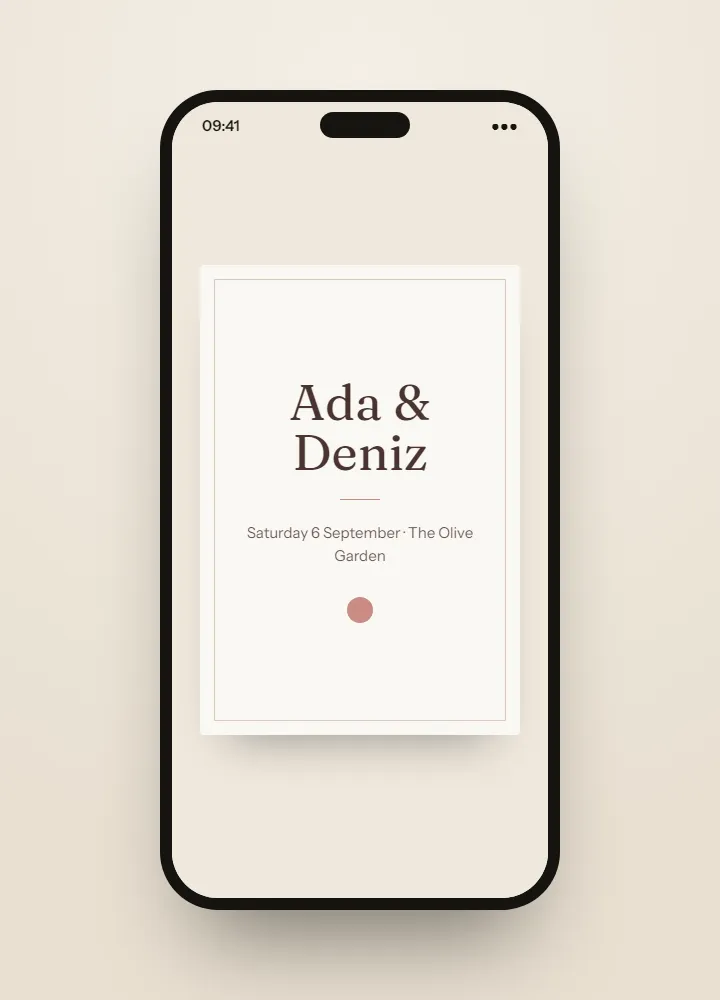
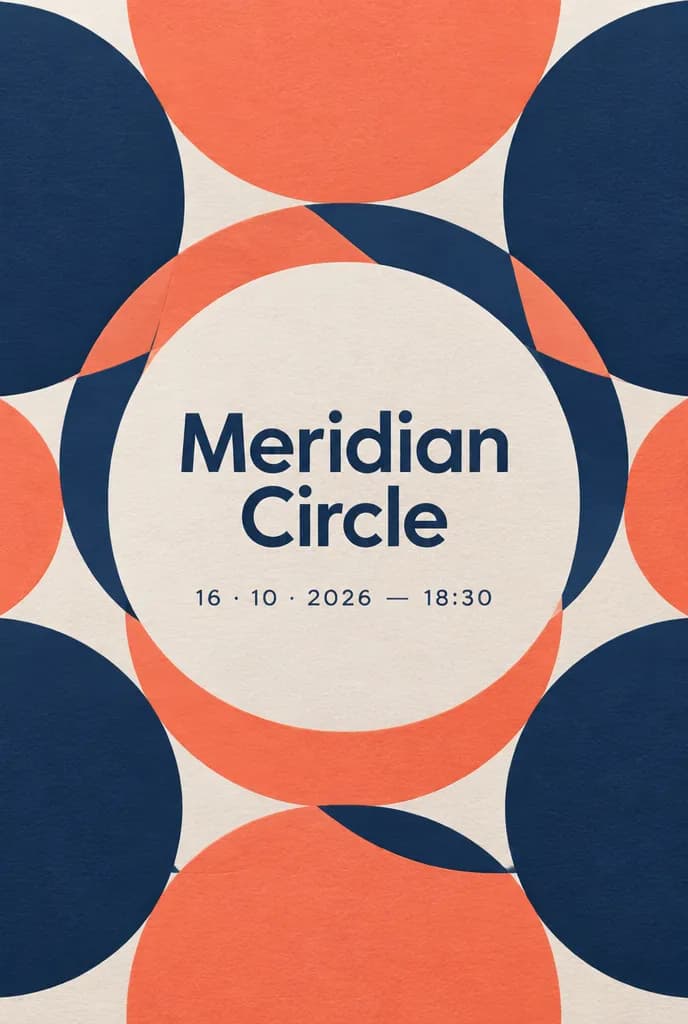
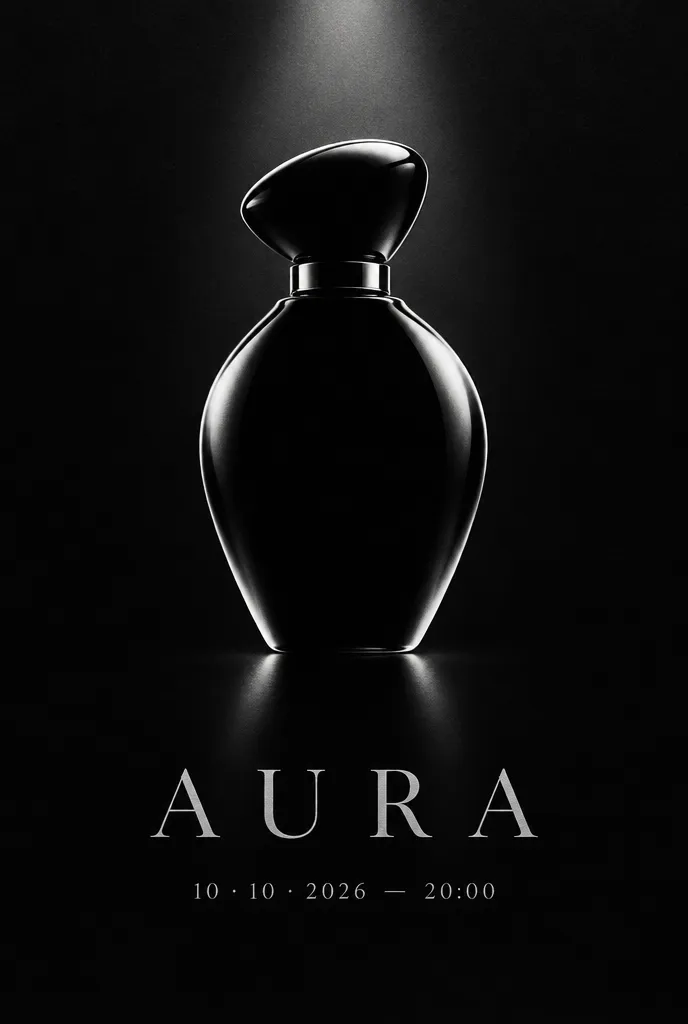
The invitations shown here are ideas made with AI, something to dream from rather than templates to fill in. For your own launch, on the Professional and Agency plans Winglark’s AI assistant creates the artwork and drafts the words — and the names, the date and the venue stay exactly as you entered them.

Made with AI

An invitation like this can be yours.

Describe the mood to Winglark’s AI assistant. It creates the artwork and drafts the words for your event, and your names, date and venue sit on top exactly as you entered them.

The AI assistant is included in the Professional and Agency plans.

Launch

What you can set up

  1. Press and publication in one reply

    Two suggested reply questions ask whether a guest is attending as press and which publication they write for. The answers sit with each reply and in the export, ready for the press desk.

  2. Your brand on the invitation

    Your logo, colours and typeface, with a photograph of the product at the centre, previewed exactly as guests will see it before a single email leaves.

  3. The reveal in the running order

    Doors, the welcome, the unveiling, the demonstrations: each item with its time, its room and who is presenting, shown on the guest page in order.

  4. Guests by type

    Mark press, partners, VIPs, sponsors and staff. Filter the guest list and the invitations by type, and send each group its own round.

  5. Delivery you can follow

    Every invitation email is followed from queued to delivered and opened. Bounces and complaints are suppressed automatically, so the press list stays clean for the next launch.

  6. Who was in the room

    With door check-in on your plan or added to the event, every arrival is timed. The report sets turnout against the replies and exports attendance for the follow-up.

What your guests see

Your guests’ experience

Guests never need an account. They open an invitation, answer in a minute, and walk in with a code on their phone.

Inside Winglark

What you work with once you are in.

These are the product’s own screens, drawn with invented guests. Nothing here is a mock-up of something that does not exist.

ListGuard

A clean guest list

Import a spreadsheet; duplicates, invalid addresses and missing details are found before anything is sent.

The list as it arrivedWhat the import found
An imported guest list, with what the import found
Marta Ruizmarta.ruiz@atlas.example
deniz aydındeniz@aydin.examplea name in one field
Jonas Weberj.weber@nord.example
Marta RuizMARTA.RUIZ@atlas.examplethe same person twice
Priya Ramanpriya@meridian.example
Tom Kellehertom@kelleher.exmplean address that cannot be delivered to
Sofia Lindqvistsofia@lindqvist.example
Aziz Karimaziz@karim.examplesomeone who asked not to be written to
Elif Demirelif.demir@atlas.example
Rachel Oseir.osei@harbour.example

7 will be invited3 wait for a person

Launch

How people use it

A press launch in the morning

Journalists invited by name, publications collected in the reply, and the press desk working from a list filtered by type and exported that morning.

A customer evening after the press

A second event for customers and partners from a saved list, with plus-ones switched on because the evening is more social.

An agency launching for a client

The launch kept with the client it is for, that client’s guest data apart from every other, and the attendance export ready for the client report.

Questions

Are plus-ones allowed at a launch?

They start switched off, because press and partners are invited by name. Switch them on when the evening calls for it.

Can we charge for entry?

Paid places are activated with our team for eligible Agency members, on request. Invitations, replies and check-in work without it.

Can we add journalists after the first send?

Yes. Add them to the guest list and only the new guests receive the invitation; nobody already invited gets it twice.

Can we see whether the invitation arrived?

Yes. Each email is followed from queued to delivered and opened, and an address that bounces is suppressed automatically, so the next send does not try it again.

Is door check-in included?

It is a paid option: included in the plans that have it, or added to a single event. Without it you still have every reply and the export.

Your first event is free.

Fifty guests, real invitations, real replies. Request access and we will open your workspace.

Product launch invitations, press lists and check-in · Winglark