Galeria Nova
Istanbul
Stay invited
Don’t miss what happens here next.
Leave your name and email, and Galeria Nova will let you know about its coming events.
AudiencePass
One permanent QR code for your venue. Everyone who scans it can hear about what you do next — no app, no account. Your next event starts before you create it.
Illustrative venue and figures. The phone and the dashboard on this page run the real AudiencePass screens.
One code that stays
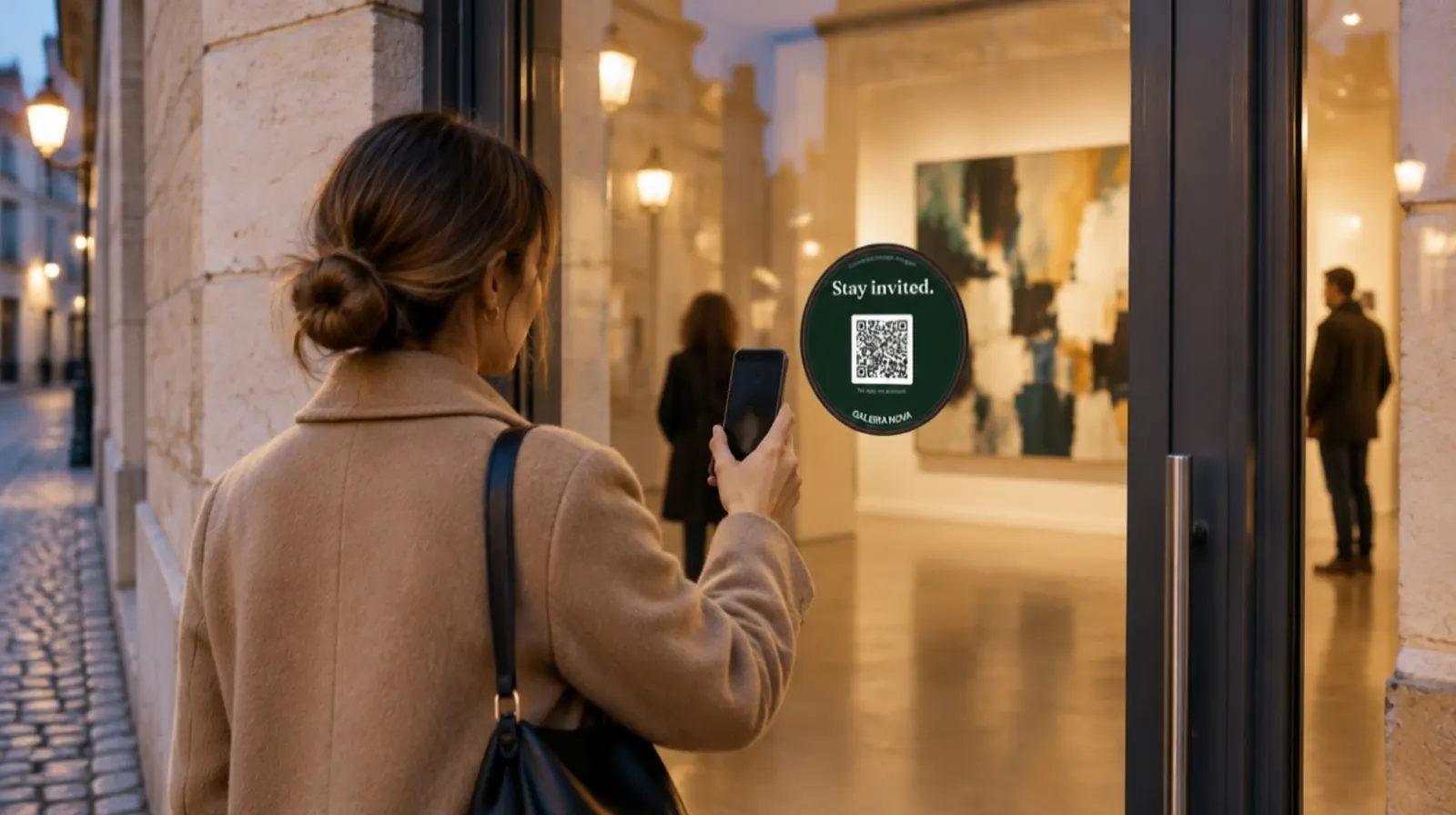
The code belongs to your organisation, not to an event. Put it on the door, the window, the counter, the catalogue — it keeps working through every exhibition, concert and conference you host.
Every event grows the next one
Most venues meet hundreds of people a month and keep almost none of them. AudiencePass turns the door into the first step of a loop that feeds every event after it.
At the door, the bar or the catalogue.
Name, email, one tick. Confirmed by email.
Choose the audience or a segment for an event.
Invitations, answers and the door, as always.
And bring the next visitor to the door.
Every event grows the next one
Try it
Fill in the phone on the left as a visitor would. The organiser’s screen on the right counts you in and shows which code you came through. Nothing leaves this page.
The visitor’s phone
Tick the box and press the button.
The organiser’s audience
In the audience
1,284
New this month
97
Where people joined
Illustrative venue and figures. The phone and the dashboard on this page run the real AudiencePass screens.
Where people join
Add a code for each place: the entrance, the exit, the bar, a table card, a catalogue, your website. Every code feeds the same audience; each keeps its own count.
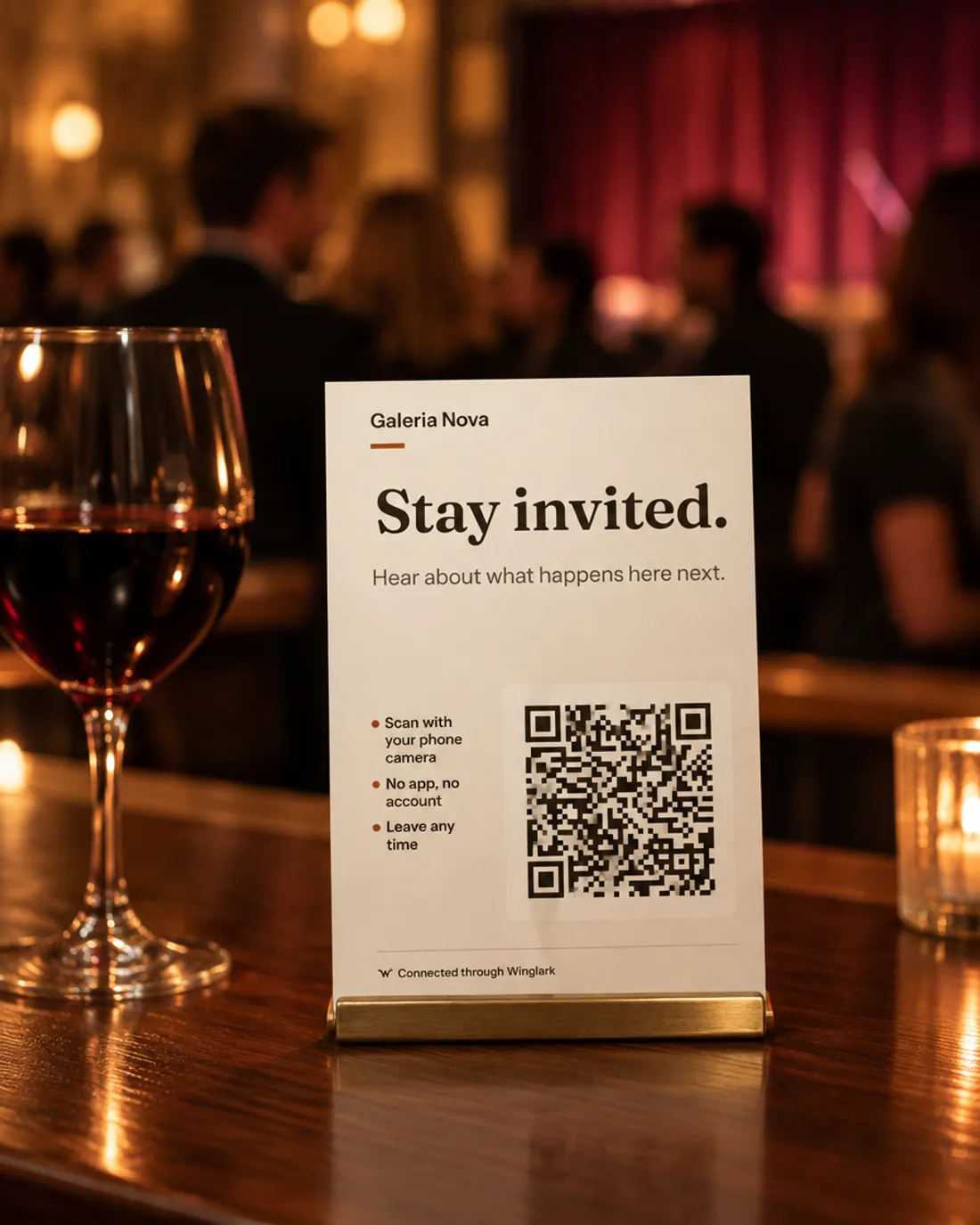
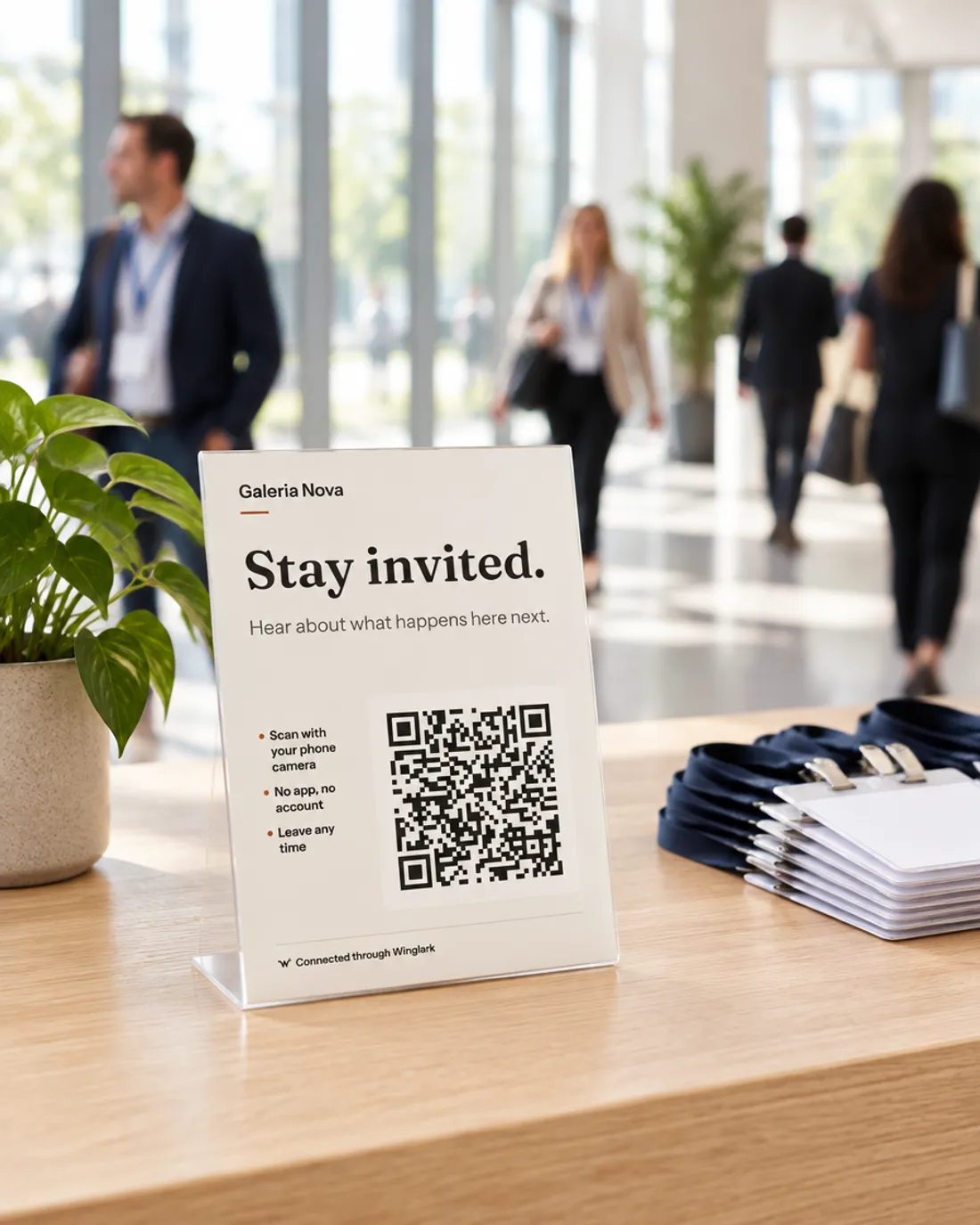
A code made for one opening attributes everyone to that opening. A permanent code attributes a scan to an event only when it was the one event you were running at that moment. Otherwise it says nothing rather than guess.
A sign worth putting up
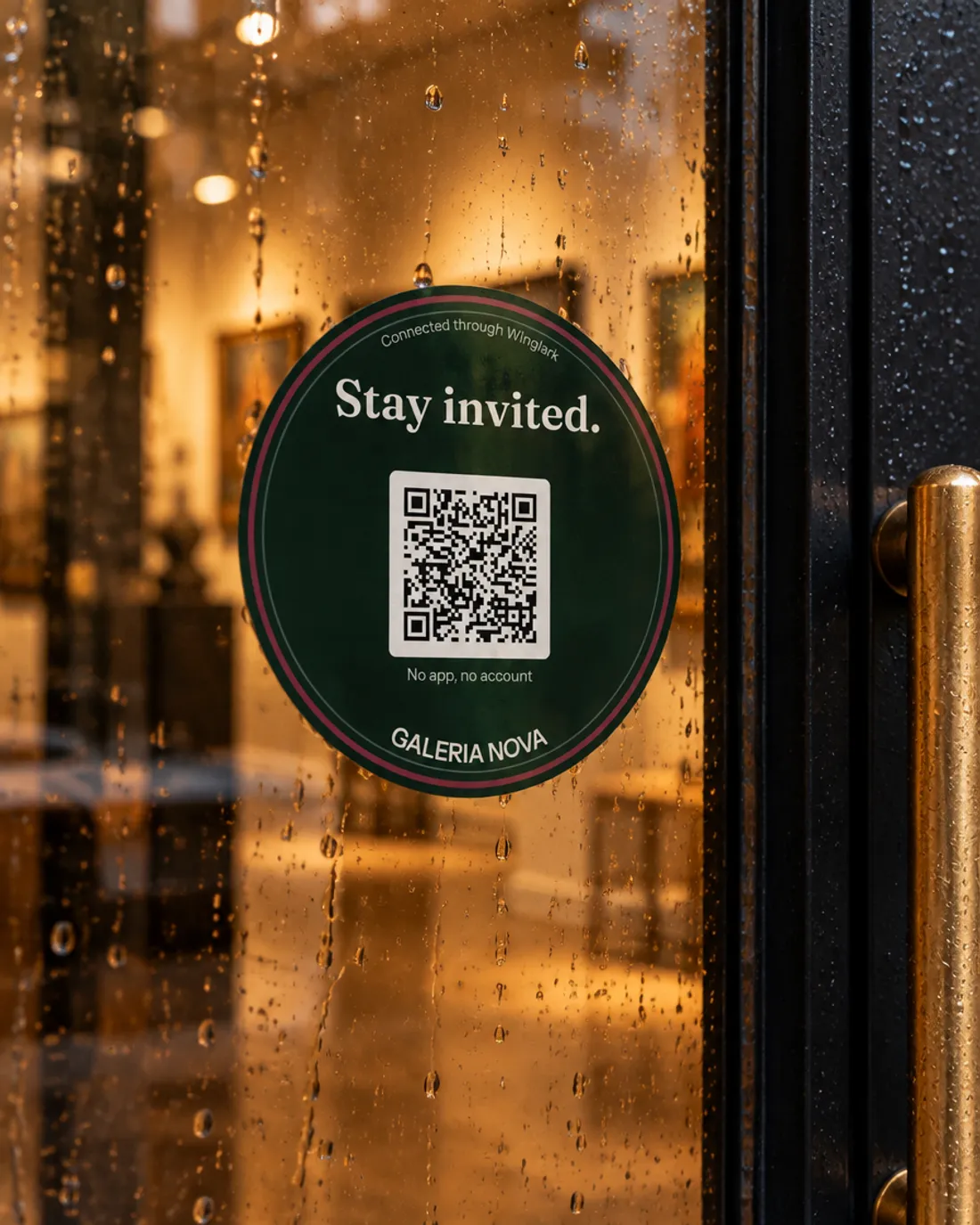
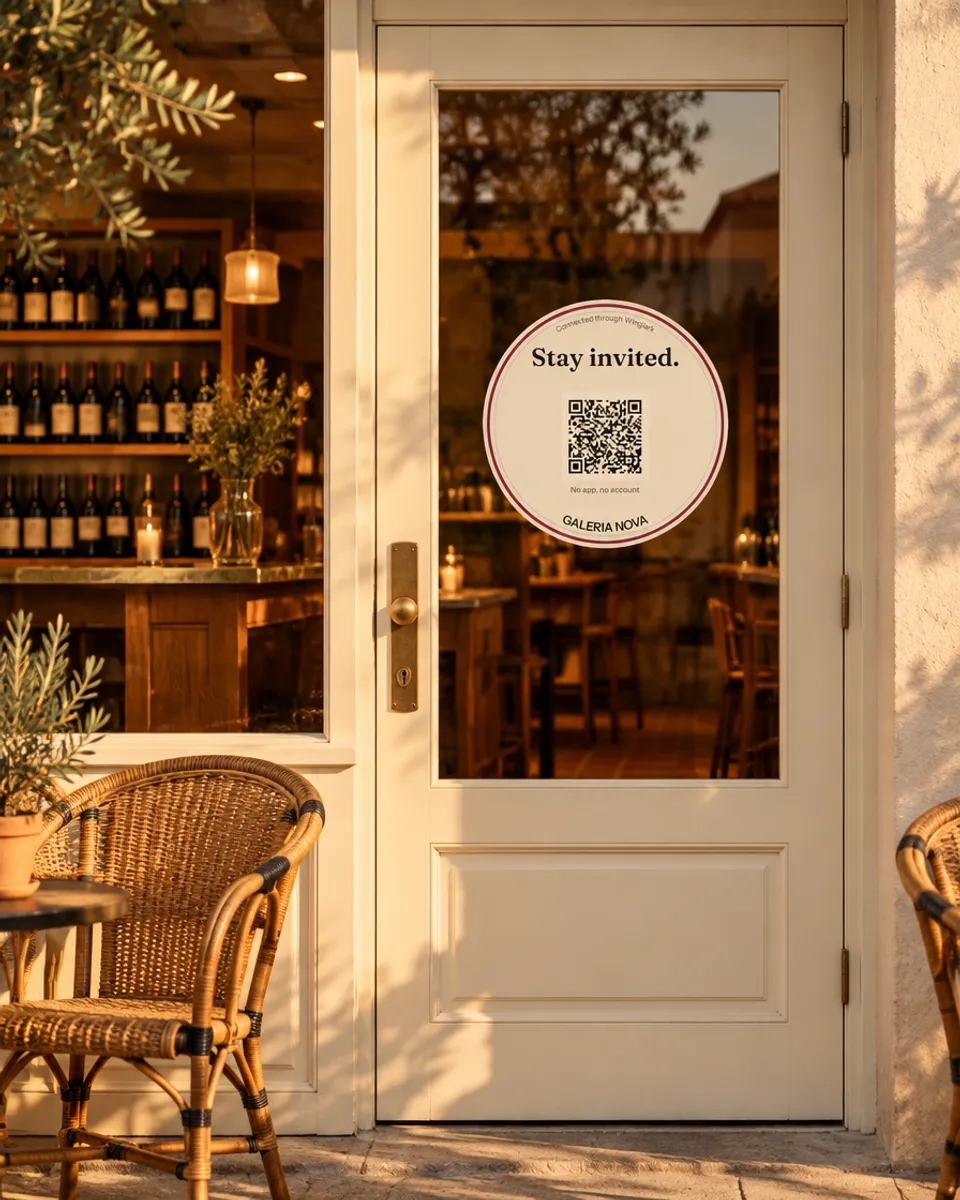
A jazz club’s black door, a hotel’s brass and glass, a bookshop’s green frame, a museum’s glass wall. The sticker comes in four finishes so it belongs on each — and tells every visitor the door has more to say.
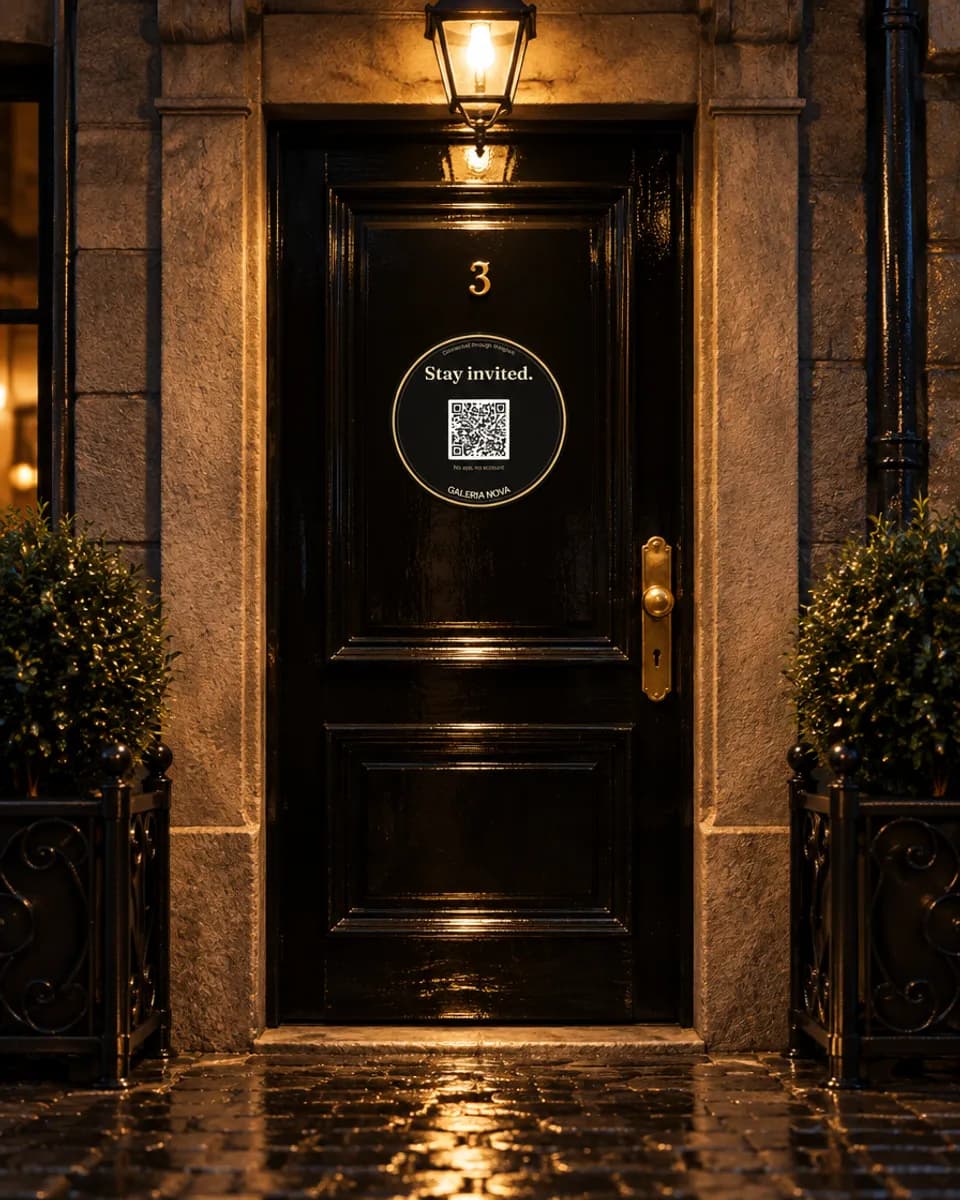
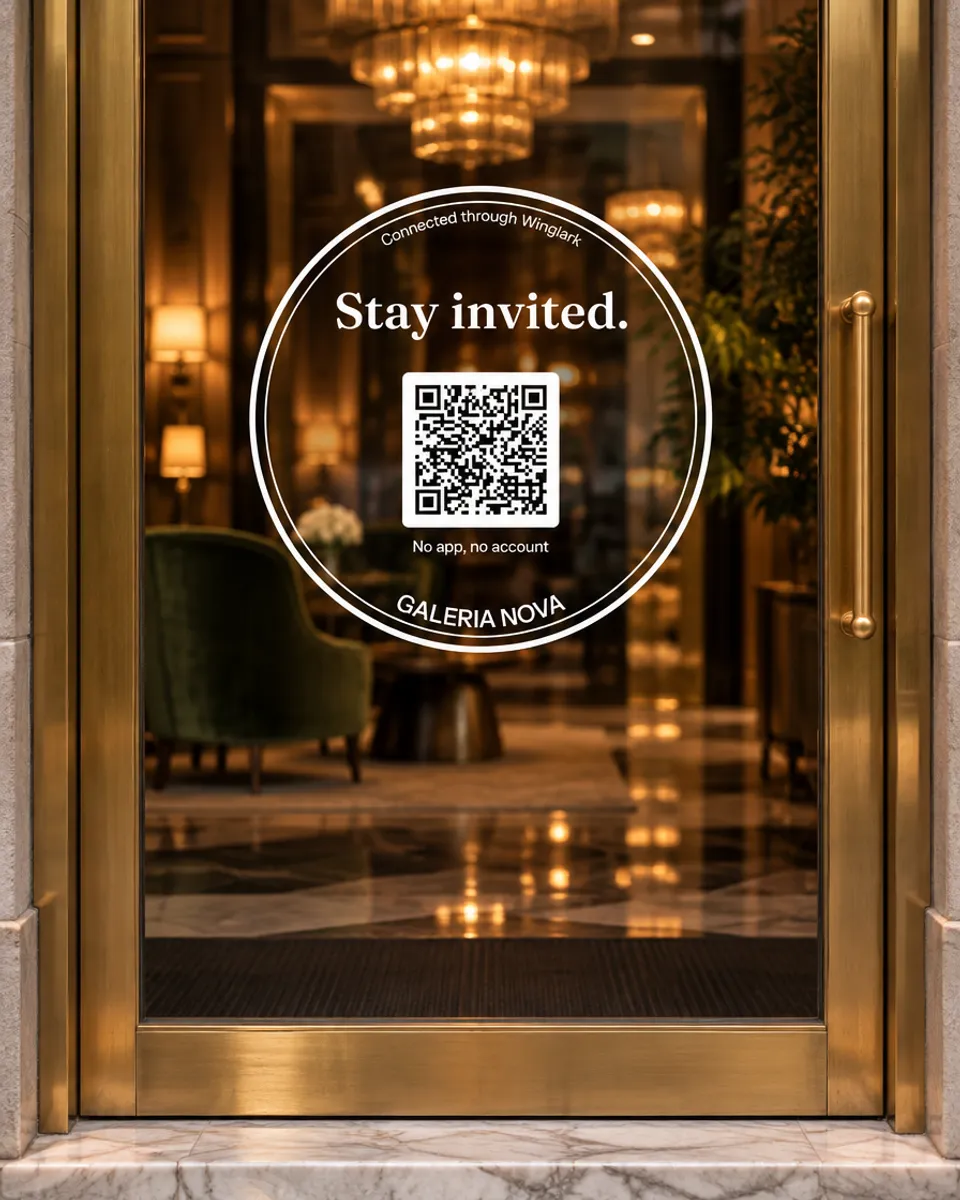
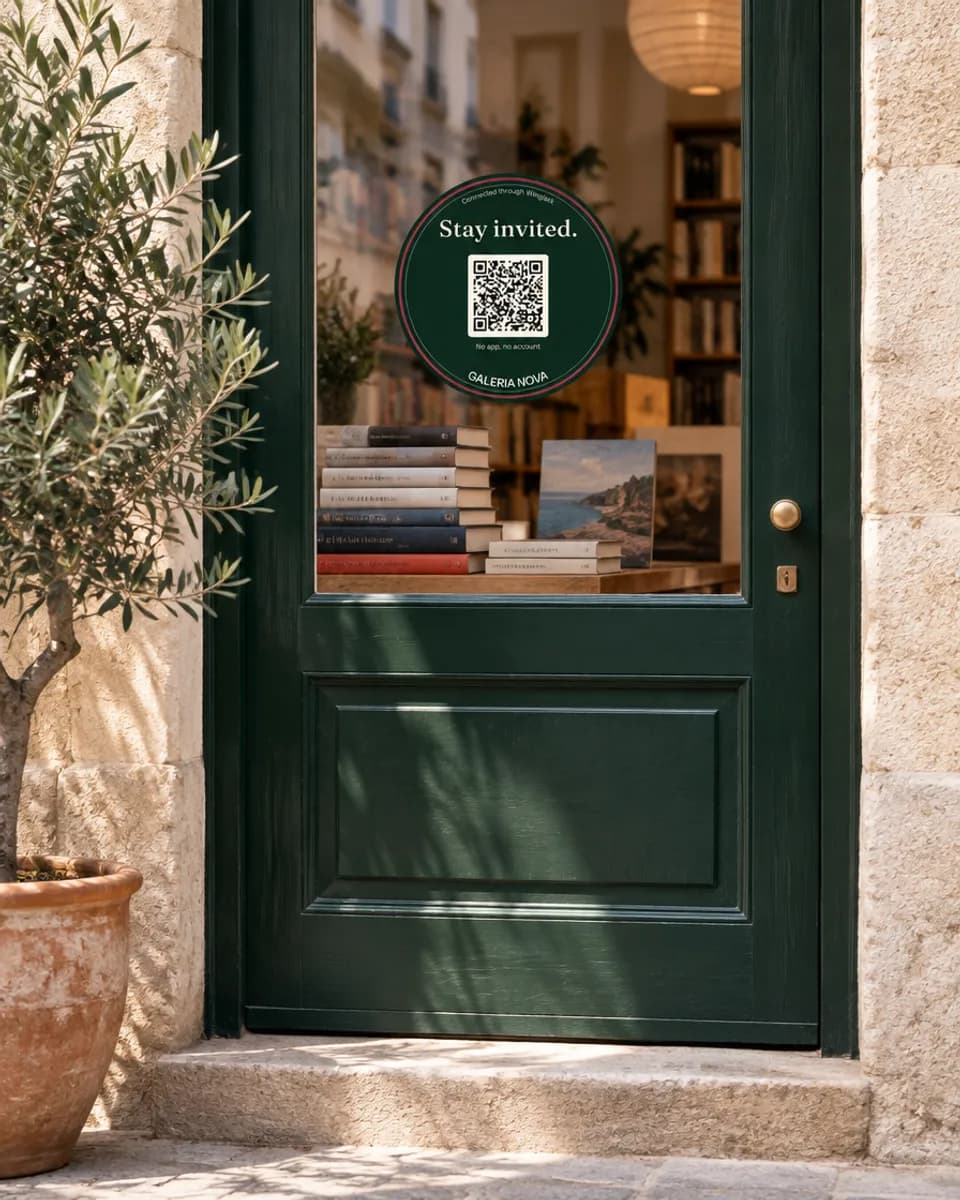
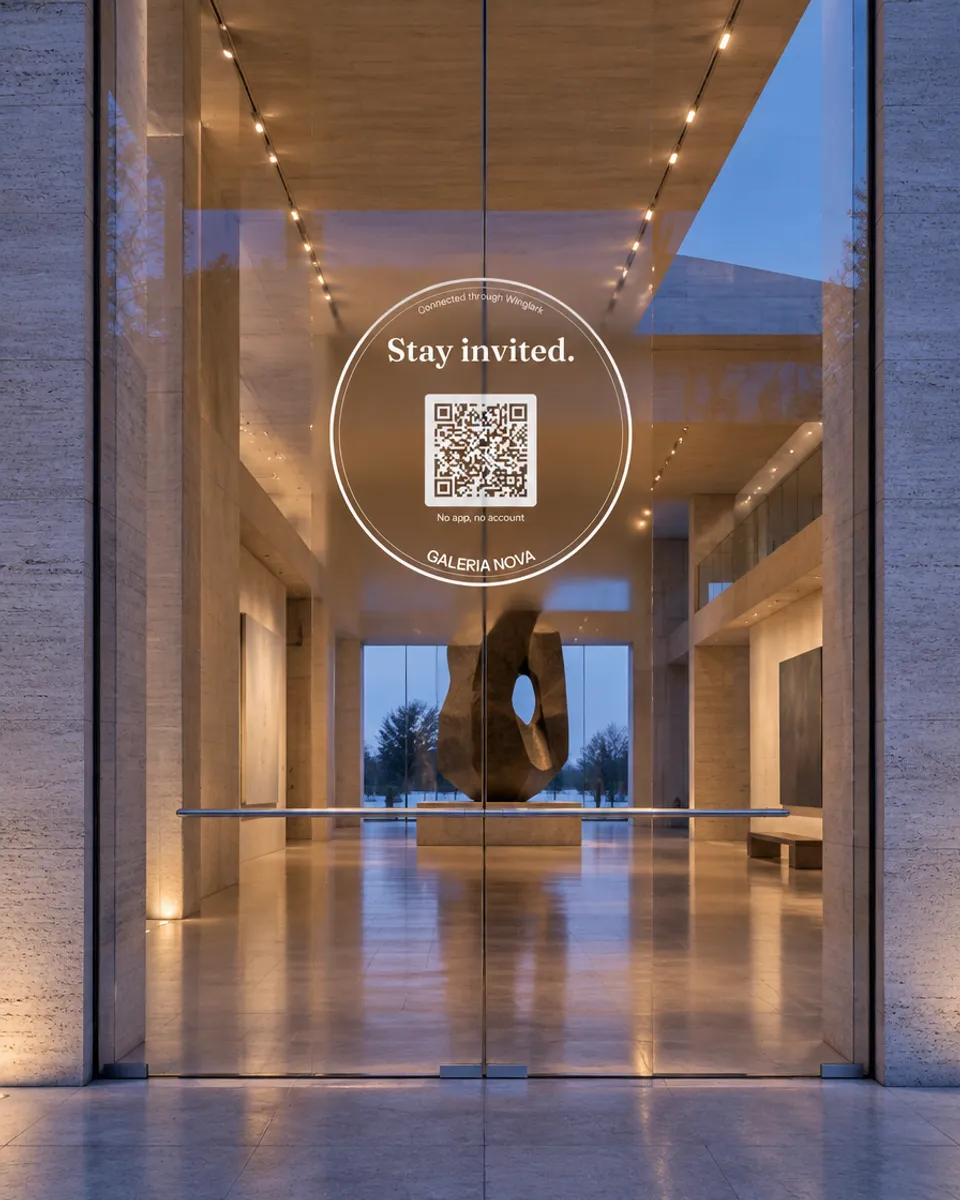
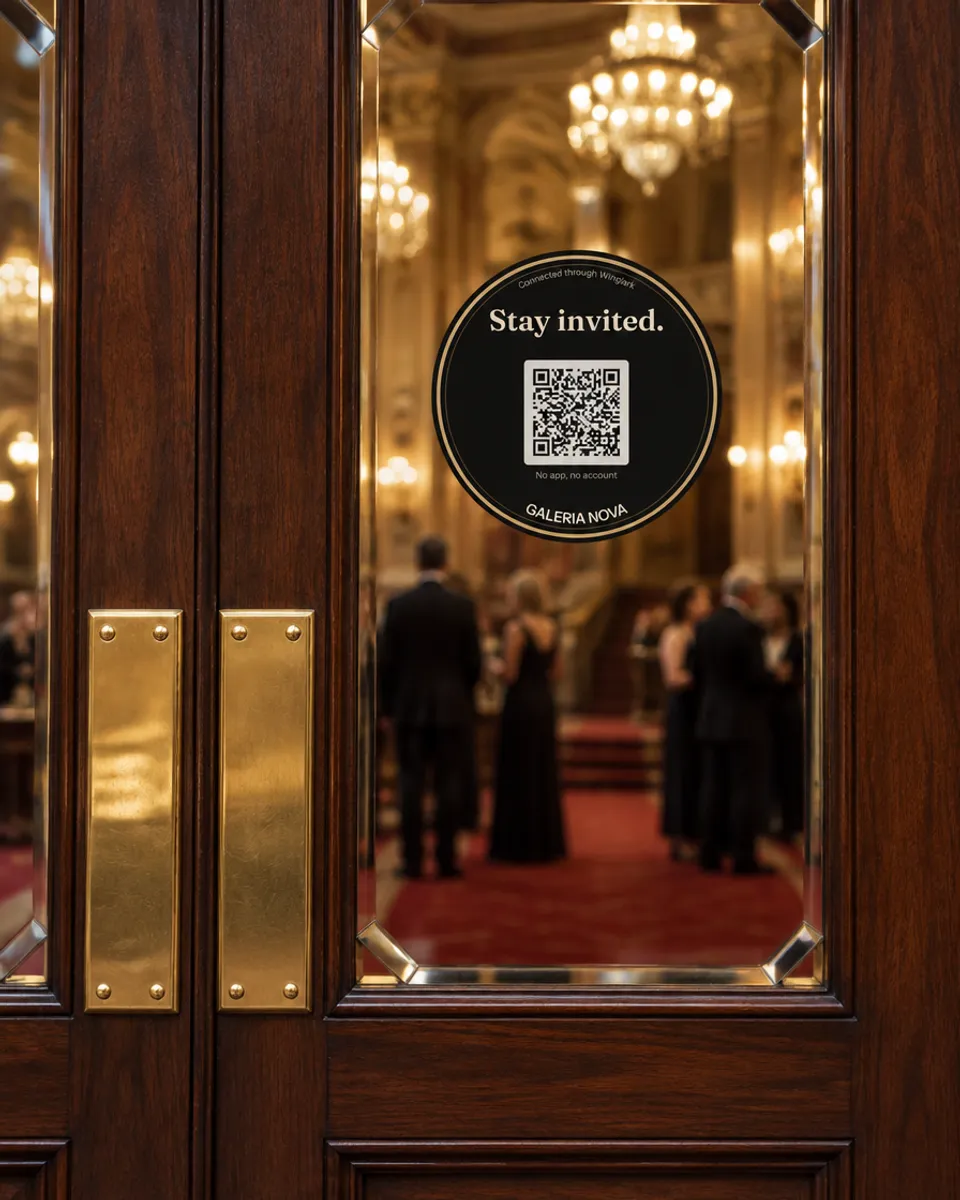
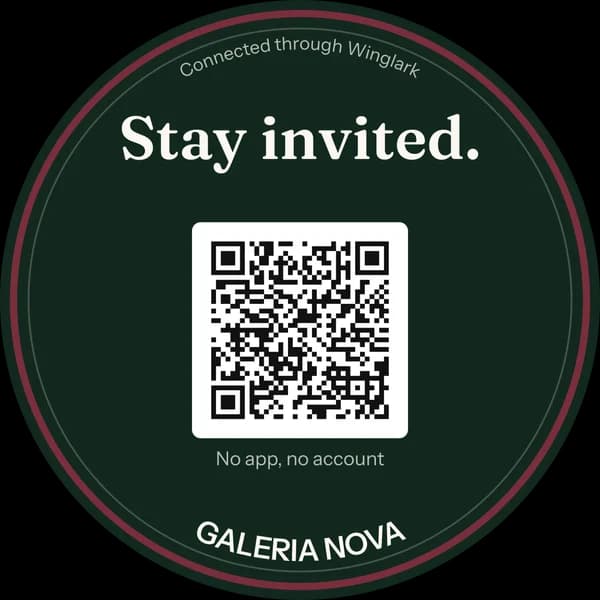
Deep green with your colour as the ring. The door sticker.
Cream and ink. For light doors and windows.
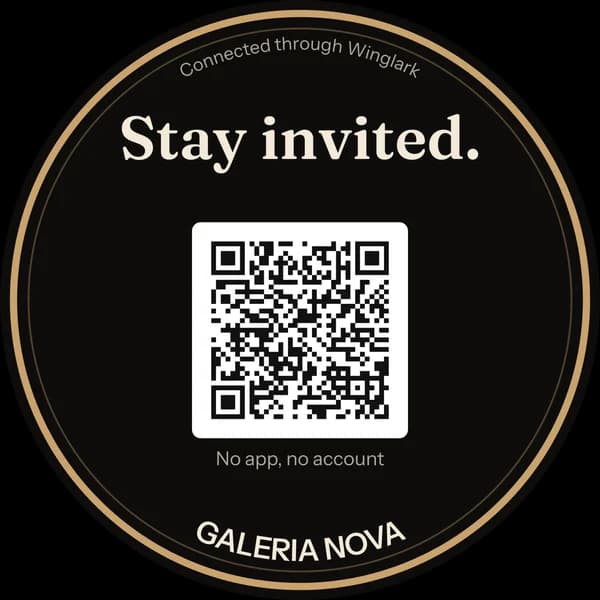
Black with a brass ring. For dark doors, bars and clubs.
White ink on clear vinyl. Reads as if etched into the glass.
Illustrative venues. Every sticker shown is the print kit’s own output.
The print kit
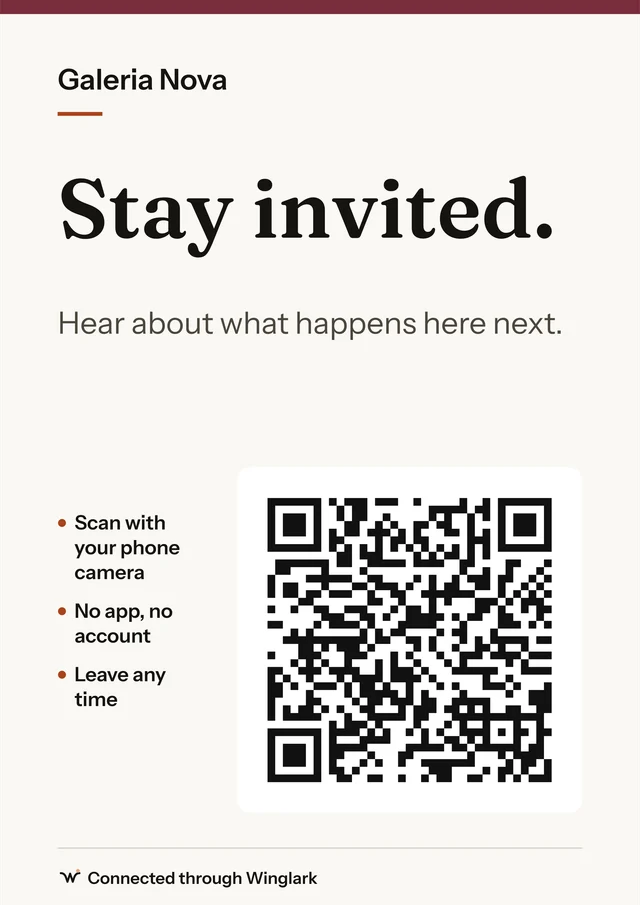
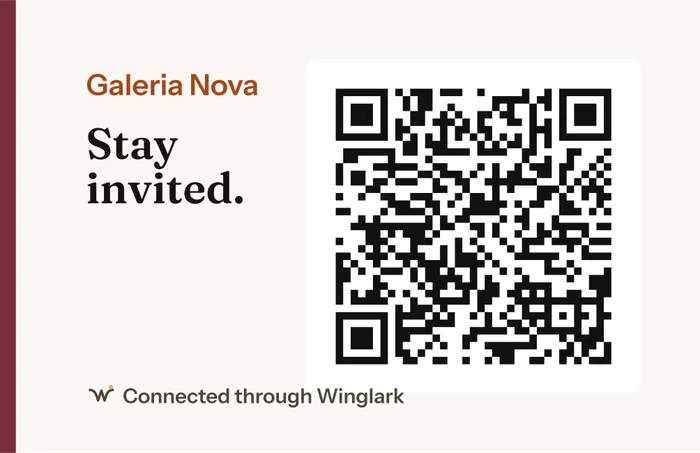
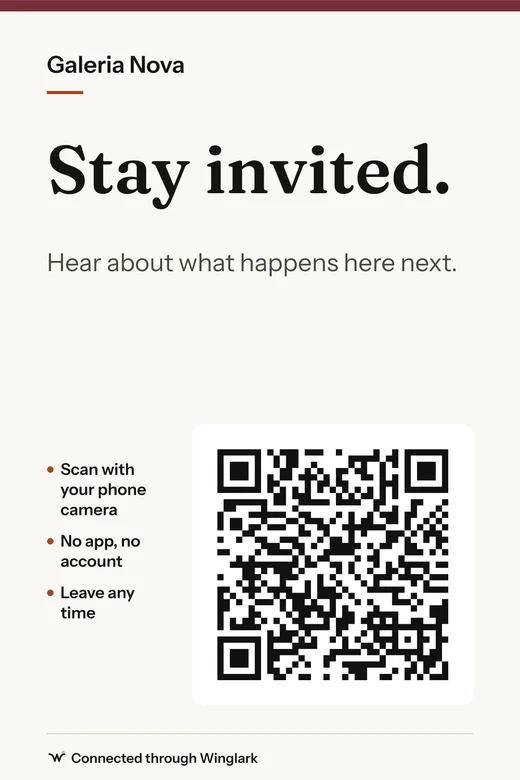
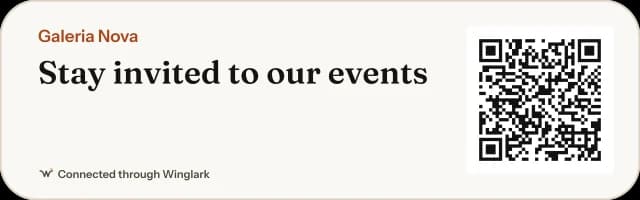
Eleven pieces from one design — door and window stickers, counter and table cards, posters, a business card, a small card, a screen, a story, a website badge. Your name, your colour, the code with the quiet zone a phone needs. Winglark’s line stays small.
PDF for the print shop, PNG at 300 dpi, SVG for designers, and the code alone. In any of five languages.
Your audience
Every contact carries where they joined, when, in which language, what they said they are interested in, and the exact state of their consent.
From audience to event
Choose an event and who to invite. Winglark checks everyone, shows who is held back and why, and adds the rest as guests. You send the invitations from the event, as always — nothing goes out on its own.
Spring Exhibition — Opening Night
1,184 people can be invited
Part of the event, not beside it
Campaigns respect the same decisions: a person who left your audience is unsubscribed there too, and the other way round.
First invitations check the platform rule before they go, and carry a one-click way out.
People from your audience arrive as guests of an event, ready for the invitation flow.
When they come, the door records it — and the audience shows who came.
Two promises
The people who join through your code are your organisation’s contacts. Winglark processes them to run your list and send what you choose to send. It does not use them for its own advertising, does not add them to any Winglark list and does not show them to any other customer.
You can leave whenever you want, in one press, from the link in the messages you receive. Winglark enforces that decision itself: the organisation cannot add you back — not by hand, not by importing a list, not by asking you to scan again. Only you can rejoin, from your own link.
How it is enforced
Leaving, protected by Winglark
Every AudiencePass message carries a link to a page Winglark runs: one press, no reasons asked, no maze. Invitations sent to your audience carry a one-click unsubscribe that mail apps show beside the sender.
For places that host people again and again
Every visitor to this exhibition is an invitation to the next opening.
A code at the bar fills the next show’s first row.
Attendees of one conference hear about the next one, on your terms.
Students who came once return when the next class opens.
Tasting nights and supper clubs, announced to guests who asked.

One audience that carries from one edition to the next.
Built carefully
No. They scan with their phone camera, write their first name and email, tick one box and press one button.
Yes. It belongs to your organisation, not to an event, and keeps working until you regenerate it — which you would only do if a printed code was misused.
A person is on your list only after pressing the link we email them. It is the default because it proves the address is theirs. You can switch to single-step joining in settings.
Yes, as CSV, after confirming that these people agreed to hear from you. Anybody who previously left your audience stays left.
No — and that is the point. They can rejoin themselves from the link in any message they received, or by scanning and confirming again.
No. Winglark sends only what your organisation sends — confirmations, and the invitations you choose to send.
Not today. A person can tell you they would accept texts, and that preference is recorded, but nothing is sent by SMS from AudiencePass.
A code made for one event counts everyone who used it. A permanent code counts a scan only when exactly one of your in-person events was running at that moment. When it is not certain, nothing is attributed.
Print one code. Watch your audience grow with every event — and invite it to the next one.