Capabilities
TemplateForgeAn invitation that looks like the event — and always says the right date.
Design from blocks bound to the event itself, keep every published version exactly as it was, and see what a guest will receive before anyone does.
Design the invitation, keep the versions
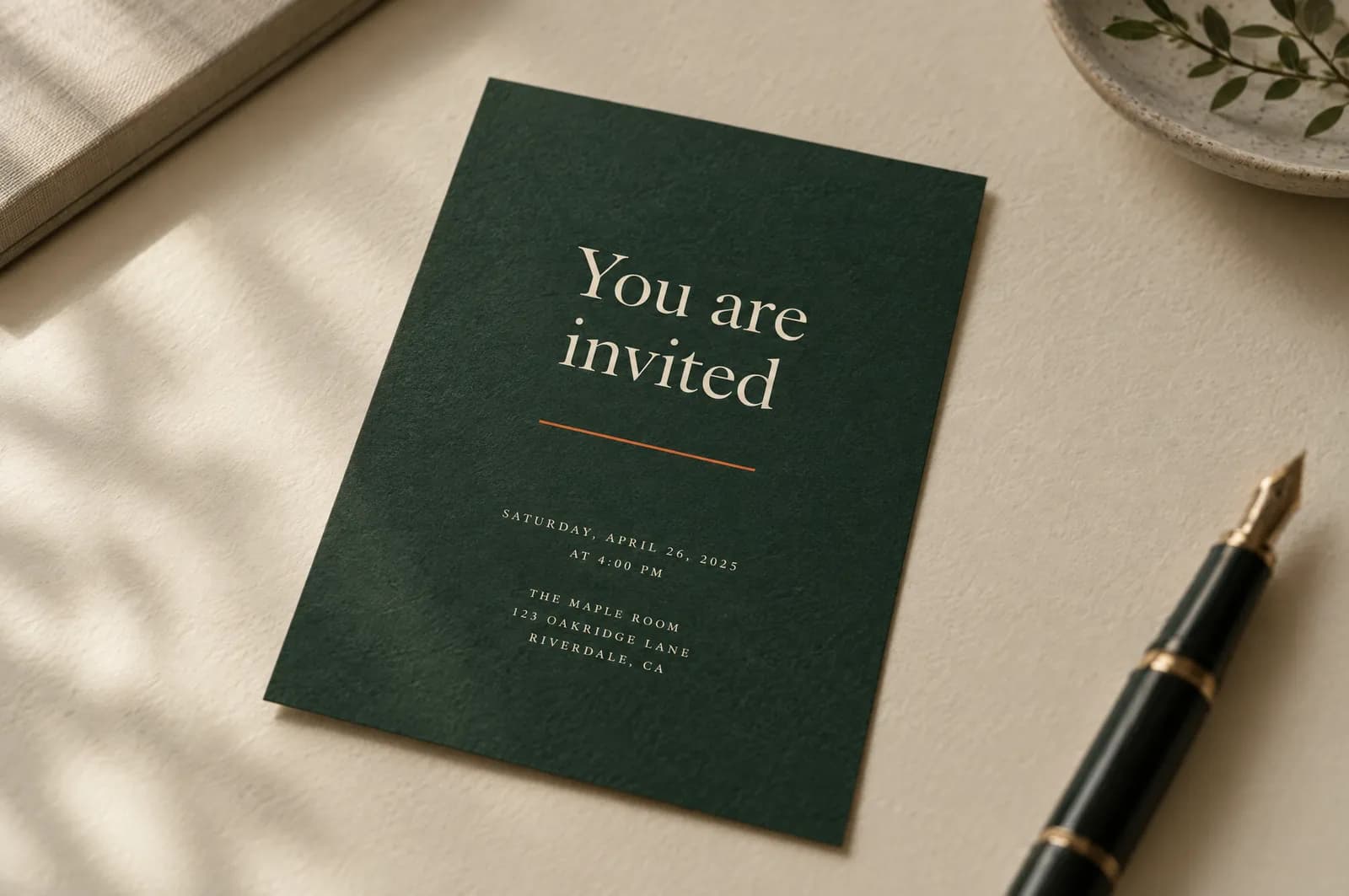
The problem
The invitation is where an event is first judged.
An invitation made in a design tool is a picture of the event on the day it was made. When the venue changes or the start moves by an hour, somebody has to remember to change the picture — and the one already sent still shows the old time.
Email adds its own difficulty: a design that looks right in one mail program can arrive broken in another, and the first person to notice is usually a guest.
Signature scene
From a brief to a published version.
Three lines of brief become a composition: the blocks land in reading order, the brand arrives, one line is tightened. Then a version is published — and the invitation a guest already holds stays exactly as it was while the next draft goes on.
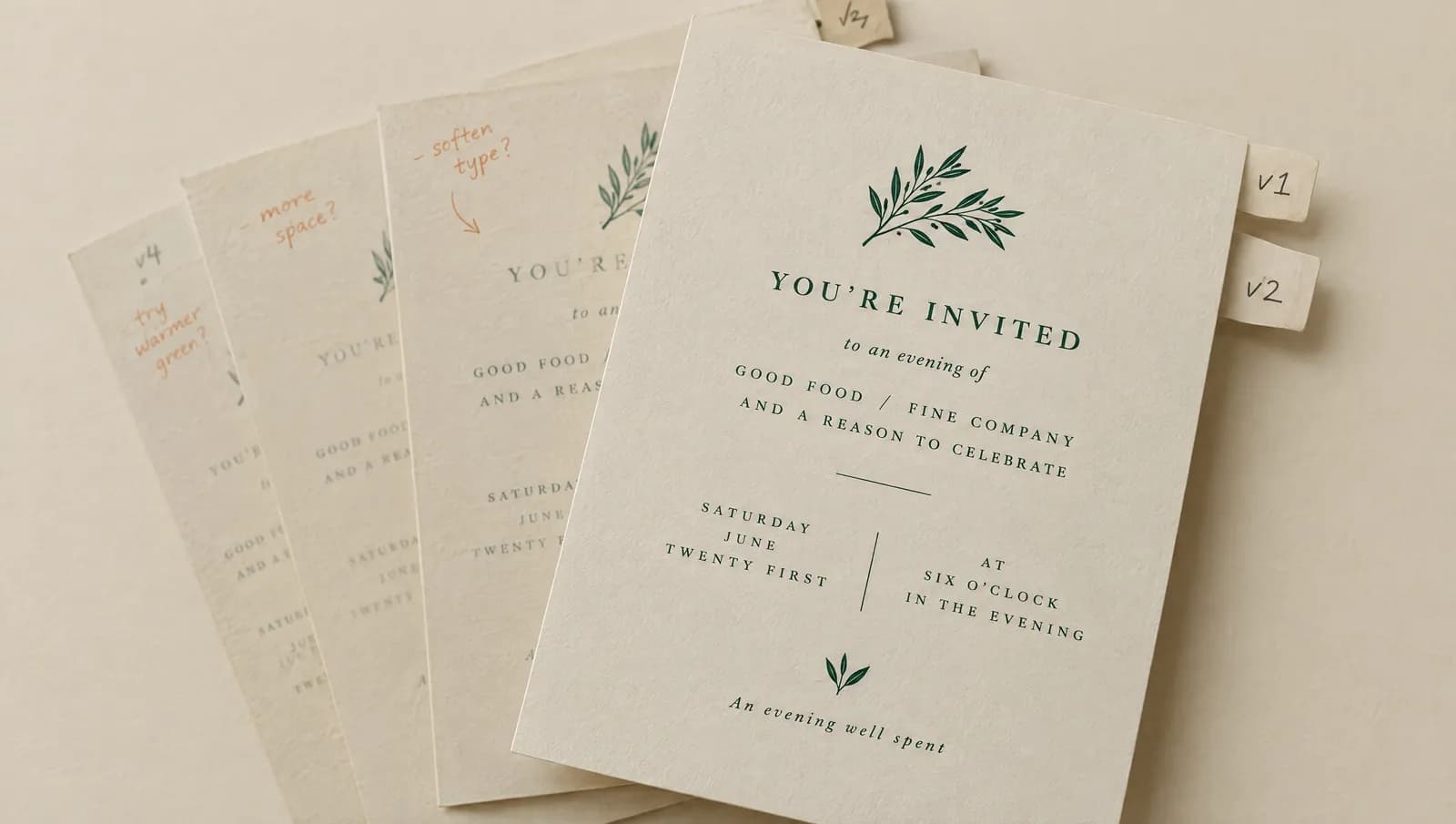
Four invitations, four events, one system of blocks.
Eyebrow, title, rule, details, reply — the same blocks, arranged for a gala, a summit, a launch and a private view.
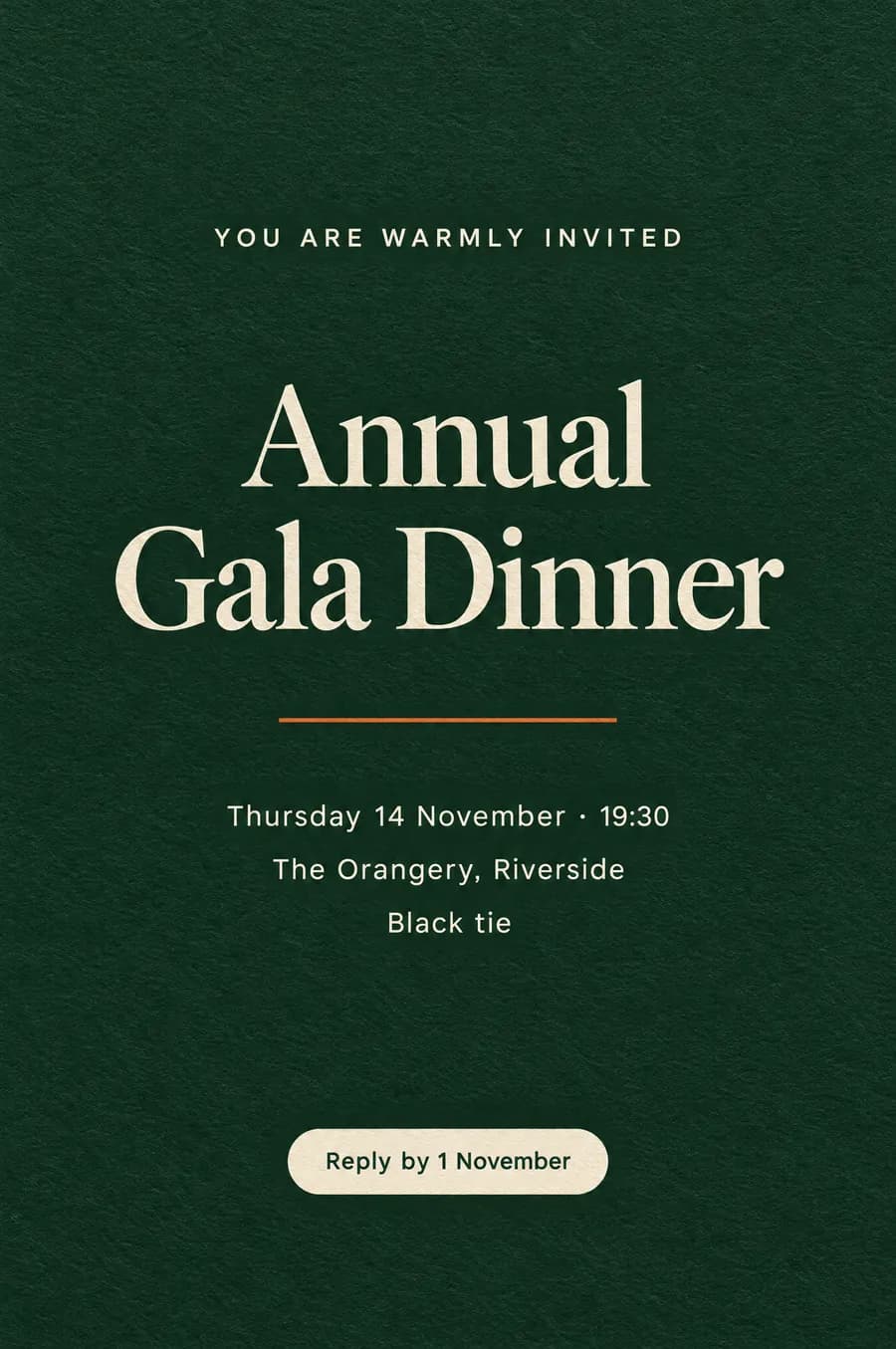
Annual gala dinnerFormal · black tie 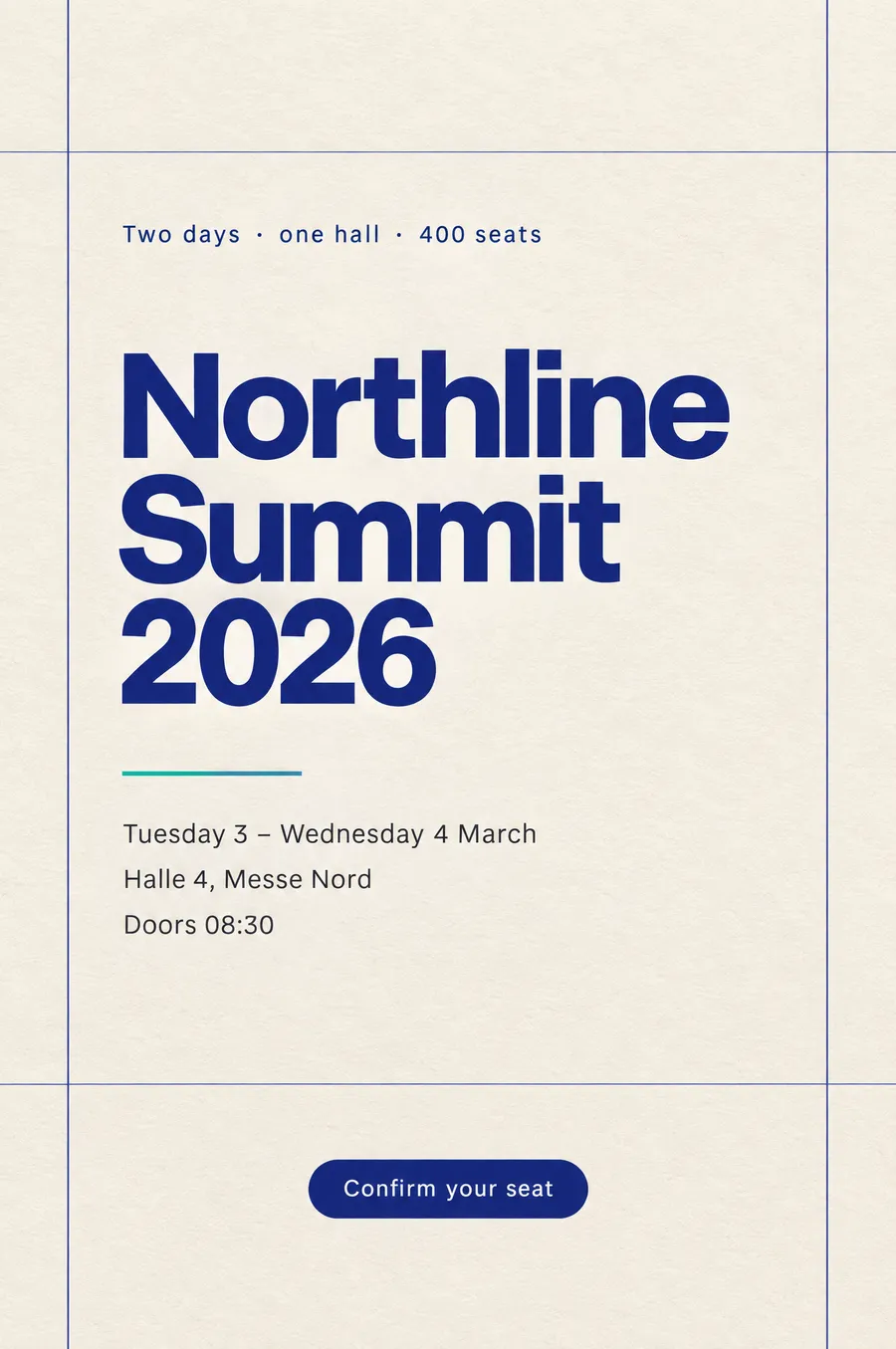
Technology summitConference · two days 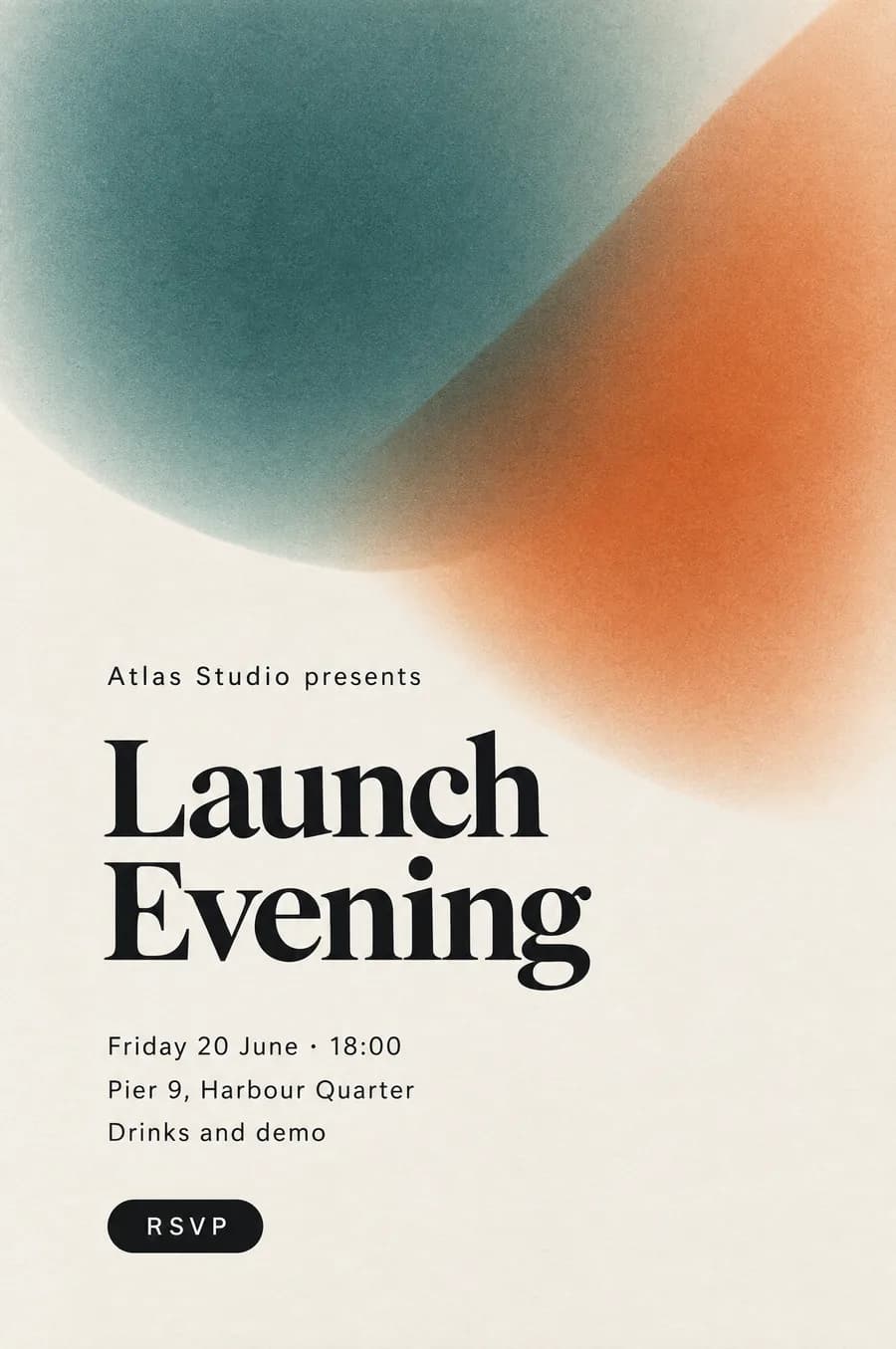
Launch eveningProduct · drinks and demo 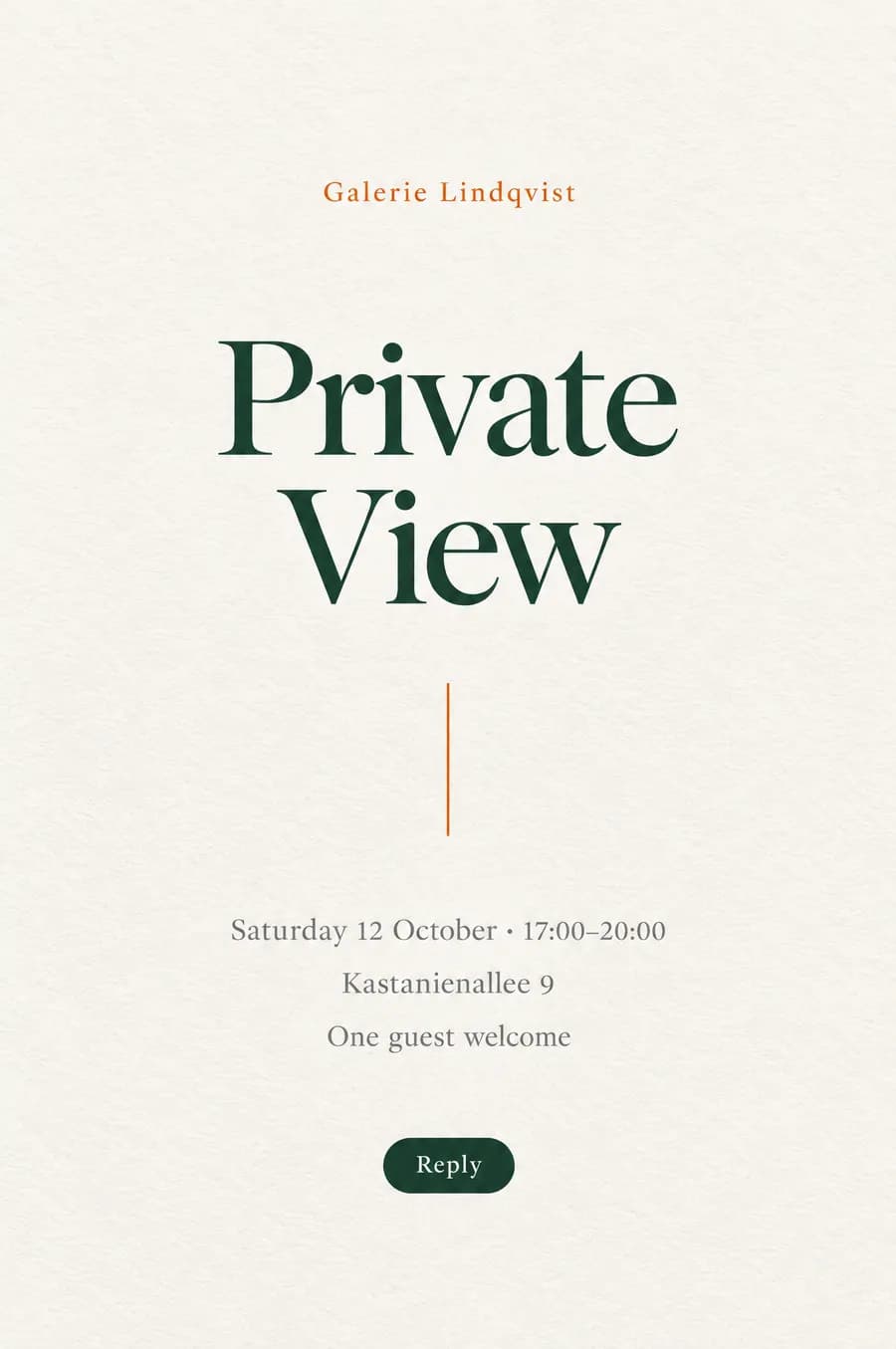
Gallery private viewCultural · one guest welcome
- Private view, Thursday 14 November, 19:00
- Depo, Hall 2 — Istanbul
- Warm, quiet, not corporate. Reply by the 7th.
An evening with the collection
Last pass: the title tightens and the rule lengthens. Small decisions, and the reason a person is still holding the file.
How it works
From a blank page to the version guests receive
- 01
Start from a template, or from nothing
Twenty-eight starting designs cover the common kinds of event. Each one is a composition of blocks, not a flat image, so everything in it can be changed.
- 02
Compose with blocks bound to the event
Title, date, time, location, programme, salutation, reply button, calendar button, logo and image are blocks. Date, time and place are read from the event, so they cannot drift from it.
- 03
Bring your brand
Your workspace logo appears where the design asks for it. Agencies can set a brand for each client, so each client’s invitations carry their own.
- 04
Preview, and send yourself a test
See the design with sample guest details, then send the real email to yourself — with a test entry pass the door recognises and deliberately refuses.
- 05
Publish, and keep the version
A published version never changes. Editing opens a new draft, and an event keeps pointing at the version you chose until you choose another.
What is included
What is included
- Blocks, not free HTML
- A fixed set of eighteen block types keeps every invitation readable across mail programs and screen sizes.
- Facts that cannot drift
- Date, time and venue come from the event record. Change the event, and the next version says so.
- Starting templates
- Twenty-eight designs to begin from, suited to different kinds of event.
- Versions you can rely on
- Every published version is kept exactly as it was. Revert to an earlier one, duplicate it, or archive it.
- A brand per workspace and per client
- One logo for your company, and a separate brand for each client you run events for.
- Assisted composition
- Text and image suggestions, checked against the event’s date, time and venue before you see them. Built, and not switched on yet.
Why it matters
What changes on the day
No invitation with yesterday’s time
Because the facts are bound to the event, a changed start time becomes a changed invitation rather than a forgotten one.
Guests see what you checked
The test send is the real email, and the version you approved is the version that goes out.
A season that looks like one organiser
A published design is reused exactly as it was, so a series of events keeps one face.
How it connects to the rest of Winglark
- MailFlowSend, and know what arrivedSending uses the version the event points at, and every message records which one it carried.
- GatePassRun the door, signal or noneThe entry pass inside a real invitation is the code the door scans; a test pass is recognised and refused.
- Event typesEach event type brings its own reply questions, which the reply block asks.
Where it is used
Where it earns its place
- 01
A series of gallery openings
One design, a new version for each opening, each with its own date and artist.
- 02
A company launch
The company logo, a programme block, and a calendar button so the date lands in diaries.
- 03
An agency with several clients
Each client’s invitations carry that client’s brand, from one workspace.
On each plan
The allowances published for each plan. The full comparison, with prices, is on the pricing page.
Questions
Can I write my own HTML?
No. Invitations are composed from blocks so that they render reliably in mail programs. That is a deliberate limit rather than a missing feature.
What happens to invitations already sent if I edit the design?
Nothing. Published versions are fixed. Your edit becomes a new draft, and guests only see it once you publish it and assign it to the event.
Is assisted composition available?
It is built, including the check that keeps generated text consistent with the event’s facts, and it is not switched on yet. When it is, it comes with the plans marked as including it.
Can a test send reach a guest by mistake?
A test goes to you, writes nothing to your guest list or your statistics, and carries a test pass the door will not admit.
See it on your own event.
Winglark is in early access. Request access, a person reviews it, and an invitation to your workspace follows.