Free tool
Free QR code generator for events
Make a QR code for your event page, the venue Wi-Fi or the event itself, and download it as PNG or SVG — or print it on a table card. The codes are static: they never expire and do not track who scans them.
- Free, no sign-up
- Runs in your browser — nothing you type is uploaded
- Excel, CSV and PDF, ready to use
Your event page, a form, a menu, a photo album.
Look
High still scans when part of the code is scratched or covered, at the cost of a denser pattern.
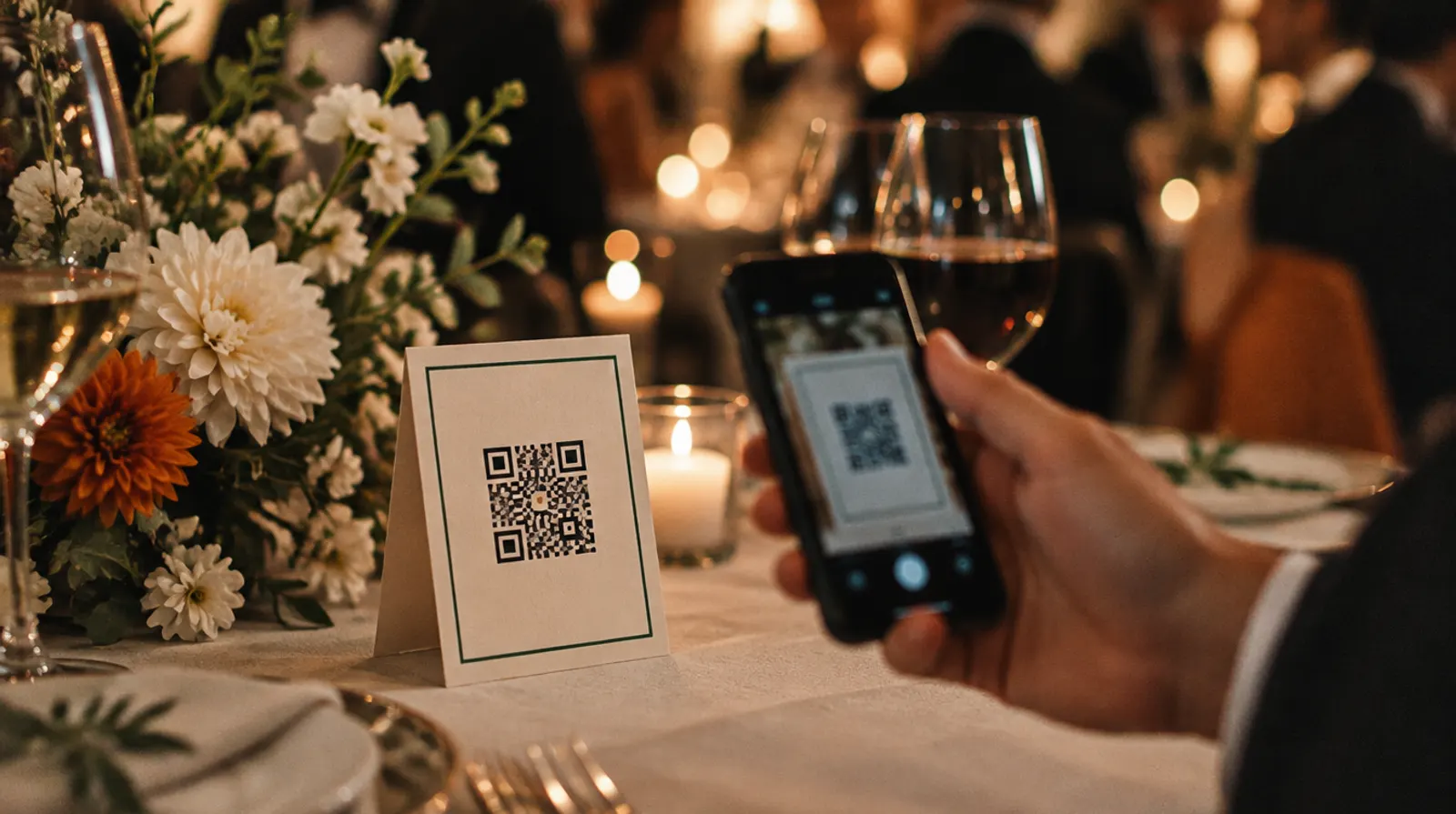
Table card
Optional words around the code for a printed card.
Fill in the details to draw the code.
Scan it with your phone before you print.
Static code: it never expires and counts no scans, and it cannot be changed after printing.
How to use it
Choose what the code opens: a link, the Wi-Fi network, a calendar event or plain text.
Fill in the details. The code redraws as you type.
Pick a colour and the level of error correction; choose high if the code will be printed small or handled a lot.
Scan it with your phone, then download PNG or SVG, or print it on a table card.
In Winglark
For the door, every guest needs their own code
A code like this one is the same for everybody, which is right for a menu, the Wi-Fi or a photo album — and wrong for entry.
- Winglark gives each guest a personal pass with their own QR code, sent with the invitation.
- The door scans it on any phone, also without signal; a pass that has already been used shows as already in.
- Guests’ photos and videos have their own QR code too, with every upload approved before anyone sees it.
Questions
Do these QR codes expire?
No. The content is written into the pattern itself, so a code works for as long as the address or network it points to exists. Nothing passes through a redirect that could be switched off.
Can I change the link after printing?
No — that is the other side of a static code. Point it at a page you control, such as your event page, and change the page instead of the code.
How big should a printed QR code be?
Large enough for a phone at the distance people will stand. On a table card a few centimetres across is usually enough; on a poster across the room it needs to be much larger. Always test the printed size with two different phones.
Can I use one QR code as an entry ticket?
Not safely. A shared code can be photographed and forwarded, and the door cannot tell one guest from another. Entry needs a personal code per guest that the door checks once.
See it on your own event.
Winglark is in early access. Request access, a person reviews it, and an invitation to your workspace follows.