An evening in black tie, and every guest expected by name.
A gala carries a great deal on one night: sponsors to thank, honourees to seat, a dinner to serve, an award or an auction to run on time. Winglark looks after the invitation and the reply — meal choices, table preferences, plus-ones when you allow them — and gives the door a list it can trust.
Choose this event type when you create the event and these are in place before you write a word. You can change every one of them.
What your guests are asked
Added to the reply page when you create the event. Edit them, remove them or add your own.
Always askedWill you be there?
Suggested for this eventMeal choiceAnswers: MeatFishVegetarianVegan
Suggested for this eventTable preferenceAnswered in their own words
Plus-ones
Guests are invited by name. Plus-ones start switched off, and you can switch them on when you want them.
What the set-up puts first
The steps that matter for this kind of event lead the form; the others stay one click away.
Place and arrivalVenue, address and directions, shown on the invitation and the guest page.
ProgrammeA running order your guests can read before they arrive.
GatePass at the doorA QR code per guest and any phone as the scanner, even offline. Included in the plans with door check-in, or added to a single event.
Run for a clientThe event is kept with the client it is for, with their other events.
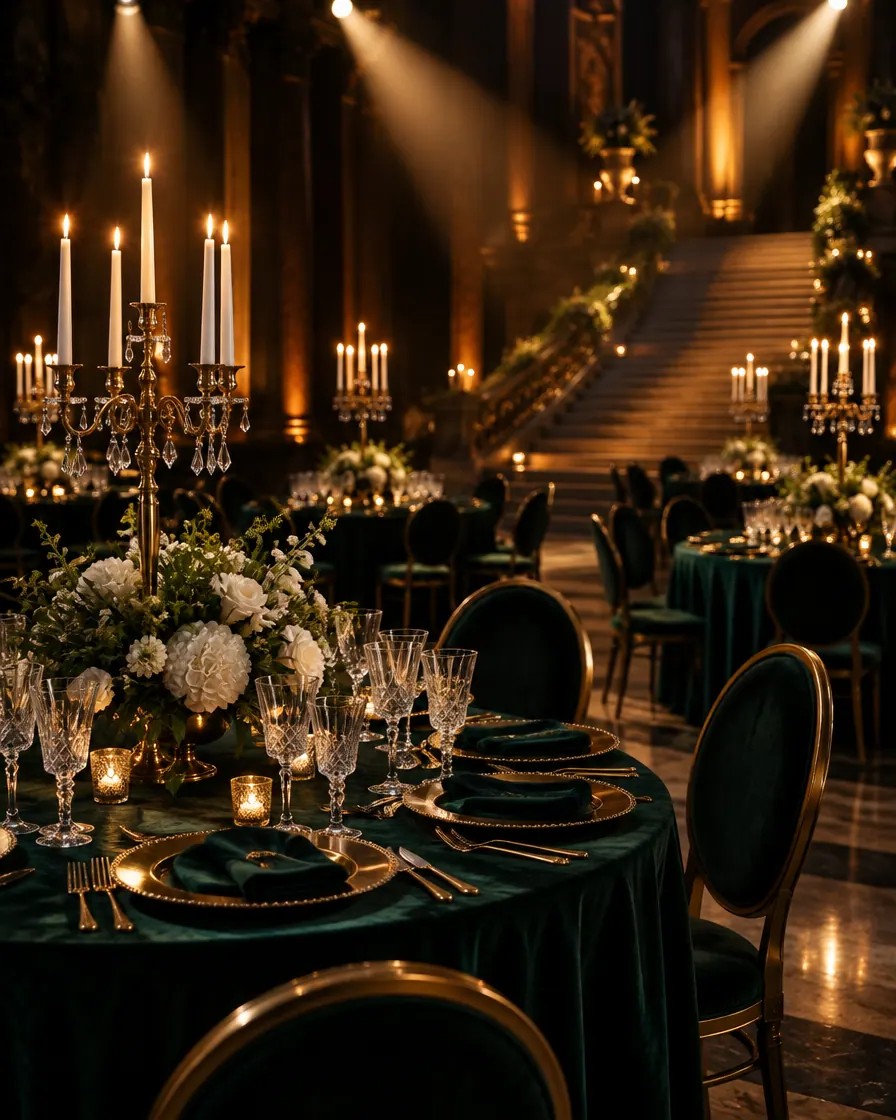
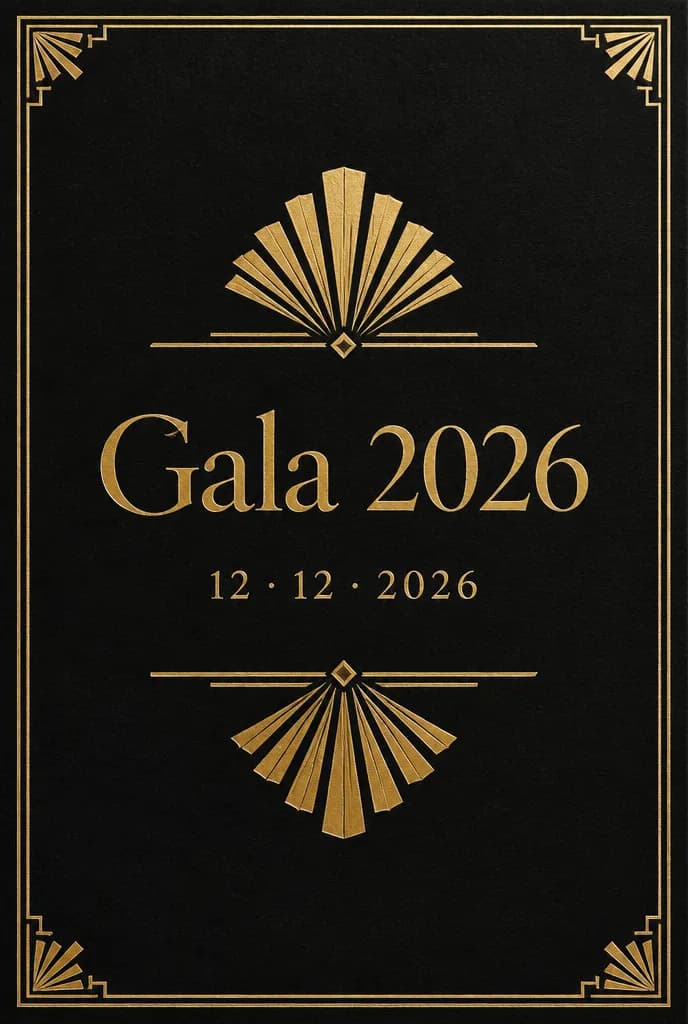
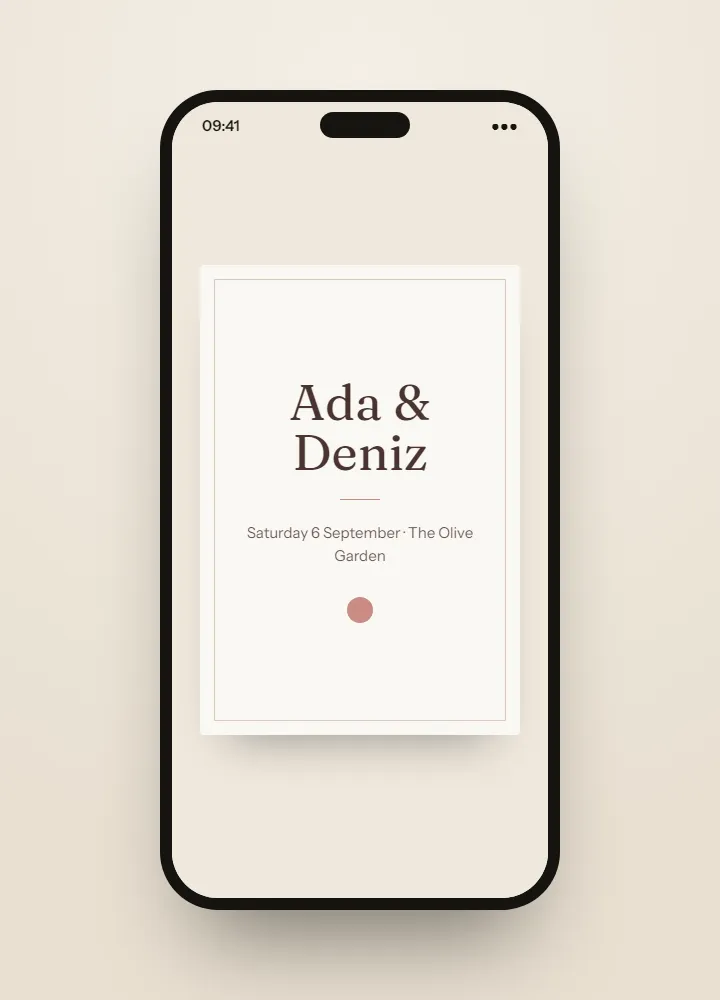
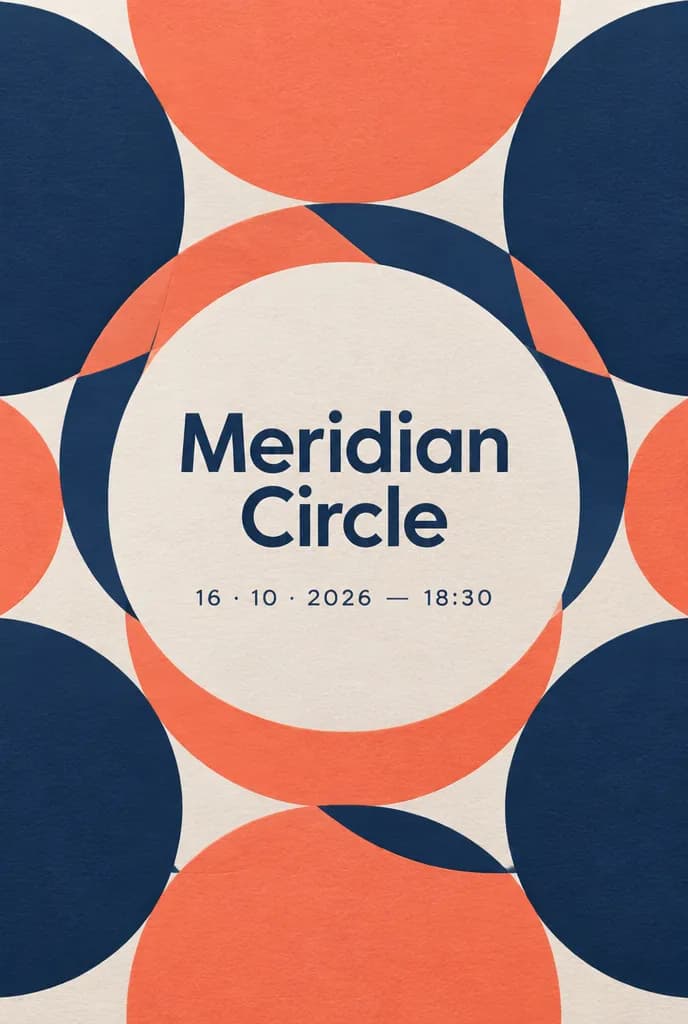
The invitations shown here are ideas made with AI, something to dream from rather than templates to fill in. For your own gala, on the Professional and Agency plans Winglark’s AI assistant creates the artwork and drafts the words — and the names, the date and the venue stay exactly as you entered them.
Gala
Art deco · Gold foil
Gala
Line drawing · Gold foil
Ideas made with AI to show what is possible. They are not ready-made templates: yours is made for your event.
Made with AI
An invitation like this can be yours.
Describe the mood to Winglark’s AI assistant. It creates the artwork and drafts the words for your event, and your names, date and venue sit on top exactly as you entered them.
What kind of visual would you like to create?
A quiet garden at dusk, warm light through the trees, plenty of room at the top for the invitation text
The AI assistant is included in the Professional and Agency plans.
Gala
What you can set up
01
Meal choices, required
A suggested reply question asks each guest to choose meat, fish, vegetarian or vegan, and it is required by default. Every choice lands in the replies export, one column per question, for the caterer.
02
Table preferences, in their words
A second suggested question asks for a table preference. The answers come out in the export for you to plan the room yourself — Winglark collects the wishes; it does not draw the seating plan.
03
Table or section at the door
If your imported guest list carries a table or section column, door staff see it at check-in and can send each guest the right way across the room.
04
Sponsors, honourees and guests by type
Mark sponsors, VIPs, speakers, performers and staff. Filter the guest list and the invitations by type, so each group hears from you in its own round.
05
The evening in order
Reception, dinner, the awards, the auction, the dancing: each item with its time, its room and its host or speaker, shown in order on the guest page.
06
An invitation for a formal night
Your colours, your typeface, a crest, a logo or a photograph, and the dress code in the arrival notes — previewed exactly as a guest will open it.
What your guests see
Your guests’ experience
Guests never need an account. They open an invitation, answer in a minute, and walk in with a code on their phone.
Inside Winglark
What you work with once you are in.
These are the product’s own screens, drawn with invented guests. Nothing here is a mock-up of something that does not exist.
ListGuard
A clean guest list
Import a spreadsheet; duplicates, invalid addresses and missing details are found before anything is sent.
The list as it arrivedWhat the import found
An imported guest list, with what the import found
Marta Ruizmarta.ruiz@atlas.example
—
deniz aydındeniz@aydin.example
●a name in one field
Jonas Weberj.weber@nord.example
—
Marta RuizMARTA.RUIZ@atlas.example
●the same person twice
Priya Ramanpriya@meridian.example
—
Tom Kellehertom@kelleher.exmple
●an address that cannot be delivered to
Sofia Lindqvistsofia@lindqvist.example
—
Aziz Karimaziz@karim.example
■someone who asked not to be written to
Elif Demirelif.demir@atlas.example
—
Rachel Oseir.osei@harbour.example
—
7 will be invited3 wait for a person
Gala
How people use it
A charity gala with sponsors’ tables
Sponsors and their guests marked by type, table preferences exported for the plan you draw yourself, and table numbers carried in the list you import, so the door can direct each party.
An awards night
Honourees and presenters marked as VIP and speaker, each award in the running order with its time, and arrivals by hour for the producer afterwards.
An annual ball
Last year’s saved list brought back, guests who have not replied sent the invitation again with the same link, and meal choices counted from the export before the caterer’s deadline.
No. Guests give a table preference and you plan the tables yourself. If your imported list carries a table or section column, door staff see it at check-in.
Are plus-ones on for a gala?
They start switched off, because gala places are usually counted one by one. Switch them on, one per guest, when the evening welcomes partners.
Can we sell gala tickets or tables?
Paid places are activated with our team for eligible Agency members, on request. Invitations, replies and check-in work without it.
Can a guest change their meal choice?
Yes, until replies close. The new answer replaces the old one, the change is kept, and the next export has it.
Is door check-in included?
It is a paid option: included in the plans that have it, or added to a single event.
Your first event is free.
Fifty guests, real invitations, real replies. Request access and we will open your workspace.