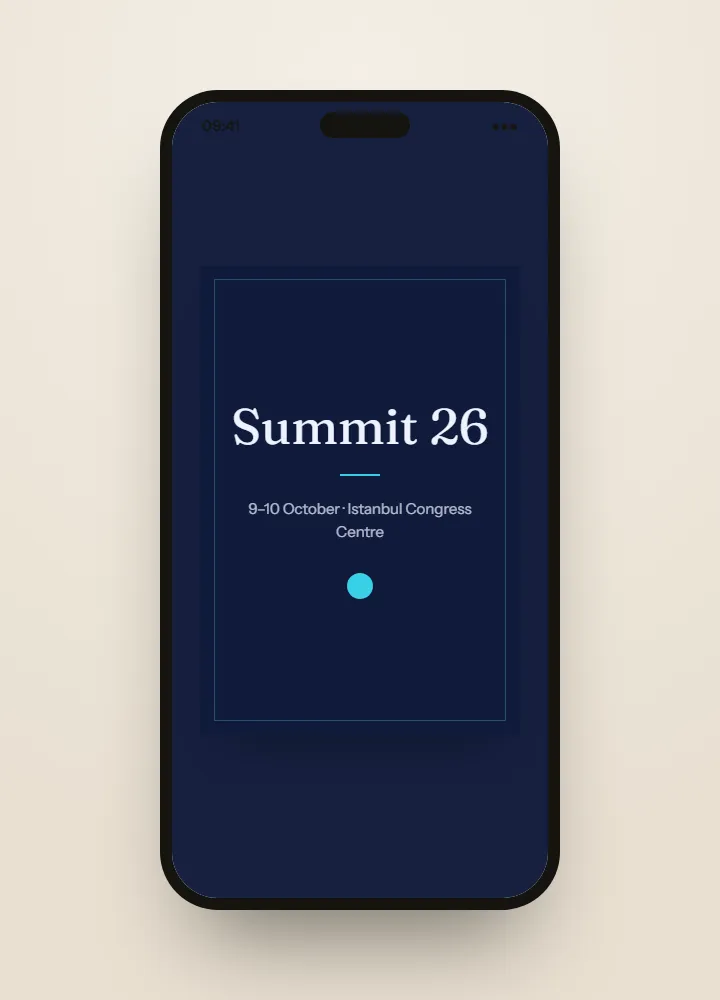
How to write a business event invitation
State who is hosting, what the event is for and why this guest is asked, then the date, the venue and the arrival notes. Send it in your brand and in each guest’s language, and keep plus-ones off unless colleagues are welcome, because each guest is invited by name.
Read the guide: How to write a business event invitation
Collecting registrations for a business event
Ask for company and job title with each reply, and make them required if your account teams depend on them. Every answer comes out in the replies export, one column per question, and the guests who have not answered can be sent the same link again without touching anyone else’s reply.
Read the guide: Collecting registrations for a business event
Building a business event guest list
Start from your CRM export, import it as CSV or Excel, and review errors and likely duplicates before anyone is invited. Mark VIPs, speakers, press and sponsors by type so each group receives its own round of invitations, and save the list for the next event.
Read the guide: Building a business event guest list
Business event check-in and attendance
Reception scans each guest’s QR code on an ordinary phone and welcomes them by name. The attendance export then shows who arrived and when, next to their company, so the sales and account teams know whom to call the next morning. Door check-in is a paid option.
Read the guide: Business event check-in and attendance