Capabilities
GatePassRun the door on any phone — with signal or without.
Doors, staff, devices and entry codes in one place. Every scan gives one clear answer, and every admission is reconciled, even where the building has no connection.
Run the door, signal or none
The problem
The door is where an event is won or lost.
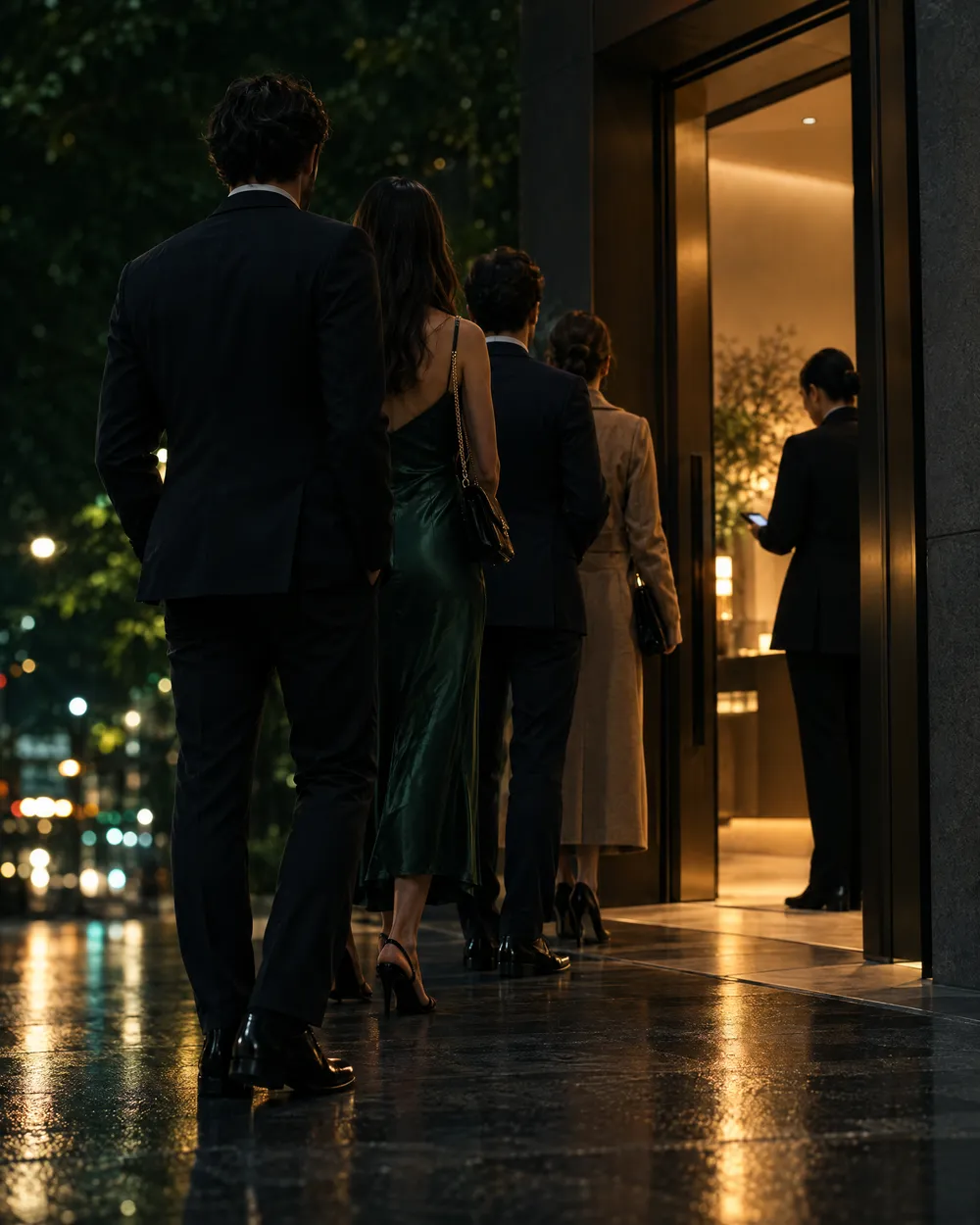
At the door there is a queue, poor light, and a list that is either on paper or on a laptop somebody has to scroll. A guest who cannot be found is a guest who waits; a code shown twice is a question nobody can answer quickly.
And venues lose signal. A check-in system that stops when the connection drops sends the door back to paper at the worst possible moment.
Signature scene
One scan, one answer — signal or none.
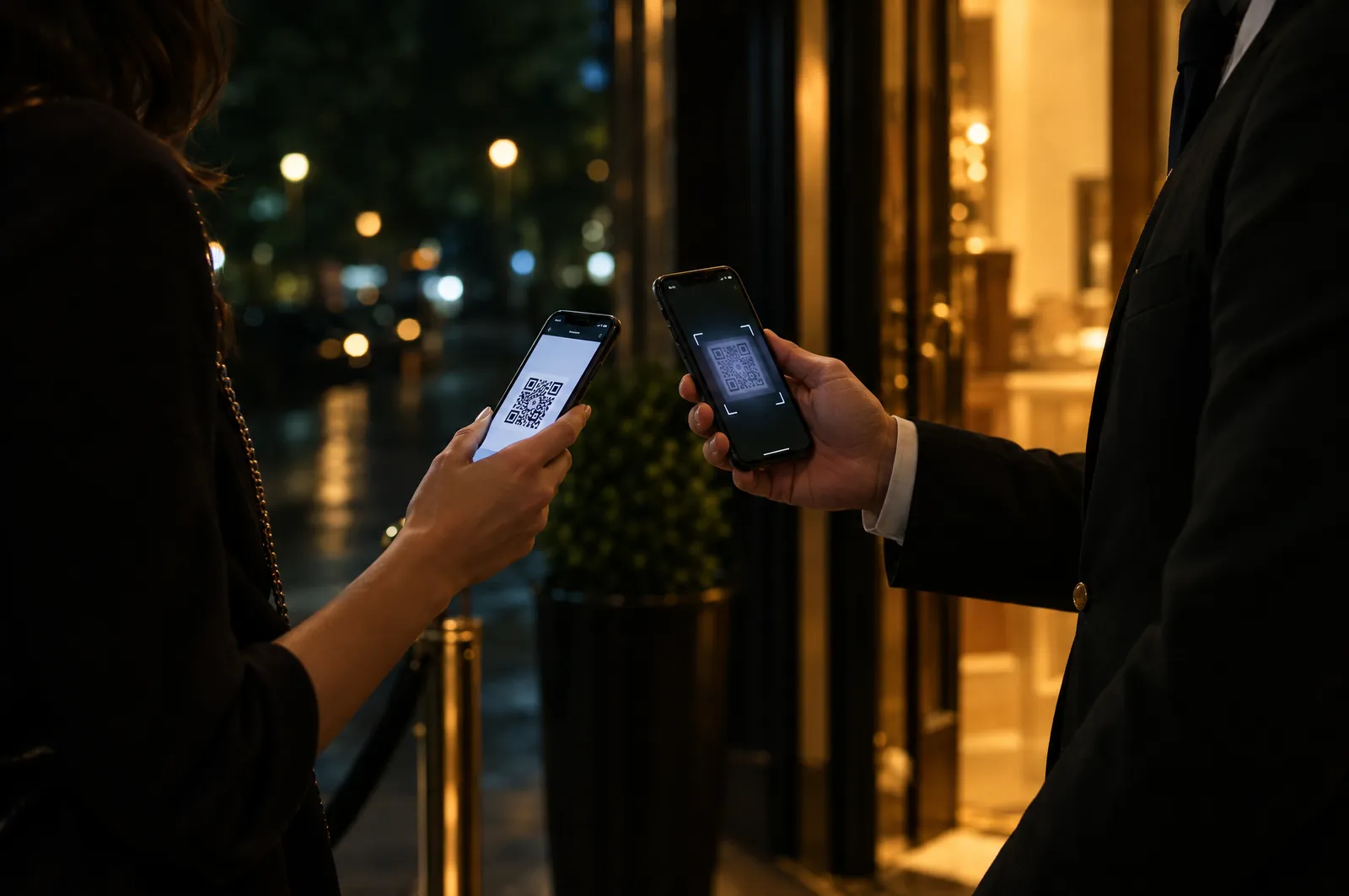
The phone your team already has is the scanner. Each code returns one result the person at the door can act on; a scan made without signal is stored on the device and re-checked by the server when it reconnects.
No rented terminals. The phone your team already has is the scanner.
Ready to scan
—
Point the camera at a guest’s code.
A working model of the door screen. Nothing here is sent anywhere.
How it works
From setup to the last guest through the door
- 01
Set up the doors
Create the entrances your event uses, and open or close each one.
- 02
Assign the team
Give each person a door role and, if you want, limit them to particular doors. Operators scan; supervisors can also override.
- 03
Start a shift on a phone
The door app runs in the phone’s browser and can be installed like an app. Starting a shift registers the device, and you can revoke it at any time.
- 04
Scan, and act on the answer
Each code returns one result — admitted, already in, revoked, expired, for another event, or not found. Walk-ins can be added and exceptions admitted by those allowed to.
- 05
Carry on offline, reconcile afterwards
Devices hold a guest list without contact details for use without signal. When they reconnect, the server checks every admission again and shows you anything that conflicts — nothing is quietly resolved.
What is included
What is included
- Any phone is a scanner
- No hardware to rent or charge. The door app runs in the browser and can be added to the home screen.
- Doors and roles
- Several entrances, each with its own staff. Door staff see the door screen, not the rest of your account.
- One clear answer per scan
- Admitted, already in, revoked, expired, wrong event, not found — a result the person at the door can act on at once.
- Walk-ins and exceptions
- Add a guest at the door or admit an exception, with the decision recorded against the person who made it.
- Works without signal
- An offline guest list without contact details, checked again by the server when the device reconnects.
- Live counts, then reports
- Arrivals as they happen, and afterwards by door, by hour and by operator.
Why it matters
What changes on the day
A shorter queue
One scan, one answer, no scrolling through a list.
No second entry on one code
A code that has been used says so at every door — including one that was offline at the time.
A lost phone is a small problem
Revoke the device and its access ends. The offline list it held carries no contact details.
How it connects to the rest of Winglark
- InvitePulseAdd guests after it has gone outGuests added late receive codes the door recognises.
- MailFlowSend, and know what arrivedThe entry code travels inside the invitation email.
- TicketFlowPaid places, settled before the doorA paid ticket issues the same kind of code, so the door treats a buyer exactly like an invited guest.
- At the doorA closer look at what goes wrong at doors, and how each case is handled.
- ReportingReal attendance, set against the replies.
Where it is used
Where it earns its place
- 01
A gallery private view
One door, two volunteers, a phone each.
- 02
A conference with several entrances
A door per hall, staff per door, and one live count.
- 03
A venue with poor reception
Scanning continues in the basement, and the numbers reconcile when the phones reconnect.
On each plan
The allowances published for each plan. The full comparison, with prices, is on the pricing page.
The door is part of the paid plans, or can be added to a single event.
Questions
Do guests need an app?
No. They show the code from their invitation, on their phone or on paper.
What happens when a device loses signal?
It keeps scanning against the guest list it holds. When it reconnects, the server checks every admission again; the first admission to reach the server counts, and any conflict is shown to you.
What does a code reveal if somebody photographs it?
Nothing about the guest. It carries an opaque token — no name, no email, no event.
Is the door included in the free event?
No. Check-in at the door is part of the paid plans, or a paid upgrade on a single event.
See it on your own event.
Winglark is in early access. Request access, a person reviews it, and an invitation to your workspace follows.