Skip to content

Winglark

Gallery opening

The work goes up, the doors open, and the room fills in the first hour.

An opening lives on its list: collectors, press, the artist’s friends, the gallery’s regulars. Winglark sends an invitation worthy of the work and tells you who came, when, and from where they heard.

Two large abstract paintings on white gallery walls, visitors seen from behind

Made with AI

Ready inside

What Winglark sets up for this event.

Choose this event type when you create the event and these are in place before you write a word. You can change every one of them.

What your guests are asked

Added to the reply page when you create the event. Edit them, remove them or add your own.

  1. Always askedWill you be there?
  2. Suggested for this eventWill you join us for the opening remarks?Answered in their own words
  3. Suggested for this eventHow did you hear about this?Answers: InvitationThe galleryAn artistPressSomewhere else

Plus-ones

Every guest may bring one person to begin with. You change the allowance per invitation, or switch it off.

What the set-up puts first

The steps that matter for this kind of event lead the form; the others stay one click away.

  • Place and arrivalVenue, address and directions, shown on the invitation and the guest page.
  • ProgrammeA running order your guests can read before they arrive.
  • GatePass at the doorA QR code per guest and any phone as the scanner, even offline. Included in the plans with door check-in, or added to a single event.
  • Run for a clientThe event is kept with the client it is for, with their other events.
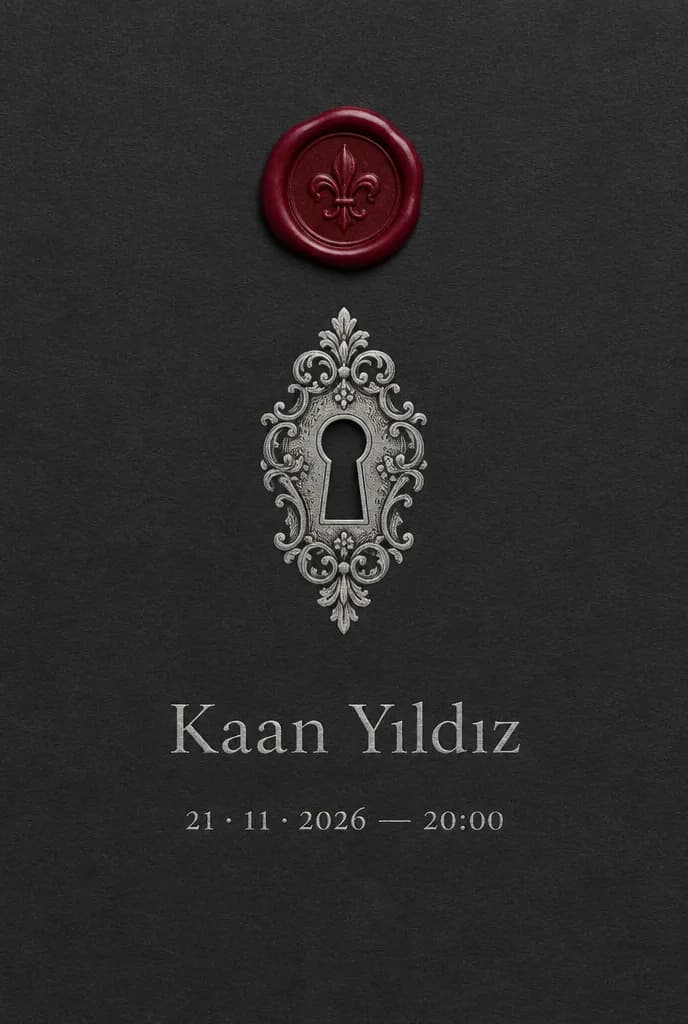
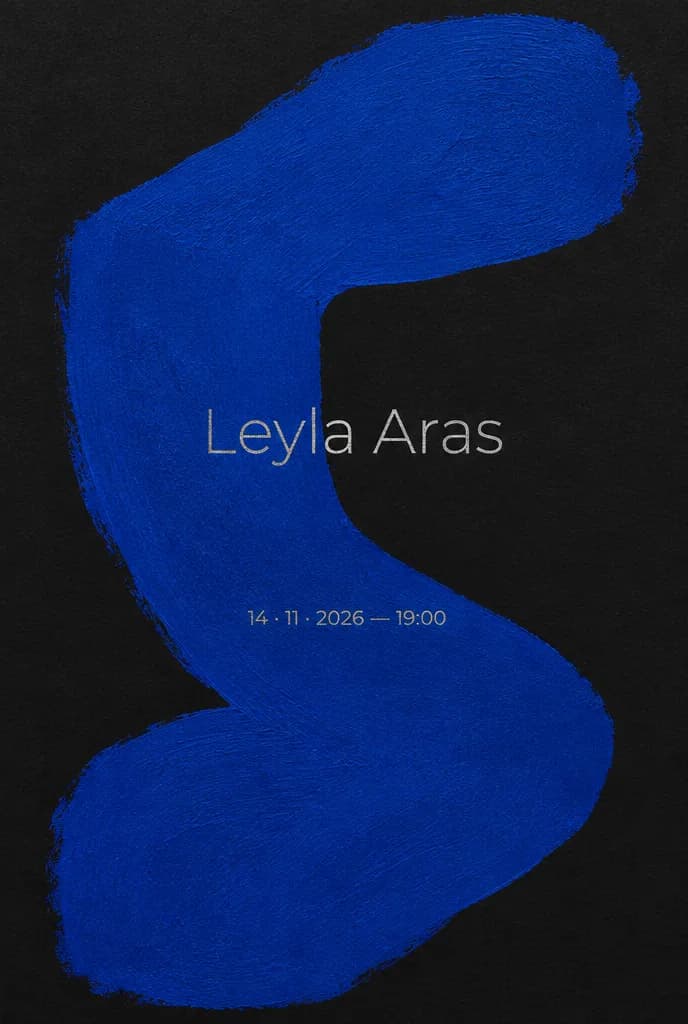
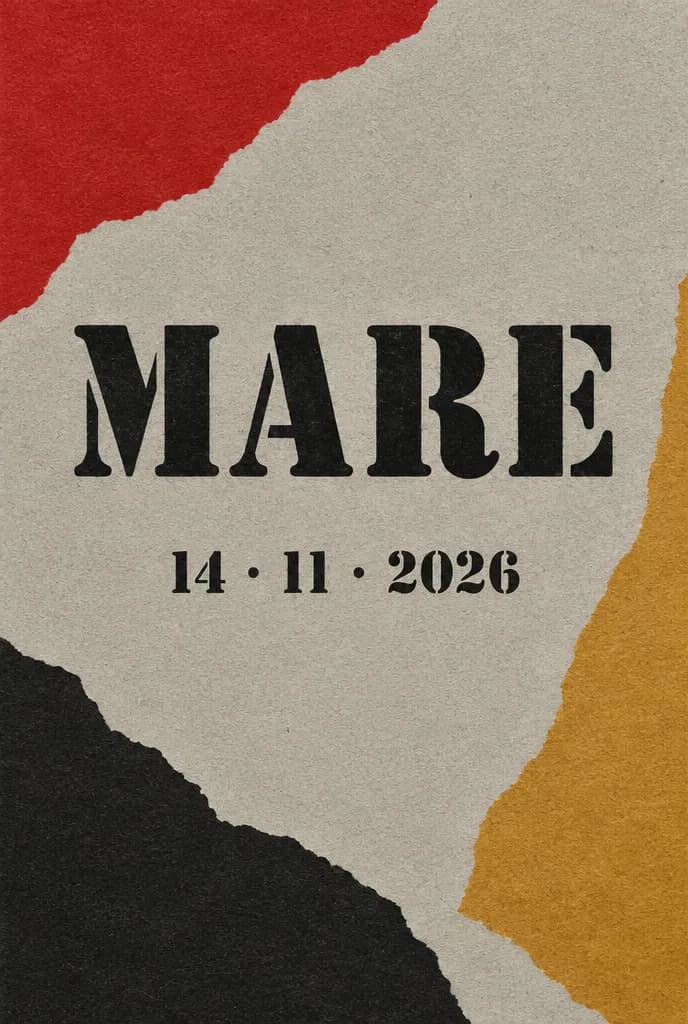
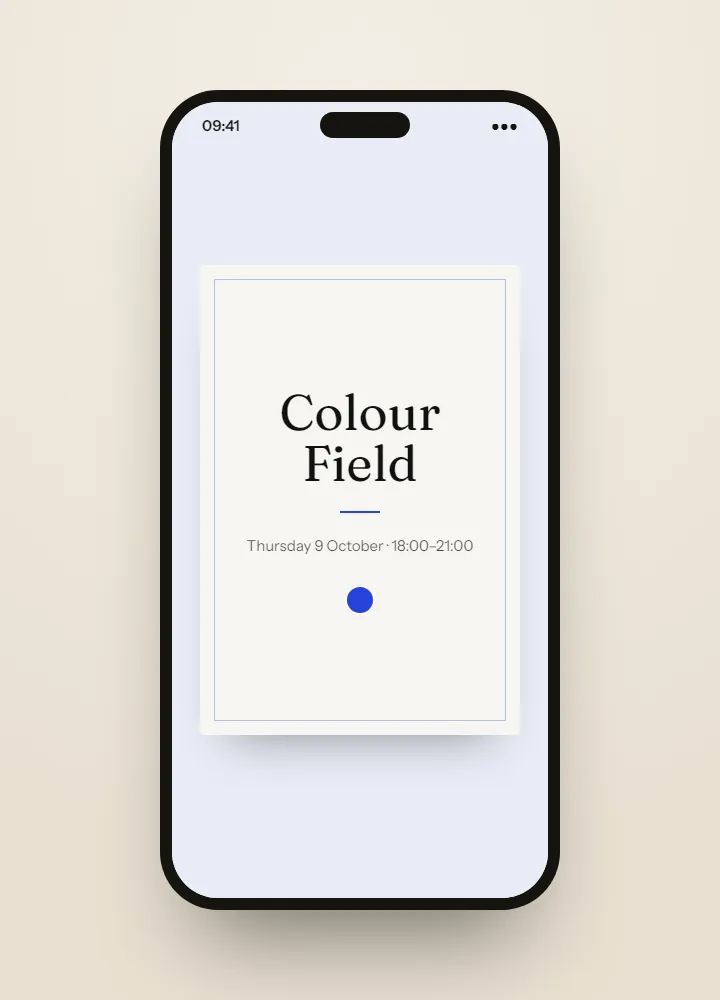
Invitation ideas4 ideas made with AI for this event, to dream from.See the ideas

Invitation ideas

Invitation ideas for this event

The invitations shown here are ideas made with AI, something to dream from rather than templates to fill in. For your own opening, Winglark’s AI assistant creates the artwork and drafts the words, on plans that include it — and the names, the date and the venue stay exactly as you entered them.

Made with AI

An invitation like this can be yours.

Describe the mood to Winglark’s AI assistant. It creates the artwork and drafts the words for your event, and your names, date and venue sit on top exactly as you entered them.

The AI assistant is included in the Professional and Agency plans.

Gallery opening

What you can set up

  1. Artists and remarks, where guests read them

    Name the artists and the curator on the invitation, and add the opening remarks to the running order with their time and who is speaking. The guest page shows each item in order.

  2. An invitation led by the work

    Put an image of the work at the centre, framed whole or set quietly behind the words, with type that stays out of its way. Preview it the way a collector will open it.

  3. Know where they heard

    The reply page suggests one question — the invitation, the gallery, an artist, the press or somewhere else — a quiet answer to “who brings people?”. Every answer lands in the replies export.

  4. Remarks, asked ahead

    A second suggested question asks who will stay for the opening remarks. The answers sit with each reply and in the export, so you can count before you set out the chairs.

  5. Arrivals by the hour

    With door check-in on your plan or added to the event, every scan is timed. The arrivals report shows the room filling hour by hour and quarter by quarter, and names its busiest moment.

  6. A clean list for next time

    Import past lists from a spreadsheet, review the likely duplicates before anything merges, and keep a saved list to bring into the next private view.

What your guests see

Your guests’ experience

Guests never need an account. They open an invitation, answer in a minute, and walk in with a code on their phone.

Inside Winglark

What you work with once you are in.

These are the product’s own screens, drawn with invented guests. Nothing here is a mock-up of something that does not exist.

ListGuard

A clean guest list

Import a spreadsheet; duplicates, invalid addresses and missing details are found before anything is sent.

The list as it arrivedWhat the import found
An imported guest list, with what the import found
Marta Ruizmarta.ruiz@atlas.example
deniz aydındeniz@aydin.examplea name in one field
Jonas Weberj.weber@nord.example
Marta RuizMARTA.RUIZ@atlas.examplethe same person twice
Priya Ramanpriya@meridian.example
Tom Kellehertom@kelleher.exmplean address that cannot be delivered to
Sofia Lindqvistsofia@lindqvist.example
Aziz Karimaziz@karim.examplesomeone who asked not to be written to
Elif Demirelif.demir@atlas.example
Rachel Oseir.osei@harbour.example

7 will be invited3 wait for a person

Gallery opening

How people use it

A collectors’ hour before the public

Invite collectors to the first hour and everyone else to the evening, and say so on the invitation and in the running order; the arrivals report shows, quarter by quarter, when the room actually filled.

Press on the list

Mark press guests as press on the guest list, filter by guest type before the night, and the right person is ready to greet them at the door.

An artist’s friends, and the gallery’s

Two lists imported into one, duplicates reviewed before they merge, and the expected head count — plus-ones included — as one clear total for the bar.

Questions

Is a private view a different type?

Yes. A private view suggests a reply question asking whether a guest is attending as press; an exhibition suggests visit-time slots and asks which works a guest would like to see.

Can the invitation be mostly an image?

Yes. Place the work as a full background, or as a framed image that is shown whole and never cropped, and keep the words to a few lines.

Do we have to scan people in?

No. The door is optional. Without it you still have the replies; with it you also know who arrived and when.

Your first event is free.

Fifty guests, real invitations, real replies. Request access and we will open your workspace.

Gallery opening invitations and guest lists · Winglark