
Skip to content

Winglark

Corporate event

The whole company invited properly, from one list that holds.

An annual celebration, a company day, a town hall with dinner after: hundreds of colleagues, several departments, caterers and speakers who need numbers. Winglark sends each employee their own invitation, gathers what the organising team needs in a single reply, and keeps the day readable from the first email to the last arrival.

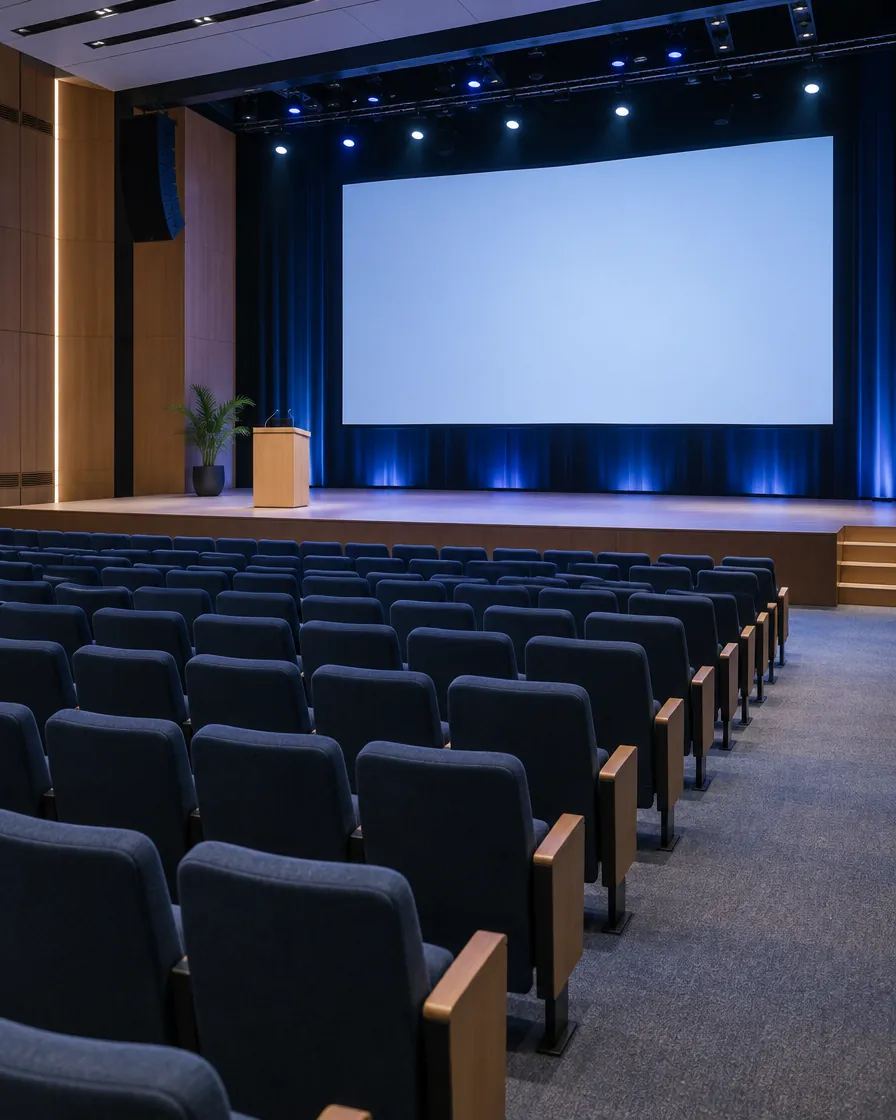
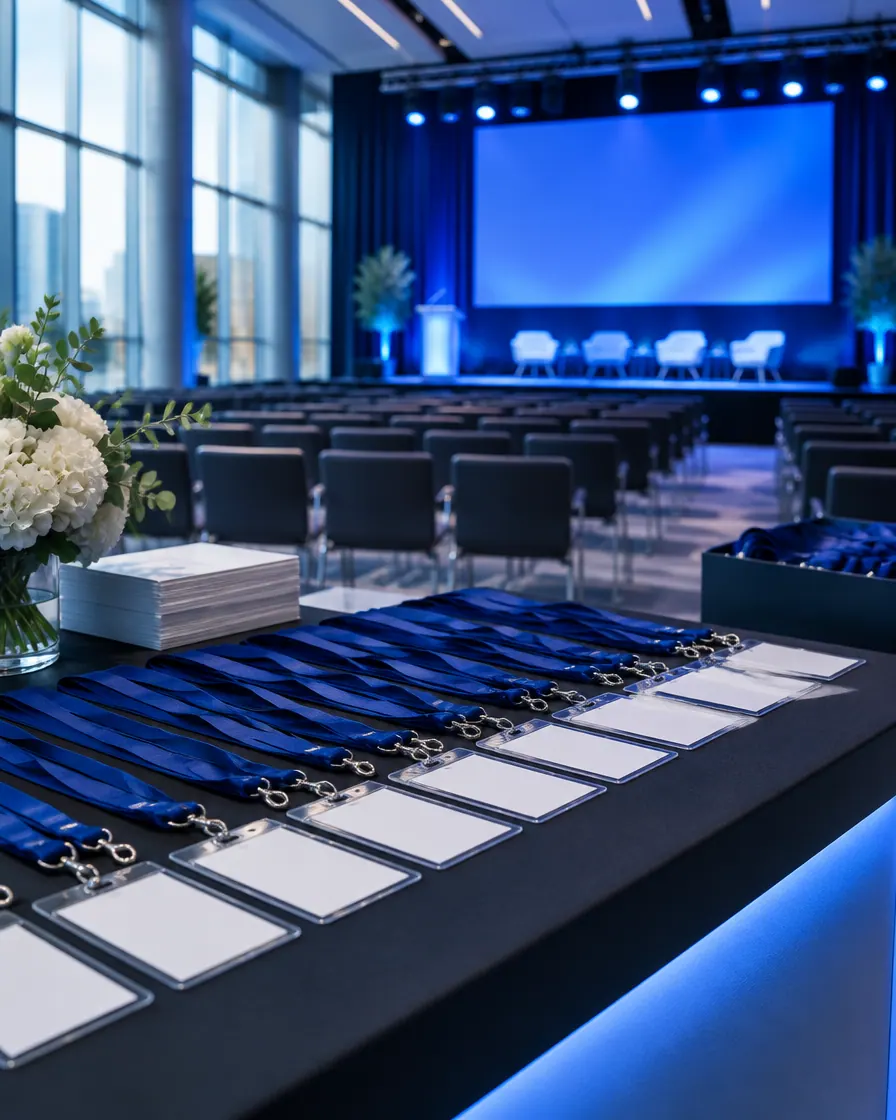
A conference registration desk with rows of blank badges and a blue-lit stage behind

Made with AI

Ready inside

What Winglark sets up for this event.

Choose this event type when you create the event and these are in place before you write a word. You can change every one of them.

What your guests are asked

Added to the reply page when you create the event. Edit them, remove them or add your own.

  1. Always askedWill you be there?
  2. Suggested for this eventDepartmentAnswered in their own words
  3. Suggested for this eventName as it should appear on your badgeAnswered in their own words
  4. Suggested for this eventDietary needsAnswered in their own words
Plus-ones

Guests are invited by name. Plus-ones start switched off, and you can switch them on when you want them.

What the set-up puts first

The steps that matter for this kind of event lead the form; the others stay one click away.

  • Place and arrivalVenue, address and directions, shown on the invitation and the guest page.
  • ProgrammeA running order your guests can read before they arrive.
  • GatePass at the doorA QR code per guest and any phone as the scanner, even offline. Included in the plans with door check-in, or added to a single event.
  • Run for a clientThe event is kept with the client it is for, with their other events.
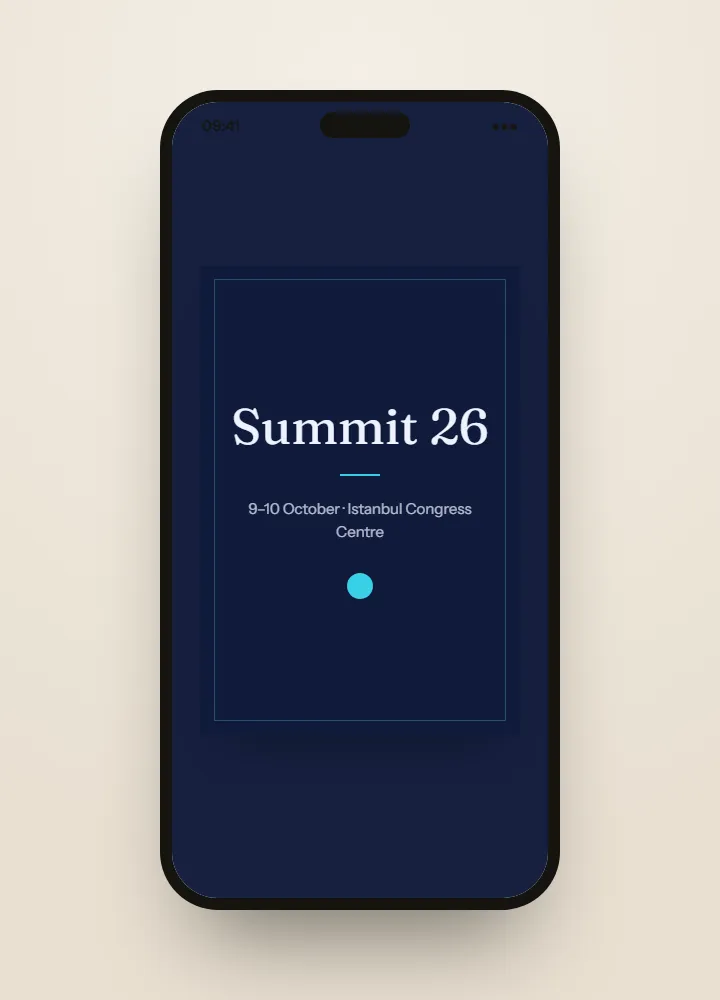
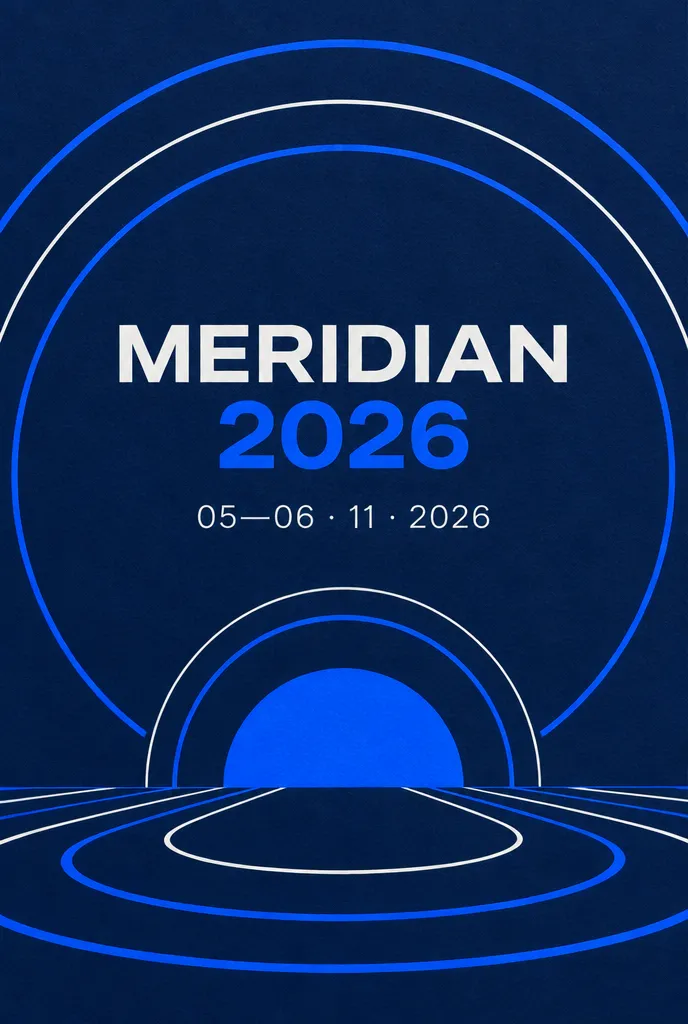
Invitation ideas2 ideas made with AI for this event, to dream from.See the ideas

Invitation ideas

Invitation ideas for this event

The invitations shown here are ideas made with AI, something to dream from rather than templates to fill in. On the Professional and Agency plans, Winglark’s AI assistant creates artwork and drafts the words for your own corporate event, and the names, the date and the venue stay exactly as you entered them.

Made with AI

An invitation like this can be yours.

Describe the mood to Winglark’s AI assistant. It creates the artwork and drafts the words for your event, and your names, date and venue sit on top exactly as you entered them.

The AI assistant is included in the Professional and Agency plans.

Corporate event

What you can set up

  1. Department, badge name and dietary needs

    Suggested reply questions ask for the guest’s department, the name they want on their badge and any dietary needs. The answers come out in the replies export, one column per question, ready for whoever prints the badges and for the caterer.

  2. One list from HR

    Import employees as CSV or Excel. Errors and likely duplicates are shown before anyone is invited, and the saved list is there for next year.

  3. Guests by type

    Mark colleagues as staff, the leadership as VIP, and speakers, performers and vendors by their own types. Filter the list and the invitations by type.

  4. The day in running order

    Arrival, welcome from the leadership, sessions, dinner, the evening programme: each item with its time, its room and its host, shown in order on the guest page.

  5. Late joiners without a resend to everyone

    Add new starters after the first send; only the new names receive the invitation. Plus-ones are off by default and can be switched on for a family day.

  6. A calm entrance

    With door check-in, a paid option on the plans that include it or added to one event, several entrances scan QR codes on ordinary phones, even without signal, and every scan joins one count.

What your guests see

Your guests’ experience

Guests never need an account. They open an invitation, answer in a minute, and walk in with a code on their phone.

Inside Winglark

What you work with once you are in.

These are the product’s own screens, drawn with invented guests. Nothing here is a mock-up of something that does not exist.

ListGuard

A clean guest list

Import a spreadsheet; duplicates, invalid addresses and missing details are found before anything is sent.

The list as it arrivedWhat the import found
An imported guest list, with what the import found
Marta Ruizmarta.ruiz@atlas.example
deniz aydındeniz@aydin.examplea name in one field
Jonas Weberj.weber@nord.example
Marta RuizMARTA.RUIZ@atlas.examplethe same person twice
Priya Ramanpriya@meridian.example
Tom Kellehertom@kelleher.exmplean address that cannot be delivered to
Sofia Lindqvistsofia@lindqvist.example
Aziz Karimaziz@karim.examplesomeone who asked not to be written to
Elif Demirelif.demir@atlas.example
Rachel Oseir.osei@harbour.example

7 will be invited3 wait for a person

NorthwindRegister
Two days on the future of workNorthwind Summit 202714–15 April 2027 · Lisbon
Programme
  1. 09:00Opening keynoteAyşe Demir
  2. 10:30Panel: teams without bordersJonas Weber, Clara Fontaine
  3. 13:30Workshops in four rooms
412 of 500 places takenRegisterAdd to calendar
Made with Winglark

The event’s own website

A page to send people to.

A page colleagues register on — company and job title asked if you want them — each one added to the same list the door, the seating and the badges read.

See EventSite →
12345678Entrance

Seating

Who sits where, from the replies.

VIP tables first, colleagues and clients mixed or kept apart by rule, and a client sign-off link when you run it for someone else.

See SeatMap →

Name badges

Badges from the list, printed when they are needed.

The name each colleague asked for, with company and job title, and a badge printed at the door the moment they are admitted — none for those who stayed away.

See BadgeDesk →

Guest photos and videos

The guests’ view of the event, in one private album.

Collect the evening from the people in it, approve what fits, and keep the originals for the team.

How MomentFlow works →

VoiceBook · Messages guests leave for you: voice, video, text

Corporate event

How people use it

An annual company celebration

Six hundred employees across four offices. Department answers show which teams are coming in force, dietary needs go to the caterer as an export, and the arrivals report shows when the room filled.

A leadership town hall with dinner

Speakers and the leadership marked apart from staff, the programme on every guest page, and a follow-up to everyone who has not replied a week before.

An agency running a client’s staff event

The event is kept with the client it is for, so the employee list and every reply stay apart from the agency’s other clients.

Corporate event

Planning a corporate event: the four jobs

Corporate event invitation wording

Say what the day is for, then the date, the venue and the dress code, in the company’s brand and each employee’s own language. If the leadership opens the day, name them in the running order, so the invitation and the programme tell the same story.

Read the guide: Corporate event invitation wording

Collecting replies from employees

One reply should give the organisers everything: attending or not, department, the name for the badge and dietary needs. Department starts as required; the badge name prints on each guest’s badge, the answers come out in the replies export for the caterer, and a follow-up goes only to those who have not replied.

Read the guide: Collecting replies from employees

Building the corporate event guest list

Start from the HR export, import it as CSV or Excel and review errors and likely duplicates before anyone is invited. Mark staff, the leadership as VIP, and speakers and vendors by their own types, then add new starters after the first send without writing to everyone again.

Read the guide: Building the corporate event guest list

Employee check-in at a corporate event

Several entrances can scan QR codes on ordinary phones at once, even without signal, with colleagues at each door. The arrivals report shows when the room filled. Door check-in is a paid option, on the plans that include it or added to one event.

Read the guide: Employee check-in at a corporate event

Questions

Does Winglark print the badges?

Yes. Design the badge once for the event, then print the whole list as one PDF — at the exact size of a label printer’s labels, or on A4 or Letter sheets with crop marks — or print each badge at the door once the guest is admitted. The badge name each guest gives replaces the name on the list.

Can we make department required?

Department arrives as a required suggested question. You can keep it required, make it optional, reword it or remove it.

Can employees bring a partner?

Plus-ones are off by default for corporate events. For a family day or an evening with partners, switch them on for that event.

How do we chase people who have not replied?

Filter the list to guests with no reply and send the invitation again. It is the same link, and the answers others have given stay untouched.

Your first event is free.

Fifty guests, real invitations, real replies. Request access and we will open your workspace.