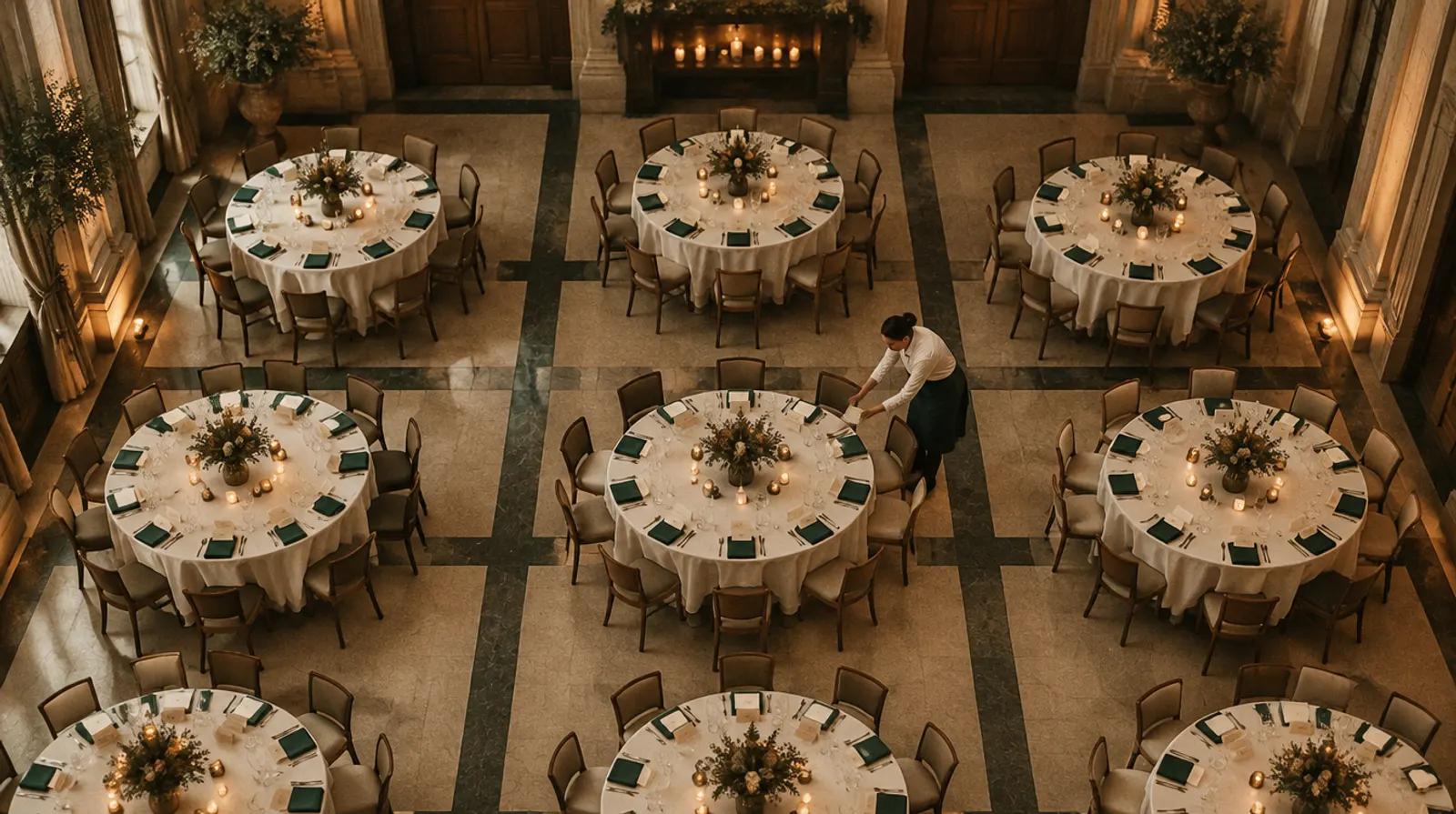
SeatMap
Every guest in their chair. And the door knows which.
Draw the room to scale, seat guests straight from their replies, and let the plan keep up: a party of three takes three chairs, a guest who declines gives theirs back, and every table and seat reaches the door and each guest’s phone.
- The room to scale, in centimetres
- Linked to the replies
- On every plan, the free event included
Illustrative wedding, room and guests. The screens are drawn from SeatMap as it works.
From the empty room to the place cards
Draw the room. Seat the replies. Publish the plan.
On the laptop, the organiser’s plan for a wedding dinner. On the phone, what one guest sees once the plan is published.
- Draw the roomTables with their chairs, the stage, the dance floor, the bar and the rest, in centimetres — dragged into place and turned.
- Seat the repliesGuests come in from the list with their answer: households together, a “three of us” as three chairs.
- Let it arrangeThe tables fill by your rules, and the plan says who has no chair yet and which parties had to split.
- PublishTable and seat go to the door and to each guest’s phone; the printouts are ready.
Add to the room
- Round table
- Square table
- Long table
- Banquet
- Cocktail
- Stage
- Dance floor
- Bar
- Buffet
- Entrance
- DJ
- Photo corner
- Cake
- Pillar
Table 4 · 10 chairs · 9 seated
Guests
214/ 216 seated
Coming, no chair yet
- Leyla Kaya +1
Plan health
- Over-full tables1
- Coming, without a chair2
- Households split1
- Unanswered guests seated1
Selin & JonasSat 14 June · 19:00
Your table
4
Seat 7
At your table
- Ayla
- Deniz
- Mateo
- Clara
- Ute
Where it is
Every move works by keyboard or a single tap too — no dragging needed.
Illustrative wedding, room and guests. The screens are drawn from SeatMap as it works.
Linked to the guest list
It counts chairs, not records.
The plan reads the replies as they arrive. A guest who answers “three of us” takes three chairs; a guest who declines gives theirs back without anybody opening the plan.
- Households stay together
- Couples, families and companions arrive in the plan as one party and sit as one.
- A decline frees the chair
- The moment a guest says no, the chair is free again and the count follows.
- One count everywhere
- One guest record, so the plan, the door and the kitchen count the same people.
Smart arrangement
Your rules first. Then the tables fill.
Say who sits together and who must not, keep the tables you have reserved and lock the places you have already promised. The arrangement works around all of it — and says plainly what it could not do.
- Together and apart
- Keep two friends at one table, or two families at different ones.
- The right table for the right guest
- VIPs to the head and VIP tables, children to the children’s table.
- Nothing promised is moved
- Reserved tables stay untouched; locked placements are never moved.
- An honest report
- Who has no chair yet, and which parties had to be split to fit.
Chair numbers keep couples side by side, so the place cards read the way people sit.
Arrangement finished
- 214 guests placed
- 2 coming, no chair yet
- 1 party split across tables 6 and 7
Plan health
What is wrong with the plan, before the evening finds it.
Each problem is named, counted, and comes with a jump straight to the table or the guest.
- 1Over-full tablesMore people than chairs.
- 0Declined guests still seatedSomeone who said no is still placed.
- 0Apart rules brokenTwo people you kept apart share a table.
- 2Coming, without a chairA yes with nowhere to sit.
- 1Households splitA party spread over two tables.
- 1Unanswered guests seatedA chair held for someone who has not replied.
- 0Empty tablesA table nobody sits at.
Catering by table
The kitchen sheet writes itself.
Meal choices counted per table, children marked, and dietary and allergy notes by chair — so each plate reaches the right seat.
| Table | Fish | Meat | Vegetarian | Children | Notes by chair |
|---|---|---|---|---|---|
| 1 | 4 | 5 | 1 | 0 | Seat 3 · nut allergy |
| 2 | 3 | 6 | 1 | 2 | Seat 8 · gluten-free |
| 4 | 5 | 3 | 1 | 0 | Seat 7 · no shellfish |
| 7 | 0 | 0 | 0 | 9 | Two high chairs |
Dietary and allergy notes are shown only to the people allowed to read dietary details.
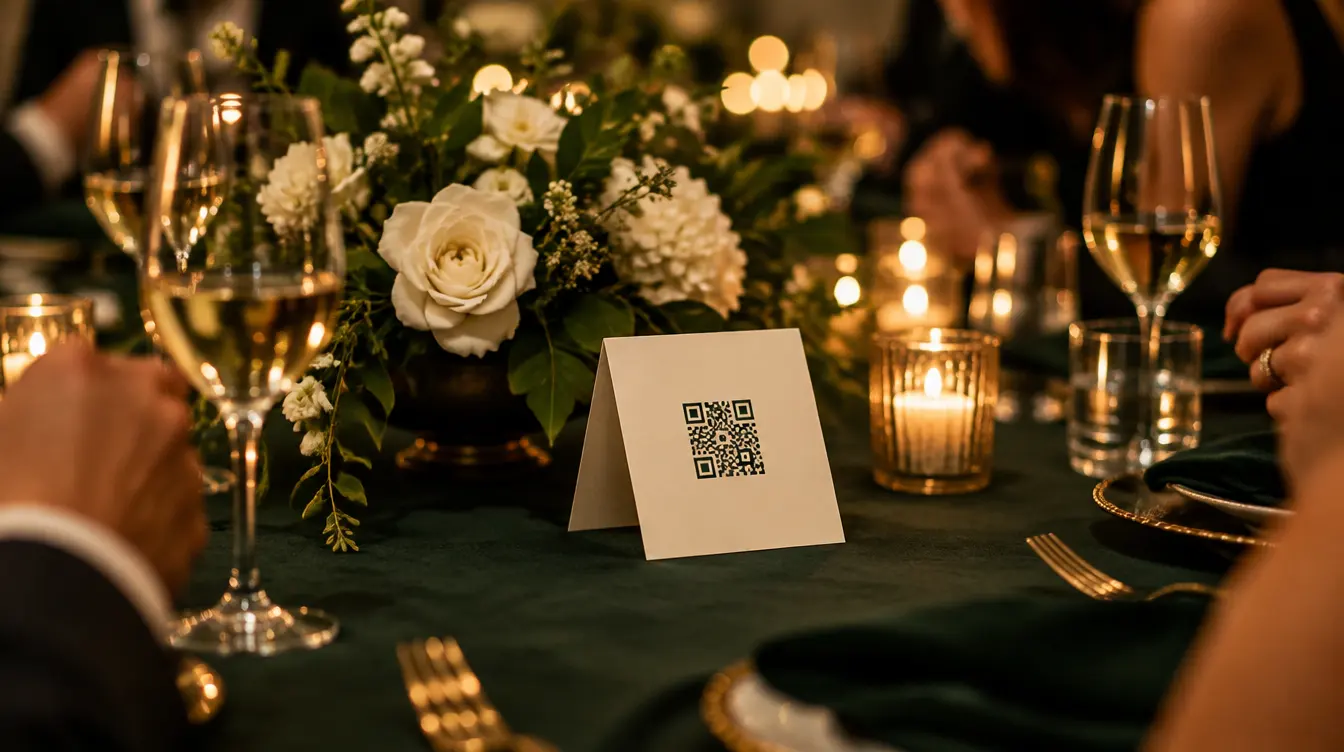
At the door and on the phone
The plan leaves the office.
With door check-in, GatePass shows the table and seat the moment a guest is scanned — offline too. Once you publish, the guest sees it as well, in Companion and on the invitation page.
- At the door
- GatePass shows table and seat with the check-in, even without signal.
- Your table
- Table and seat on the guest’s phone, with tablemates’ first names if you choose.
- A small map
- The room in miniature with their table marked, so nobody wanders looking for a card.
Printouts
Everything the venue asks for, from the same plan.
Printed when the plan is ready, and printed again when it changes — never retyped.
- Floor planA to-scale PDF of the room, every table numbered.
- By tableEach table and the people at it.
- Find your tableAn alphabetical board for the entrance.
- Kitchen sheetMeals, children and notes by table.
- Place cardsOne per guest, companions’ cards included.
- Table numbersA card for the centre of every table.
- CSVThe whole plan as rows, for anyone else.
Client sign-off
The client approves the plan from a link.
For agency work: send your client a review link to the seating plan. They approve it, or ask for changes, and you see which.
From Lumen Events
Seating plan for review
Selin & Jonas · Sat 14 June · 19:00
- Already have a plan in a spreadsheet?
- Import the guest list with its table column, and the tables are created with every guest placed.
- Included on every plan
- The seating plan is part of every plan, the free event included.
Questions
How do I keep two families apart at a wedding?
Add an apart rule between them. The arrangement never seats them at one table, and if a change by hand puts them together, plan health names the table and takes you to it.
A guest replied “three of us”. How many chairs does that take?
Three. SeatMap counts chairs, not records, and keeps the companions at the same table as the guest.
What happens to the plan when someone cancels?
When a guest declines, their chair is given back automatically. Plan health also lists any declined guest who is still placed, so nothing slips through.
Can guests see where they are sitting before they arrive?
Yes, once you publish the plan. In Companion and on the invitation page they see their table and seat, a small map of the room with their table marked and, if you choose, their tablemates’ first names.
Who can see the allergies on the kitchen sheet?
Only the people allowed to read dietary details. Everyone else sees the plan without them.
Can my client approve the seating plan?
Yes. Send them a review link; they approve the plan or ask for changes.
I already planned the tables in a spreadsheet. Can I bring it in?
Yes. Import the guest list with a table column, and the tables are created with each guest placed. You can rearrange from there.
Does the seating plan cost extra?
No. It is included on every plan, the free event too.
Seat your next event from the replies.
Draw the room once; the plan keeps up with every yes and every no.