
What your guests are asked
Added to the reply page when you create the event. Edit them, remove them or add your own.
- Always askedWill you be there?
- Suggested for this eventRoughly when will you arrive?Answers: EarlyMid-eveningLate
Reception
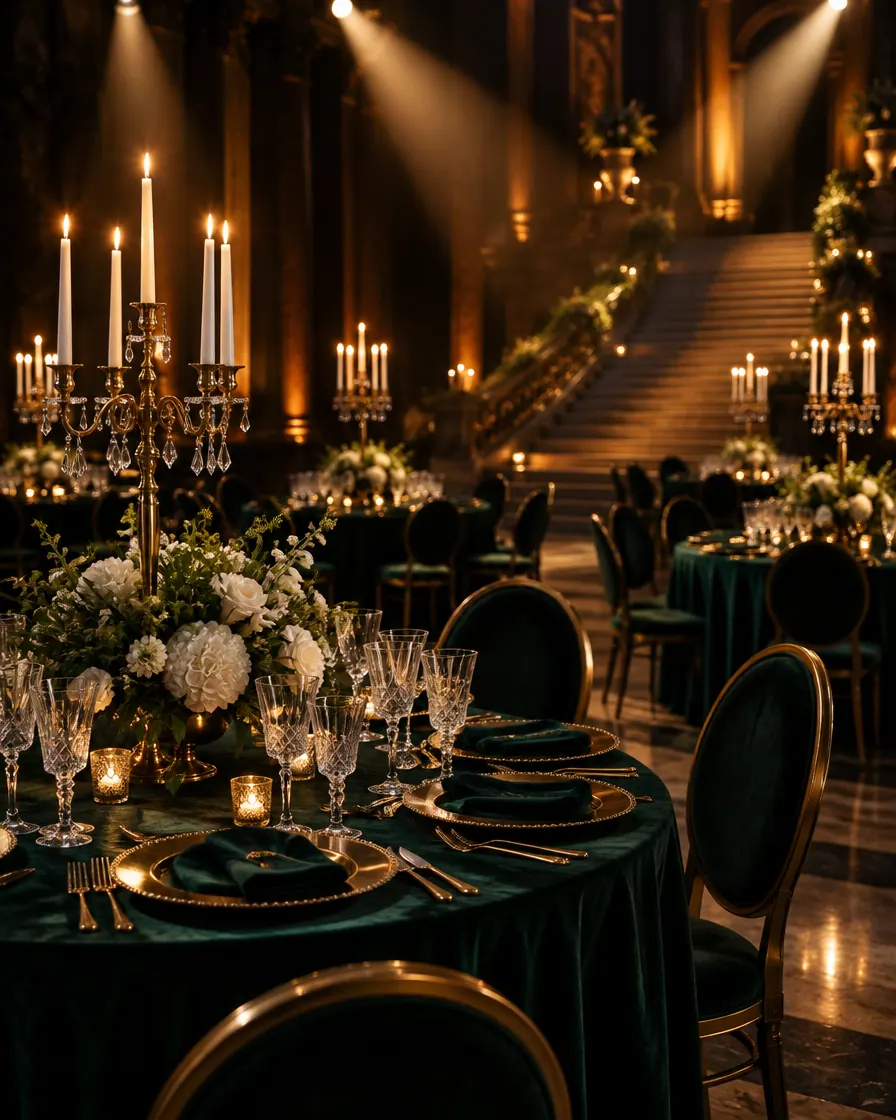
An embassy evening, a company’s anniversary drinks, a reception after an award. Guests drift in over hours rather than minutes, so the invitation asks roughly when they will arrive — and the door shows how the room is filling.
Made with AI
Ready inside
Choose this event type when you create the event and these are in place before you write a word. You can change every one of them.
Added to the reply page when you create the event. Edit them, remove them or add your own.
Guests are invited by name. Plus-ones start switched off, and you can switch them on when you want them.
The steps that matter for this kind of event lead the form; the others stay one click away.
Invitation ideas
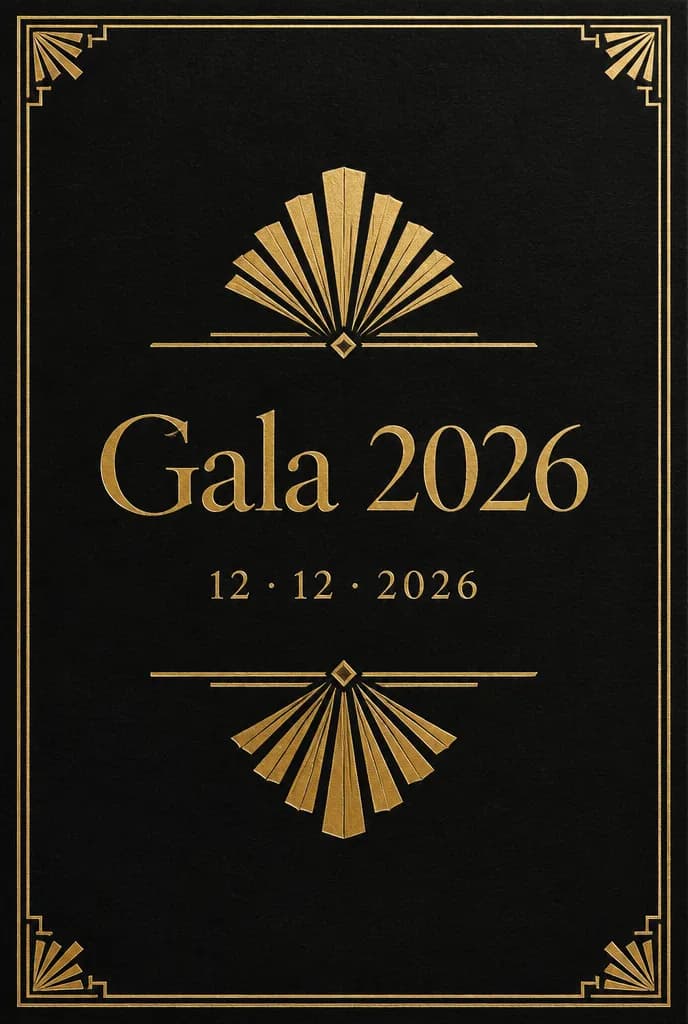
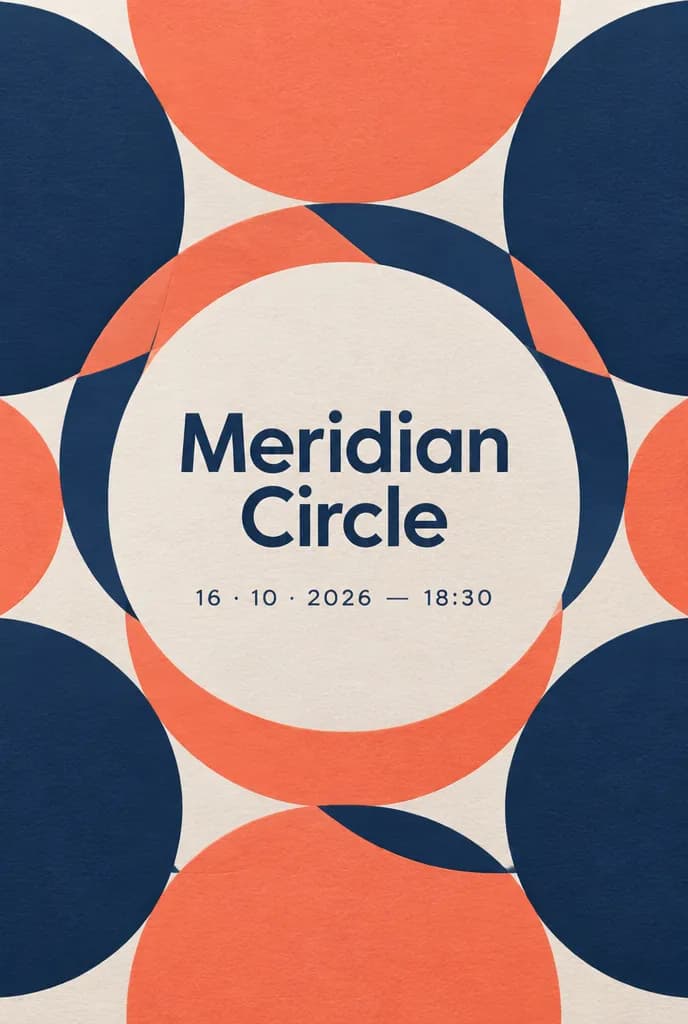
These invitations are ideas made with AI, here to dream from rather than templates to pick. On the Professional and Agency plans, Winglark’s AI assistant creates artwork and drafts the words for your own reception, and the host’s name, the date and the venue stay exactly as you entered them.
Ideas made with AI to show what is possible. They are not ready-made templates: yours is made for your event.
Made with AI
Describe the mood to Winglark’s AI assistant. It creates the artwork and drafts the words for your event, and your names, date and venue sit on top exactly as you entered them.
The AI assistant is included in the Professional and Agency plans.
Reception
The reply page suggests one question: roughly when will you arrive — early, mid-evening or late. Every answer is in the reply export, so the caterer can pace the canapés and the staff can plan their shifts.
The running order gives each moment a time, a room and a speaker — the welcome, the toast, the award — and the guest page shows it, so late arrivals know what they missed.
Mark guests as VIP, press, sponsor or speaker on the list, filter by type before the night, and send a group its invitation separately.
Plus-ones start switched off for a reception. Switch them on for everyone or only for the guests you choose, with an allowance of one or several.
A QR code per guest and any phone as the scanner, even without signal; each code admits once. Door check-in is a paid option, on the plans that include it or as an upgrade for a single event.
With door check-in, the report shows arrivals by hour and turnout against replies, and the attendance export lists who came.
What your guests see
Guests never need an account. They open an invitation, answer in a minute, and walk in with a code on their phone.
Inside Winglark
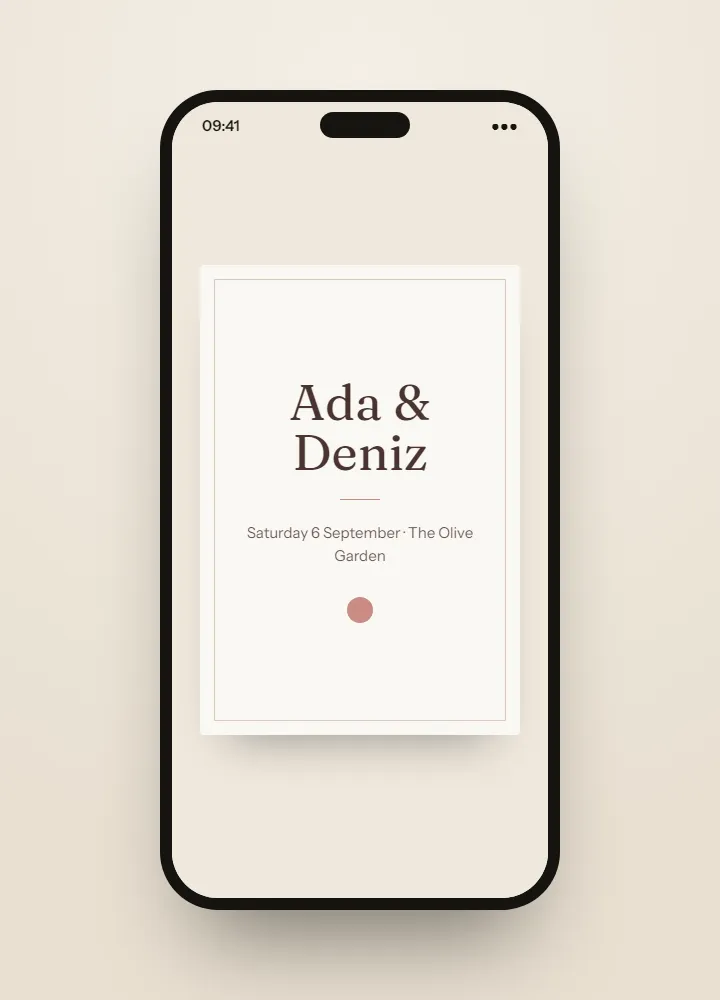
These are the product’s own screens, drawn with invented guests. Nothing here is a mock-up of something that does not exist.
ListGuard
Import a spreadsheet; duplicates, invalid addresses and missing details are found before anything is sent.
| Marta Ruizmarta.ruiz@atlas.example | |
| deniz aydındeniz@aydin.example | a name in one field |
| Jonas Weberj.weber@nord.example | |
| Marta RuizMARTA.RUIZ@atlas.example | the same person twice |
| Priya Ramanpriya@meridian.example | |
| Tom Kellehertom@kelleher.exmple | an address that cannot be delivered to |
| Sofia Lindqvistsofia@lindqvist.example | |
| Aziz Karimaziz@karim.example | someone who asked not to be written to |
| Elif Demirelif.demir@atlas.example | |
| Rachel Oseir.osei@harbour.example |
7 will be invited3 wait for a person
Reception
Arrival answers tell the venue how busy each part of the evening will be, and the door report shows how it really went, hour by hour.
On the Agency plan, the event is kept with the client it is for, and each client’s guest data stays apart from the others.
A name added in the afternoon gets its own invitation when you send to the new guests; nobody else is written to again.
At a reception people come and go over hours. The suggested question gives the caterer and the door team a sense of the evening; you can reword it or remove it.
Yes. They start switched off; switch them on for everyone or for the guests you choose, and set how many each may bring.
Yes. The door keeps working offline and checks the admissions again once the connection returns.
The reply report counts every state, and with door check-in you also see arrivals by hour, turnout against replies and an attendance export.
Paid places are not something you switch on yourself. They are activated with our team for eligible Agency members, on request.
Fifty guests, real invitations, real replies. Request access and we will open your workspace.