
What your guests are asked
Added to the reply page when you create the event. Edit them, remove them or add your own.
- Always askedWill you be there?
- Suggested for this eventAre you attending as press?Answered in their own words
Private view
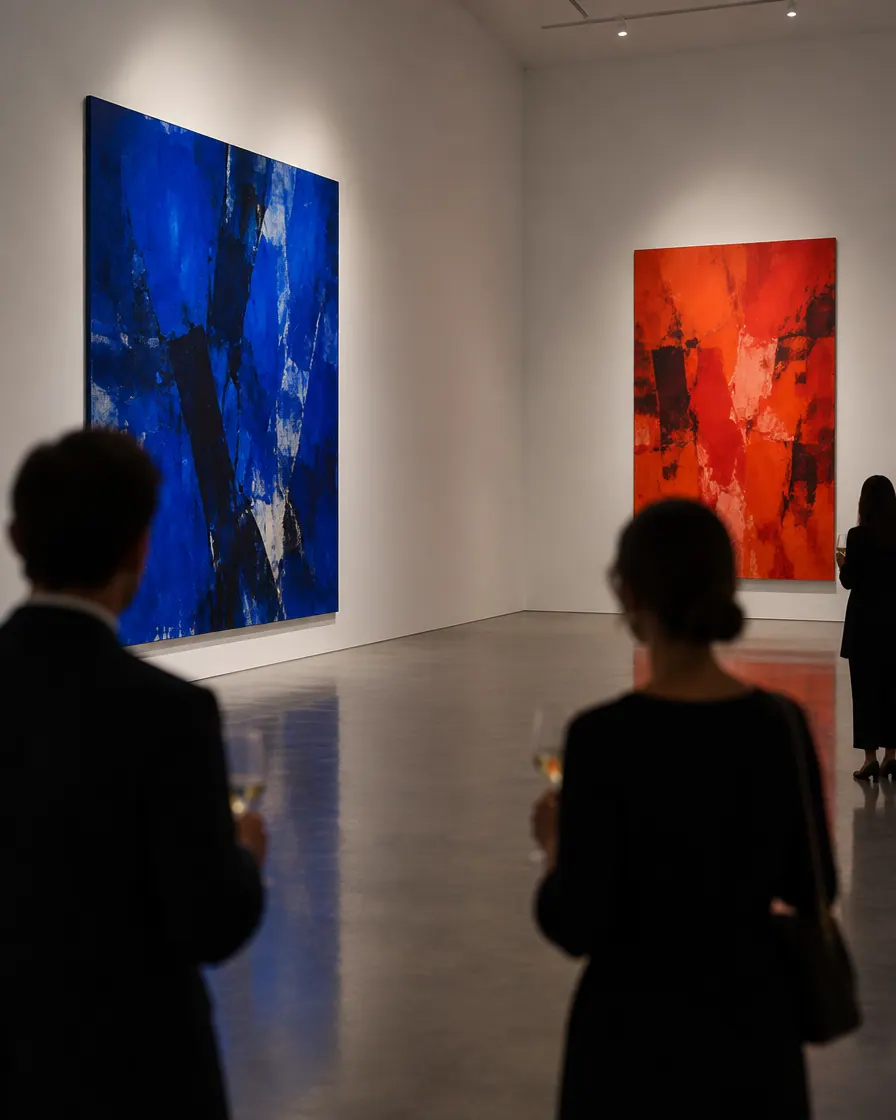
A private view is a small promise: you were asked first. The list is careful — collectors, lenders, critics, the artist’s own people — and the evening is short. Winglark sends an invitation worthy of the work, keeps every reply in one place, and tells you who came.
Made with AI
Ready inside
Choose this event type when you create the event and these are in place before you write a word. You can change every one of them.
Added to the reply page when you create the event. Edit them, remove them or add your own.
Every guest may bring one person to begin with. You change the allowance per invitation, or switch it off.
The steps that matter for this kind of event lead the form; the others stay one click away.
Invitation ideas
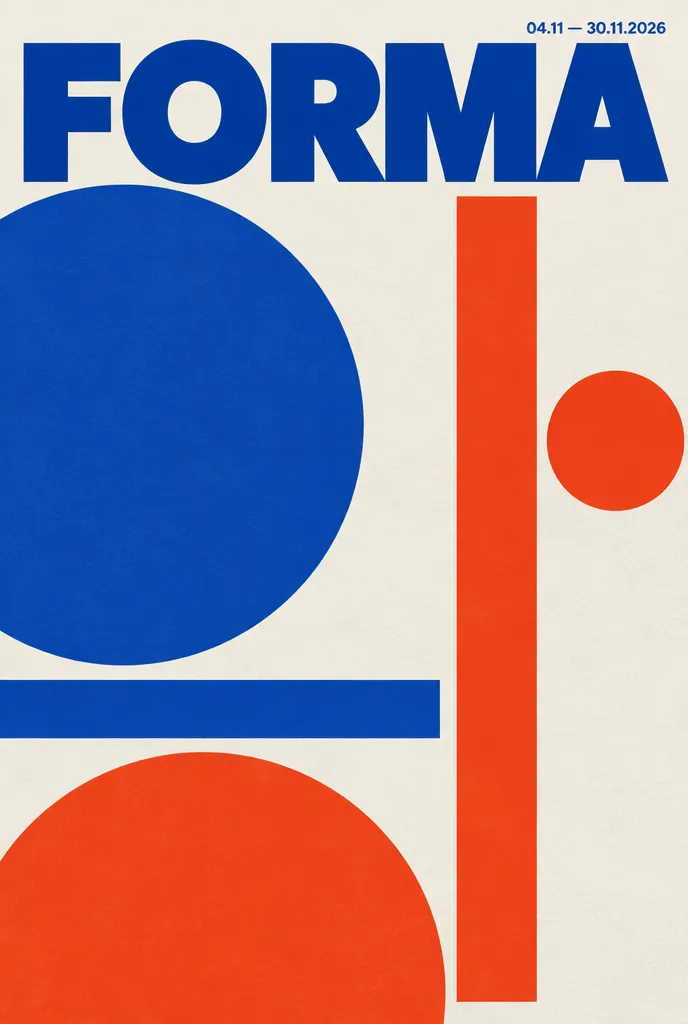
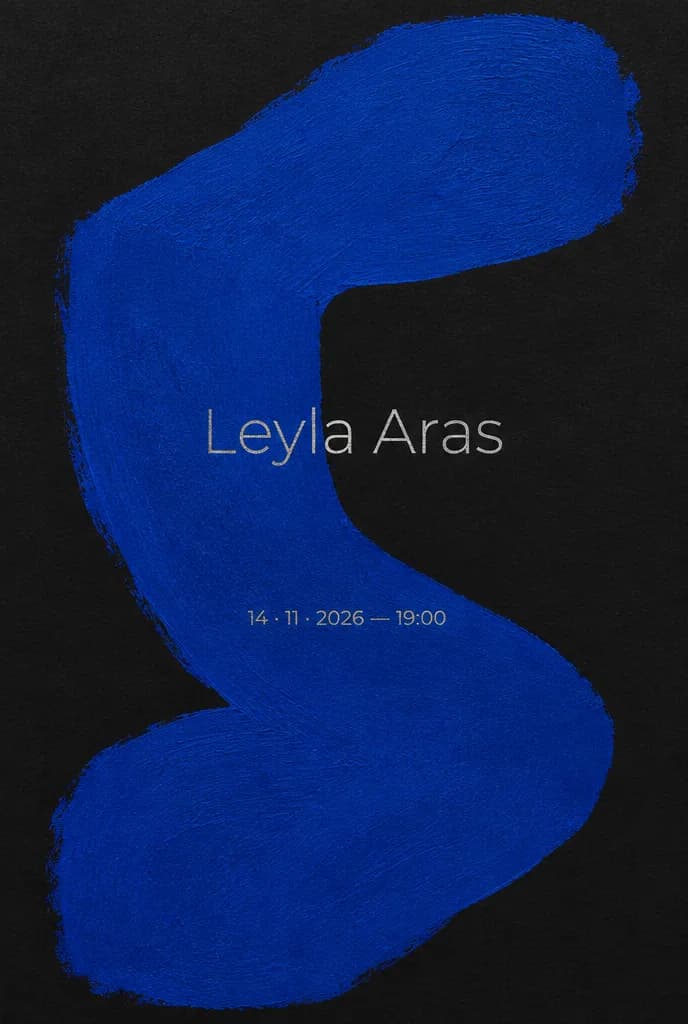
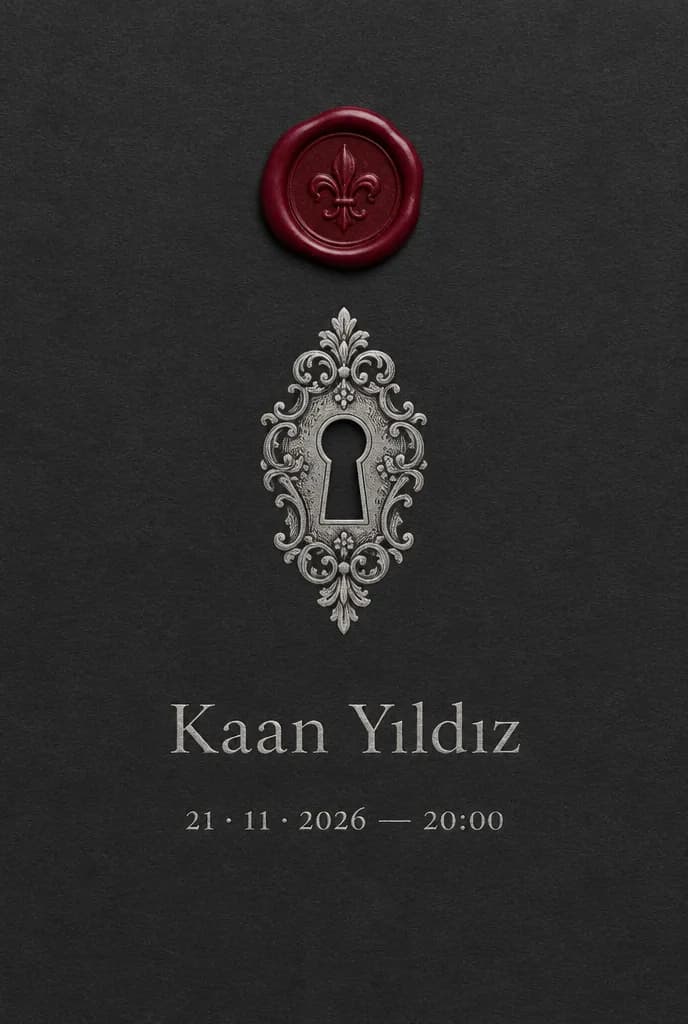
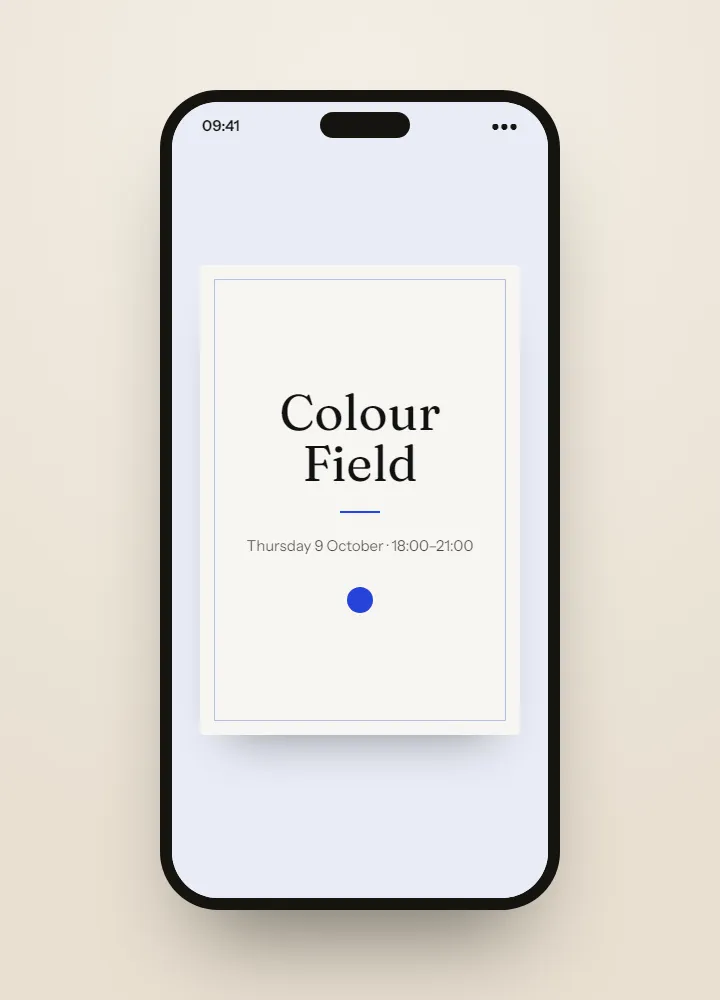
The invitations shown here are ideas made with AI, something to dream from rather than templates to fill in. For your own private view, on the Professional and Agency plans Winglark’s AI assistant creates the artwork and drafts the words — and the names, the date and the venue stay exactly as you entered them.
Ideas made with AI to show what is possible. They are not ready-made templates: yours is made for your event.
Made with AI
Describe the mood to Winglark’s AI assistant. It creates the artwork and drafts the words for your event, and your names, date and venue sit on top exactly as you entered them.
The AI assistant is included in the Professional and Agency plans.
Private view
Put a single work at the centre, shown whole or set quietly behind the words, with your gallery’s colours and typeface. Preview it exactly as a collector will open it.
The reply page suggests one question — are you attending as press? — and the answer sits with each reply and in the export. Mark press on the guest list too, and filter for them before the night.
Doors, the artist’s welcome, the last half hour: each item with its time, its room and who is speaking, shown in order on the guest page.
Every guest has a link of their own, unguessable and with no personal data in it. The list is yours, imported from CSV or Excel and checked for errors and likely duplicates before anyone is invited.
Filter to the guests who have not replied and send them the invitation again. It is the same link, and any answer already given stays untouched.
With door check-in on your plan or added to the event, each pass admits once, scanning works without signal, and the report sets arrivals against the replies.
What your guests see
Guests never need an account. They open an invitation, answer in a minute, and walk in with a code on their phone.
Inside Winglark
These are the product’s own screens, drawn with invented guests. Nothing here is a mock-up of something that does not exist.
ListGuard
Import a spreadsheet; duplicates, invalid addresses and missing details are found before anything is sent.
| Marta Ruizmarta.ruiz@atlas.example | |
| deniz aydındeniz@aydin.example | a name in one field |
| Jonas Weberj.weber@nord.example | |
| Marta RuizMARTA.RUIZ@atlas.example | the same person twice |
| Priya Ramanpriya@meridian.example | |
| Tom Kellehertom@kelleher.exmple | an address that cannot be delivered to |
| Sofia Lindqvistsofia@lindqvist.example | |
| Aziz Karimaziz@karim.example | someone who asked not to be written to |
| Elif Demirelif.demir@atlas.example | |
| Rachel Oseir.osei@harbour.example |
7 will be invited3 wait for a person
On the evening and after
Each guest gets their own page for the evening on Companion, and the morning after AfterFlow thanks those who came and writes to those who could not — from the same guest list.
Private view
Collectors and lenders invited to the private view, the wider list kept for the opening; saved lists carry into the next event without importing them again.
Press marked as press, the artist’s guests marked as family or VIP, and one clear head count — plus-ones included — for the bar and the door.
For an agency, each gallery’s private views are kept with that client, and each client’s guest data stays apart from the others.
Private view
A private view tells guests they were asked first, so keep it spare: the artist, one work, the date, the time and the address. Your words stay exactly as you wrote them, while the email and the reply page appear in each guest’s own language.
Ask whether each guest is coming, whether they bring someone and whether they are attending as press. Plus-ones start on, one per guest; switch them off if the invitation is strictly for one person. Then follow up quietly with the guests who have not replied.
Collectors, lenders, critics and the artist’s own people: the list is careful, and it is yours. Mark press as press and the artist’s guests as family or VIP, and keep the wider list for the public opening as a saved list, ready without importing it again.
Greet guests by name from a printed list, or use door check-in, where each pass admits once and scanning works without signal. The report then sets arrivals against the replies, so you know who came before the public opening.
A private view suggests one reply question, whether a guest is attending as press. An exhibition also offers visit-time slots and asks which works a guest would like to see.
Yes, by default for private views, one per guest. Switch them off if the invitation is strictly for one person.
Each link belongs to one guest and carries that guest’s one reply. With door check-in, each pass admits once, so a forwarded pass does not bring in two people.
Yes. The invitation email and the reply page appear in English, Turkish, German, French or Spanish to suit the guest; the words you wrote stay exactly as written.
It is a paid option: included in the plans that have it, or added to a single event. Without it, your list still does the job at the door.
Fifty guests, real invitations, real replies. Request access and we will open your workspace.