
EventSite
Every event deserves its own website. Everyone who registers is a guest.
A page for your wedding, your conference or your launch at winglark.com/events/ and a name you choose — in a theme that looks made for it, with registration that adds people straight to your guest list. Before the day it invites, on the day it tells people where to go, afterwards it keeps the photographs.
- On every plan, the free event too
- Registrations land on your guest list
- Five languages, no app for guests
Illustrative wedding and conference. The pages are drawn from EventSite as it works.
Six themes, one event
The same wedding, dressed six ways. Pick the one that sounds like you.
A theme is a whole art direction — type, colour, how the cover photograph sits, the rhythm of the page — not a colour picker. Or let the page wear your invitation, so the card in a guest’s hand and the page on their phone are one object.
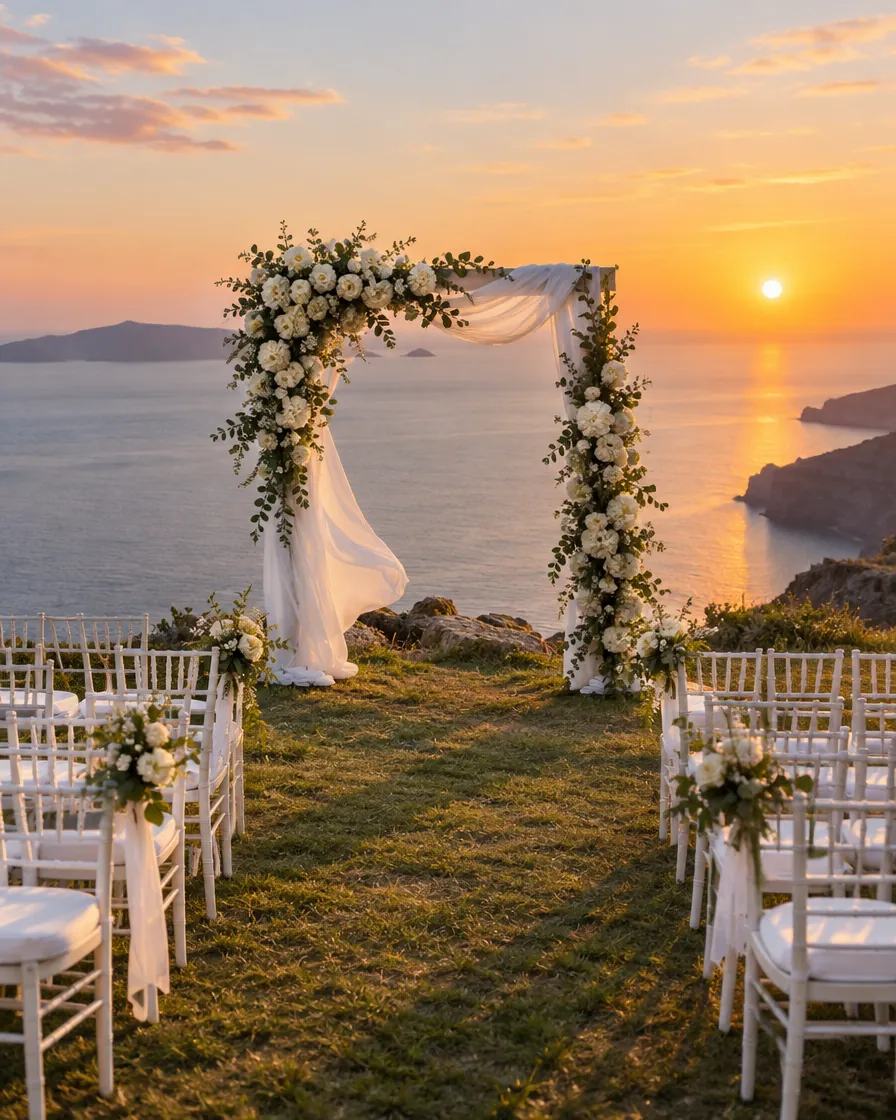 Elif & Jonasare getting marriedSaturday 12 June 2027 · Bodrum
- 17:00The vows, on the cliff
- 19:30Dinner under the olive trees
- 22:00Dancing until late
Garden Soft serif and a handwritten flourish, sage on ivory, the photograph framed like a print.
One page, three acts
The page knows what time it is.
You write one page. It changes by itself, from the event’s own start and end times — nobody has to remember to update it at midnight.
Before
Elif & Jonasare getting marriedSaturday 12 June 2027 · BodrumProgramme- 17:00The vows, on the cliff
- 19:30Dinner under the olive trees
- 22:00Dancing until late
Welcome, Selin✓ You’re comingTable 4Made with WinglarkAn invitation to the worldA countdown, your story, the programme and the venue — and the registration form, or, for an invited guest, their own answer.On the day
Happening nowThe vows, on the cliffFrom the room just now

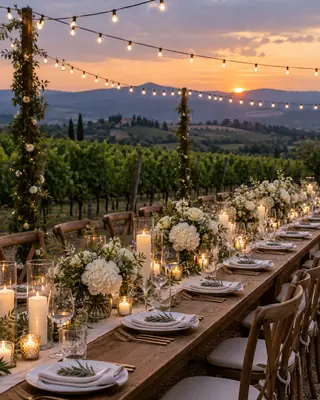 Next19:30 Dinner under the olive treesMade with WinglarkWhere to go, what is onWhat is happening now and what comes next, the way in, the live stream for those far away, and links to Companion and the Live Wall.
After
Thank you for comingTwo hundred and forty photographs from you, so far.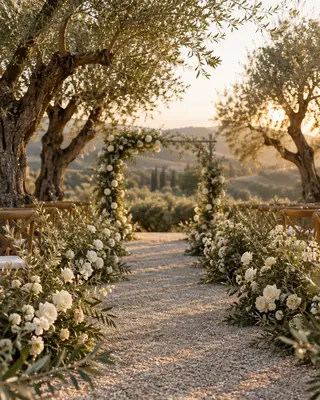

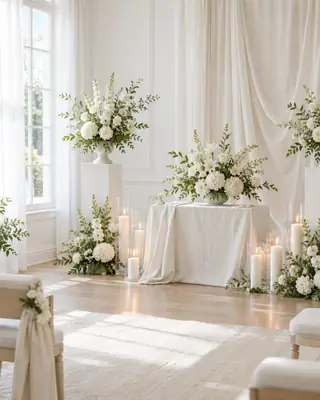 Made with WinglarkThank you, and the photographsA thank-you and the photographs guests shared through MomentFlow, approved by you, in one place.
From three hours before the start, the page turns to the day; when the event ends, it turns to the memories.
Illustrative wedding and conference. The pages are drawn from EventSite as it works.
A registration is a guest
Someone fills in the form. A guest appears on your list.
Not a lead in a side table, not a spreadsheet to import later: a registrant is a guest on the same list as everyone you invited, so the rest of Winglark treats them exactly the same.
- The formName and e-mail, the fields you ask for, your event’s own questions — confirmed from their inbox.
- On your listMarked as registered, with their reply and their answers.RSVP management →
- A pass for the doorTheir own invitation link and QR code, scanned by GatePass.GatePass →
- A chairSeated by SeatMap like any other guest.SeatMap →
- A badgePrinted by BadgeDesk with the name they gave.BadgeDesk →
- Your CRMSynced and sent to your webhooks like every guest.Integrations →
Registration
Open the doors, or keep the key.
Choose how people join for each event, and how many may come. The form speaks the page’s language and asks only what you need.
- OffInformation onlyThe page is information. Invited guests answer on their invitation.
- OpenConfirmed by e-mailWhoever registers is in, once they press the link in the e-mail we send them — no waiting for you.
- With approvalWaiting for youEach registration waits until you approve it. Useful when the room is small or the list is particular.
- Capacity and a waiting list
- Set a number of places; when it is full, the form closes or takes a waiting list — your choice.
- Only the fields you need
- Phone, company and job title, each optional or required. Name and e-mail are always asked.
- Your event’s questions
- The same questions your invitation asks — meal, workshop, arrival — on the form too.
- People they bring
- Let one registration bring people along, up to the number you set.
- Your terms
- A consent line of your own that registrants tick before they send.
- Opens and closes on time
- Registration follows your dates and closes by itself when the event starts.
- Real people, confirmed
- By default a place counts only after the registrant presses the link in the e-mail we send, so your list is people who meant it.
- An audience for the next one
- An optional “Tell me about your next events” on the form, never ticked in advance, and a “Hear about what’s next” section for visitors who are not registering. Each yes joins your AudiencePass audience with their consent.
 Elif & Jonasare getting marriedSaturday 12 June 2027 · Bodrum
We met on a delayed ferry to Bozcaada and have been late together ever since.
Programme- 17:00The vows, on the cliff
- 19:30Dinner under the olive trees
- 22:00Dancing until late
- Travel
- Shuttle from Bodrum airport, every hour from 13:00
- Dress code
- Summer formal. Flat shoes for the cliff path.
- Gifts
- Our honeymoon fund ↗A registry at the Linen Shop ↗
For a wedding
The wedding website your guests will actually open.
Your story, the day hour by hour, where to stay, what to wear — and the moment a guest opens it from their invitation, it greets them by name with their answer and their table.
- Greeted by name
- A guest arriving from their invitation link sees “Welcome, Selin”, the reply they gave and, once the seating is published, their table from SeatMap.
- Travel and stay
- Hotels, the shuttle, the nearest airport, each with a note and a link.
- What to wear
- A dress code in your words, so nobody has to ask the bride.
- Gift links
- Links to your own registry or honeymoon fund elsewhere. Winglark never takes money for gifts.
For those who cannot be there
Grandmother watches the vows from another country — and sees the photos arrive from the room.
Stream the ceremony on YouTube or Vimeo and it plays inside the page; use Zoom, Teams or any meeting link and it opens in a new tab. Beside the stream, the guests’ photographs from the room appear as you approve them.

- Only family, if you like
- By default only invited guests who open the page from their own invitation link can watch. Or everyone with the address — your choice.
- Loaded when they press play
- The video player loads only when a viewer presses play, never before.
- The room, as it happens
- While the event is live, approved MomentFlow photos from the room update beside the stream on their own.
- A recording afterwards
- Add the recording’s link when you have it, and the page keeps it for the people who missed it.
Winglark does not host or record video: the stream stays on YouTube, Vimeo or your meeting platform.
For a conference
A registration page that fills itself in.
The programme comes from SessionFlow, the speakers from the programme, the sponsors from SponsorFlow, the venue and the questions from the event. Change a session once and the page already says so.

 Two days on the future of workNorthwind Summit 202714–15 April 2027 · Lisbon
- 09:00Opening keynoteAyşe Demir
- 10:30Panel: teams without bordersJonas Weber, Clara Fontaine
- 13:30Workshops in four rooms
- Ayşe DemirHead of Product, Lumen Labs
- Jonas WeberCFO, Northwind
- Clara FontaineReporter, Le Quotidien
- Nothing typed twiceSections that read Winglark data — programme, speakers, sponsors, venue, FAQ — show what the event already holds.
- Capacity you can trustRegistrations count places as they come in, then take a waiting list or close.
- Approval for the right roomApprove each registration when the audience matters as much as the number.
- Listed where people searchA public page is described to search engines as an event, with its date and place.
Illustrative wedding and conference. The pages are drawn from EventSite as it works.
Who sees it
Public, unlisted, or for invited guests only.
A wedding is not a product launch. Each page decides who may read it.
- The defaultUnlistedAnyone with the address can open it; search engines are asked not to list it.
- For open eventsPublicListed for search engines, with the event’s date and place described for them.
- For private daysInvited guests onlyOnly guests arriving from their own invitation link see the page; everyone else sees the cover and a polite note.
- Add to calendarOne tap, with the right time zone.
- ShareA link, and a preview image made for each event.
- Five languagesThe page’s own words in English, Turkish, German, French or Spanish.
- Views and registrationsCounted in your studio as they happen.
On which plans
- The page and registration
- On every plan, the free event included.
- Registrations
- Count against your plan’s guest limit, like any guest.
- Without the Winglark mark
- On Starter, Professional, Agency and the Single Event.
- Tickets
- Paid entry is not taken on the page; TicketFlow is switched on with our team.
Questions
Can I make a wedding website with RSVP?
Yes. Your wedding page carries your story, the programme, travel, dress code and gift links. Invited guests who open it from their invitation see their own answer and can change it; with registration open, others can reply on the page too.
Can people register for my event without an account?
Yes. They fill in the form on the page — name, e-mail and whatever you ask — and become a guest on your list with their own invitation link. Nobody installs an app or creates an account.
Can I approve each registration before it counts?
Yes. With registration by approval, every registrant waits until you approve them; only then are they confirmed and sent their invitation link.
Can I invite registrants to my next event?
Yes, the ones who asked. The form can offer an optional “Tell me about your next events”, never ticked in advance; those who tick it and confirm their e-mail join your AudiencePass audience with their consent, and your next invitation reaches them in one step.
Can visitors sign up for our next events without registering?
Yes. Add the “Hear about what’s next” section: a visitor leaves an e-mail address and ticks that they want your upcoming events — no registration, no place taken. They join your AudiencePass audience with their consent, credited to the event where they signed up, and confirm by e-mail when your list asks for it. The same section lists your other events that have a public page.
What happens when my event is full?
Set a number of places. When it is reached, the form either closes or takes a waiting list — you choose for each event.
Can I hide the page from Google?
Yes. Pages are unlisted by default: anyone with the address can open them, and search engines are asked not to list them. You can also make a page visible to invited guests only, or public when you want it found.
Can guests who can’t come watch the wedding online?
Yes. Stream it on YouTube or Vimeo and it plays inside the page, or add a Zoom, Teams or other meeting link that opens in a new tab. By default only invited guests opening the page from their own link can watch. While the event is live, the guests’ approved photos from the room appear beside the stream; afterwards you can add the recording’s link. Winglark does not host or record the video itself.
Do you take money for wedding gifts?
No. Gift links lead to your own registry or honeymoon fund on another site. Winglark never handles that money.
Can I use my own domain name?
No. Every page lives at winglark.com/events/ followed by a name you choose, such as winglark.com/events/elif-and-jonas.
Can I sell tickets on the event page?
Not on the page itself. Paid entry runs through TicketFlow, which our team switches on with you; the page can link to it.
Does the event website cost extra?
No. It is on every plan, the free event included. Registrations count against your plan’s guest limit, and the small “Made with Winglark” mark is removed on Starter, Professional, Agency and the Single Event.
Give your event a page worth opening.
Write it once. It invites, it guides on the day, and it keeps the photographs afterwards — with every registrant already on your list.