Free tool
Free place card maker: print-ready name cards for every guest
Choose a design, bring in your guest list or seating chart, and download a print-ready PDF — folded or flat place cards for a wedding or a dinner, large name tents for a meeting, or table cards listing each table’s guests — with bleed, crop marks, fold ticks and a scale check, ready for a home printer or a print shop.
- Free, no sign-up
- Runs in your browser — nothing you type is uploaded
- Excel, CSV and PDF, ready to use
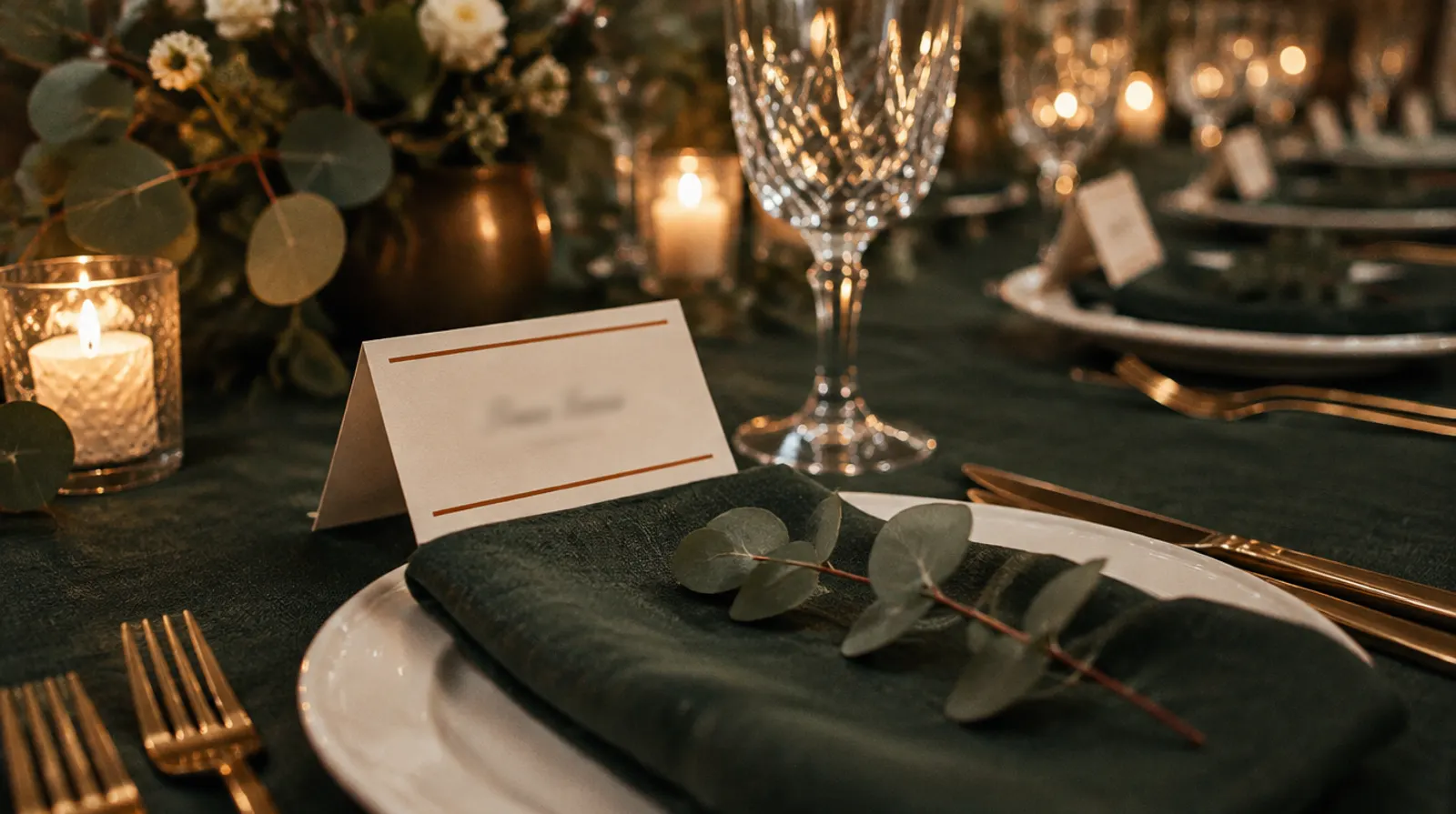
Start from an example
Six occasions, each with its card and design. Pick one to load it, then change the names.
Wedding
Dinner party
Meeting
Birthday
Gala
Garden lunch
Open a file you made here
Only files made with this Winglark tool can be opened and updated here. Open the PDF, Excel or CSV file it gave you, make your changes and download it again. The file is read in your browser; nothing is uploaded.
Your card
Elena Marsh
Table 3
0 cards
The first sheet, as it prints
Print at 100% (not “fit to page”) on 250–300 gsm card. Cut on the corner marks; fold folded cards on the dashed ticks.
Names on the cards
Type, paste rows from a spreadsheet, or bring the list in from the guest list or seating chart tools.
0 cards
| # | Name | Second line | Needs | Remove |
|---|---|---|---|---|
| 1 | ||||
| 2 | ||||
| 3 | ||||
| 4 |
Printing
Print them so they look bought, not printed
The PDF does its part: colour past the cut, marks where to cut and fold, fonts embedded. These five steps do the rest.
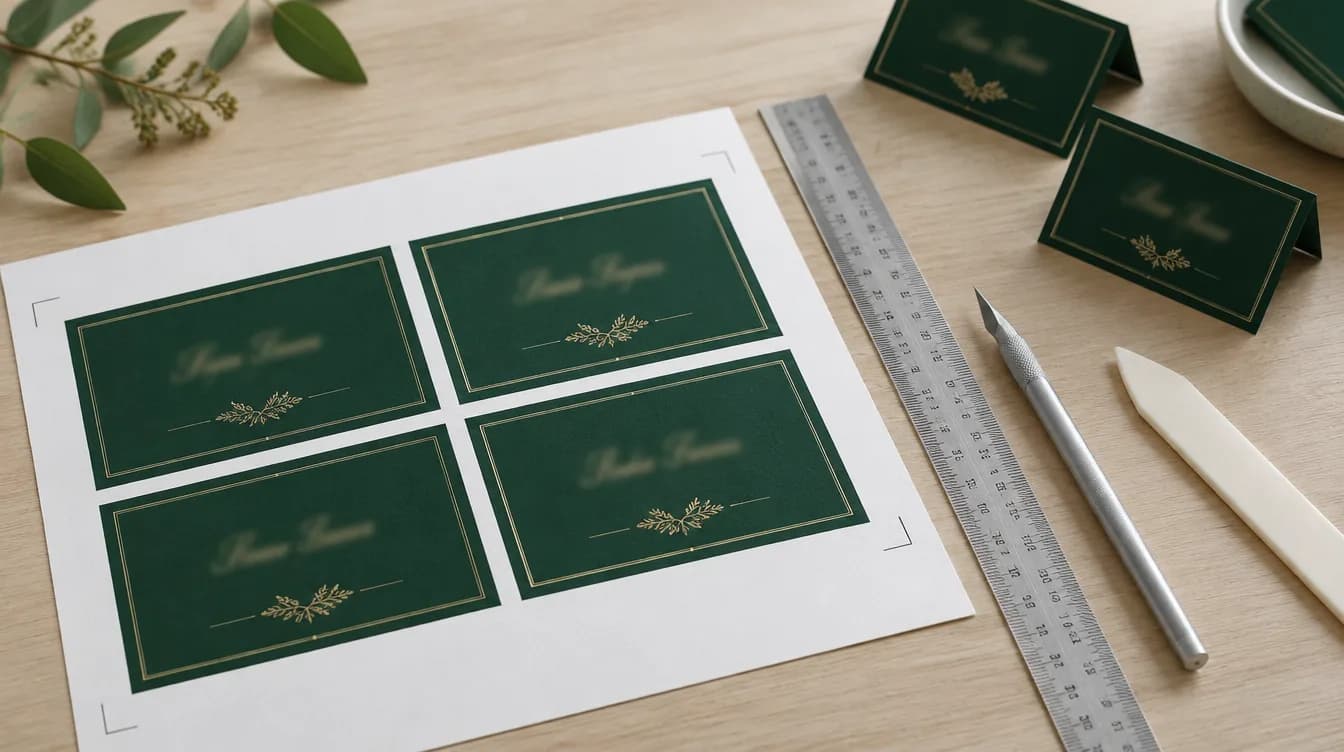
Choose the card
Matte card of 250–300 gsm stands up and holds a fold. Check the heaviest card your printer takes in its manual, and use the rear or manual feed if it has one.
Set the printer
Choose “Actual size” or 100%, never “Fit to page”. Set the paper type to card or heavy matte paper and the quality to high.
Check the scale
Print the first page on plain paper and measure the 50 mm bar under the cards. If it is not 50 mm, scaling is on: turn it off and print again.
Cut on the marks
A craft knife and a metal ruler on a cutting mat give straighter edges than scissors. Line the ruler up with two marks and cut through; the colour runs 3 mm past the cut, so a slight miss leaves no white edge.
Score, then fold
Score the fold first with a bone folder or an empty ballpoint along the ruler between the dashed ticks, then fold with the printed side out.
The cards come from your list. So does everything else.
In Winglark the same guest list sends the invitations, collects replies and meal choices, and checks each guest in at the door, with their table on the screen.
See guest management in WinglarkHow to use it
Type or paste the names, or bring them in from the guest list template or the seating chart maker — tables and needs come with them.
Choose the card: folded to stand on the table, flat for the plate, a large name tent for a meeting, or a table card listing who sits there.
Pick one of six designs, or start from an example (a wedding, a dinner, a meeting, a birthday, a gala, a garden lunch), and add a line for every card, such as the event and the date.
Download the PDF, print at 100% on 250–300 gsm card, cut on the marks and fold on the ticks.
In Winglark
In Winglark, the name on the card is the name on the list
The cards are only as right as the list behind them. In Winglark that list is one record per guest, from the invitation to the door.
- Each guest’s table is kept on their record, and the door scanner shows it to the person who lets them in.
- Meal choices and allergies are answered by the guests themselves on the reply form, not copied from messages.
- A guest who cancels or brings a named companion changes the same record, so the next printout is right.
Questions
What size is a place card?
The folded cards here show a face of 88 × 50 mm and are printed four to an A4 or Letter sheet; the flat ones are the same face, eight to a sheet. Table cards have an A6 face, one to a sheet.
What paper should I print place cards on?
Card of 250–300 gsm holds a fold and stands up on a table. Print at 100% scale, not “fit to page”, so the cards keep their size and the crop marks line up.
How do I cut and fold them?
Each card is printed with its colour running 3 mm past the cut, so a little error leaves no white edge. Cut on the short marks at the corners; fold the folded cards on the dashed ticks at the sides.
Can the cards show who is vegetarian or has an allergy?
Yes. Switch on the marks for the service team and each card carries small symbols in a corner — vegetarian, vegan, allergy, high chair, step-free access, child — taken from your seating chart or added here.
Can I make name tents for a meeting or a conference?
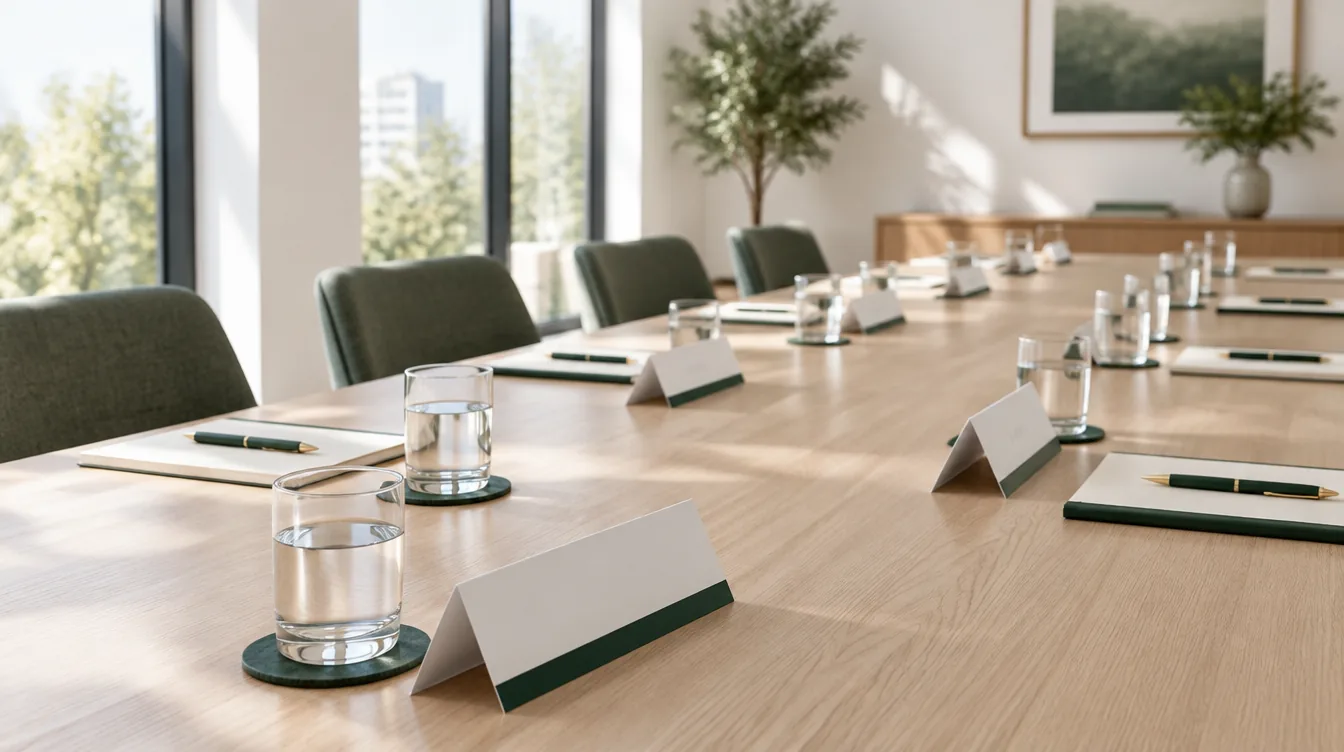
Yes. Choose the meeting name tent: a 180 × 55 mm face, folded, two to a sheet, with the name large enough to read across a meeting table and a second line for a title or a company. The corporate design suits it best.
See it on your own event.
Winglark is in early access. Request access, a person reviews it, and an invitation to your workspace follows.