

What your guests are asked
Added to the reply page when you create the event. Edit them, remove them or add your own.
- Always askedWill you be there?
- Suggested for this eventWhich days are you coming?Answered in their own words
Festival
A festival invites in layers: the organisers’ guests, performers and their crews, press, sponsors, and the people who make it run. Winglark sends each of them a proper invitation, asks which days they are coming, and keeps the gates moving on ordinary phones, even where the signal gives out.

Made with AI
Ready inside
Choose this event type when you create the event and these are in place before you write a word. You can change every one of them.
Added to the reply page when you create the event. Edit them, remove them or add your own.
Every guest may bring one person to begin with. You change the allowance per invitation, or switch it off.
The steps that matter for this kind of event lead the form; the others stay one click away.
Invitation ideas
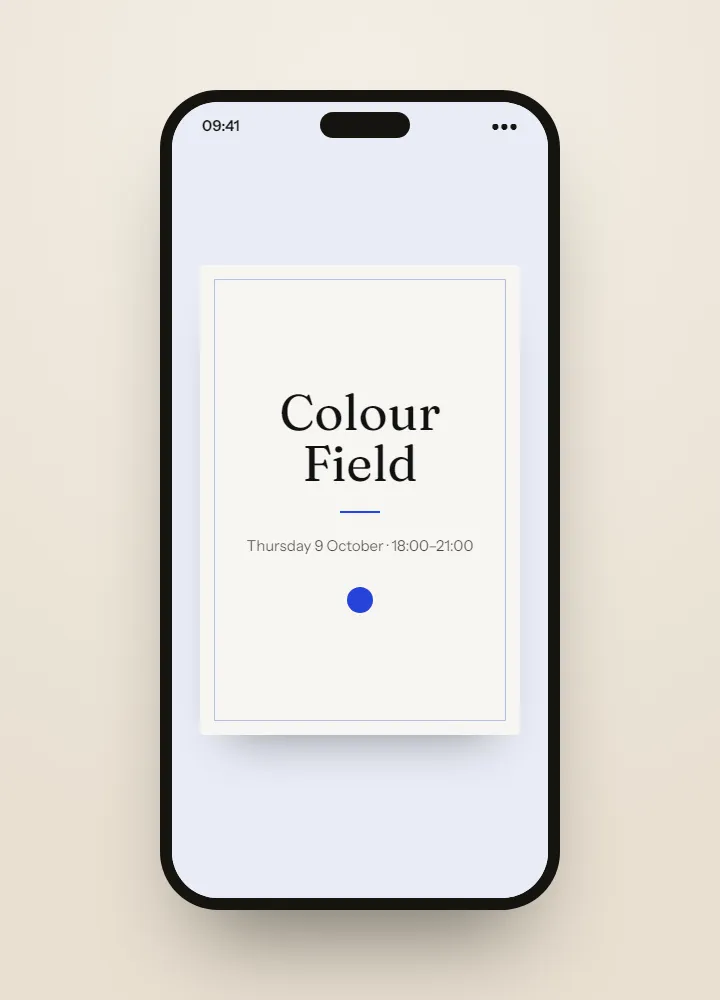
The invitations shown here are ideas made with AI, something to dream from rather than templates to fill in. For your own festival, on the Professional and Agency plans Winglark’s AI assistant creates the artwork and drafts the words — and the names, the dates and the venue stay exactly as you entered them.
Ideas made with AI to show what is possible. They are not ready-made templates: yours is made for your event.
Made with AI
Describe the mood to Winglark’s AI assistant. It creates the artwork and drafts the words for your event, and your names, date and venue sit on top exactly as you entered them.
The AI assistant is included in the Professional and Agency plans.
Festival
A suggested reply question, required by default, asks which days each guest is coming. Every answer lands in the replies export, one column per question, ready for the day-by-day plan.
Build the running order item by item, each with its time, its stage or room and who is performing or speaking. The guest page shows it in order, so the invitation and the weekend agree.
Mark guests as performer, press, sponsor, VIP, vendor or staff. Filter the list and the invitations by type, and send each group only what it needs.
With door check-in on your plan or added to the event, any phone becomes a scanner. It keeps working offline and re-checks the offline admissions once it is back online. Each pass admits once.
A headliner’s guests reach you the week before. Add them to the list and only the new names receive the invitation; everyone else is left in peace.
The report shows arrivals by hour and turnout against the replies, with an attendance export for the sponsors and the debrief.
What your guests see
Guests never need an account. They open an invitation, answer in a minute, and walk in with a code on their phone.
Inside Winglark
These are the product’s own screens, drawn with invented guests. Nothing here is a mock-up of something that does not exist.
ListGuard
Import a spreadsheet; duplicates, invalid addresses and missing details are found before anything is sent.
| Marta Ruizmarta.ruiz@atlas.example | |
| deniz aydındeniz@aydin.example | a name in one field |
| Jonas Weberj.weber@nord.example | |
| Marta RuizMARTA.RUIZ@atlas.example | the same person twice |
| Priya Ramanpriya@meridian.example | |
| Tom Kellehertom@kelleher.exmple | an address that cannot be delivered to |
| Sofia Lindqvistsofia@lindqvist.example | |
| Aziz Karimaziz@karim.example | someone who asked not to be written to |
| Elif Demirelif.demir@atlas.example | |
| Rachel Oseir.osei@harbour.example |
7 will be invited3 wait for a person
 Two days on the future of workNorthwind Summit 202714–15 April 2027 · Lisbon
The event’s own website
A public page listed for search engines, with the programme and the way in, that turns into “happening now” on the day.
See EventSite →
Guest photos and videos
A code per stage, a wall at the entrance, and a private library of everything sent — sorted by where it was taken.
VoiceBook · Messages guests leave for you: voice, video, text
During the event
Updates on every guest’s phone as the day moves — the next set, the bus, the weather — and reactions on the big screen.
Festival
Performers, crews, press and sponsors’ guests on one list, each marked by type, with day choices reading straight out of the export for the gate teams.
Every talk in the programme with its time, its room and its speaker; speakers marked as speakers; press filtered for the press desk.
One opening night, a guest list brought in from last year’s saved list, and arrivals by hour at the gate for the sponsors’ report.
Festival
A festival invites in layers: guests, performers and crews, press, sponsors. Give each layer its own round, filtered by guest type, with the name, the dates, the site and the line-up in your festival’s colours, and every stage and set time in the programme.
Ask which days each guest is coming, required by default, so the gate teams can plan day by day from the export. Plus-ones start on, one per guest. If guests need entry on several days, set up each day as its own event, because each pass admits once.
Performers’ guests, crews, press and sponsors arrive on separate lists, and a headliner’s names arrive the week before. Mark each guest by type, import and review duplicates before inviting, and add late names knowing that only they receive the invitation.
With door check-in, any phone becomes a gate scanner, several at once, and it keeps working where the signal gives out, re-checking offline admissions once back online. Each pass admits once, and the report shows arrivals by hour for the sponsors and the debrief.
Paid places are activated with our team for eligible Professional and Agency members, on request, after a short review. Invitations, replies and check-in work without it.
Each pass admits once. If guests need entry on several days, set up each day as its own event and invite guests to the days they chose.
Yes, with door check-in. Several phones scan at the same time, and every scan joins one count.
Yes. It starts as required, and you can make it optional, change the days, or remove it. The attendance question is always asked.
It is a paid option: included in the plans that have it, or added to a single event.
Fifty guests, real invitations, real replies. Request access and we will open your workspace.