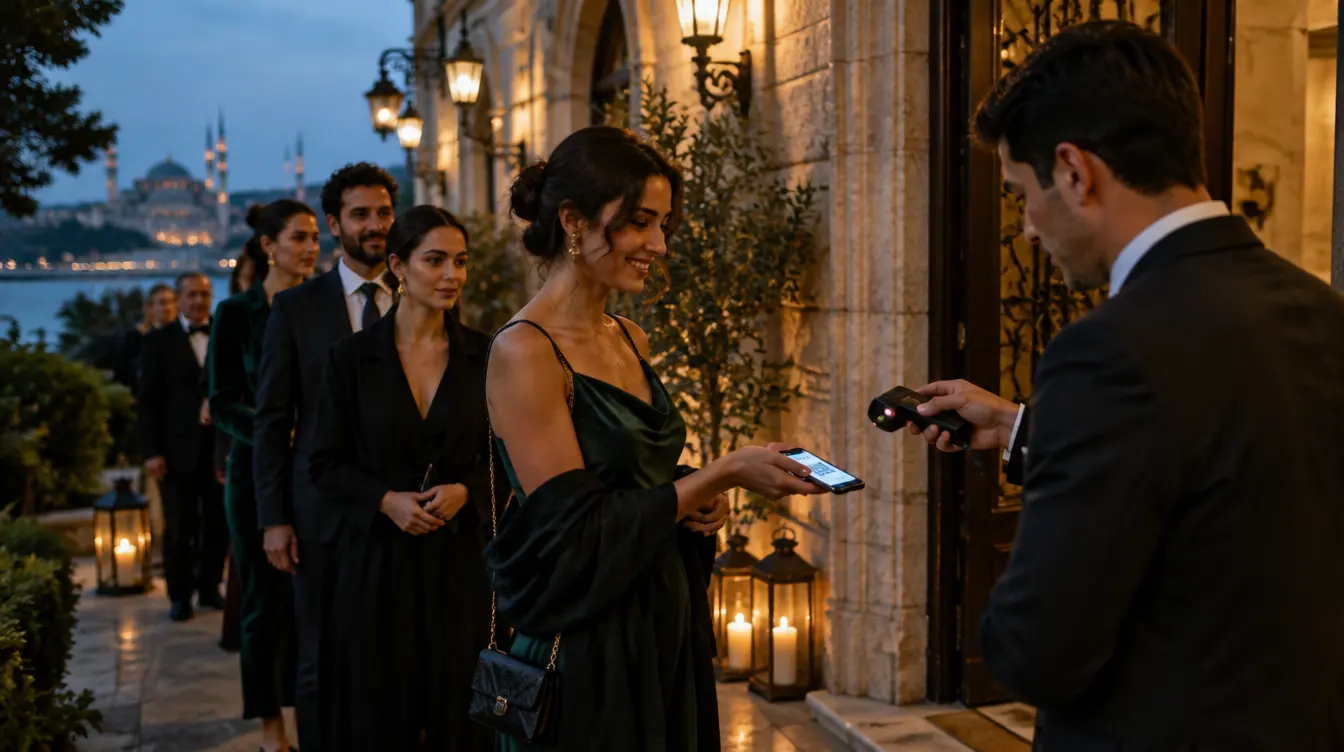
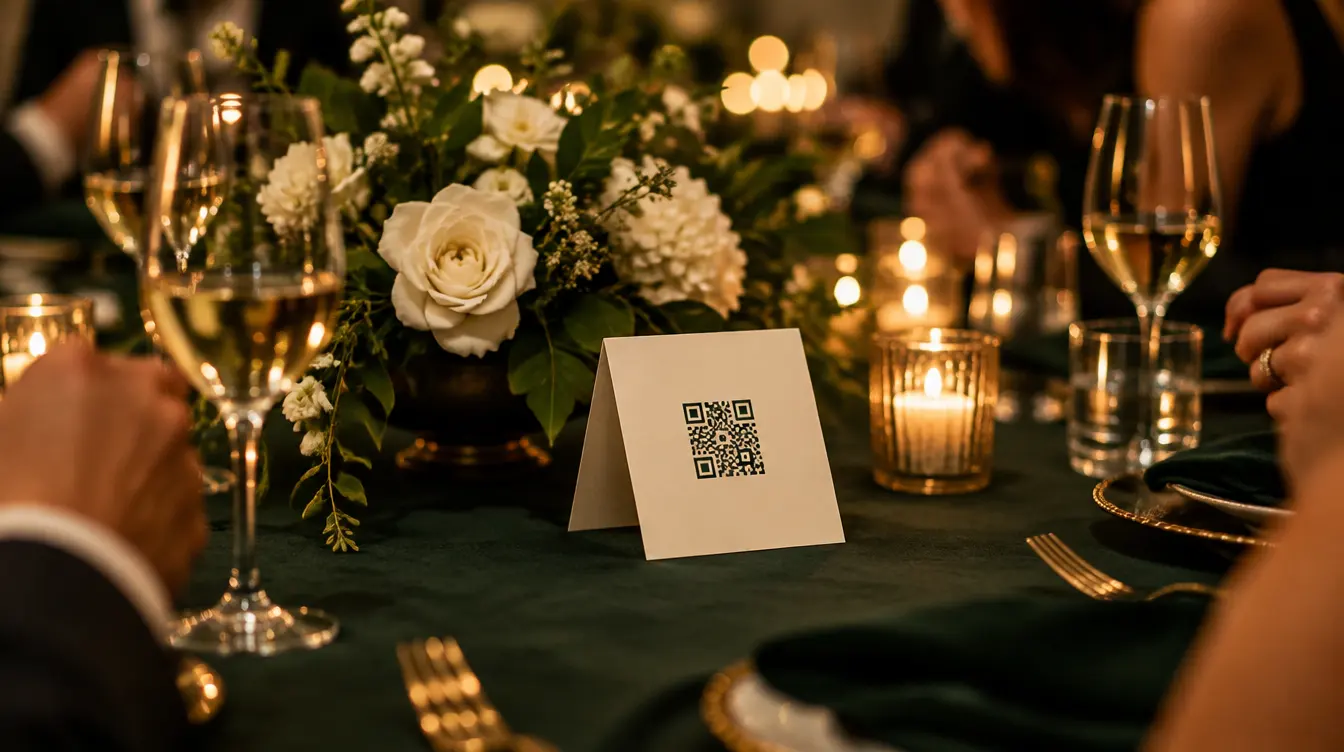
Companion gives each guest their own page for the evening: their pass, the time and the place, what the organisers are saying right now, the poll that is open and the questions they have asked. They open it from their invitation or from a QR code in the room. No app to install, no account to create.
Illustration: the evening, names and figures are invented.
Two ways in
A personal link for each guest. An open link for the room.
Guests on the list reach their own page from their invitation; anybody in the room can join from a code on a table card, a slide or the screen. Both open the same evening — only one of them knows who you are.
The guest’s invitation page
From the invitation
While the organiser has the live layer on, a button appears on each guest’s invitation page. It opens their own page, greeted by first name.
Greets the guest by first name
Carries their entry pass while door check-in is active
Shows the status of the questions they asked
A table card · A slide · The room screen
From a code in the room
One open link for everyone present, printed on a table card, put on a slide or shown on the room screen. Guests join anonymously.
Anonymous: no name, no sign-in
Polls, questions, reactions and updates
Never shows anybody’s pass
Made for venue Wi-Fi
A basement, a marquee, four hundred phones on one network.
Connections in a venue come and go. The guest’s page is built for that: it keeps what it last loaded, says how old it is, and finds its way back on its own.
Live
Updates arrive while the page is open: a new poll, a new announcement, a question approved.
Signal lost
The page keeps the last state it had and says so, with the time it was last updated. The pass is still there.
Reconnecting
It tries again with growing pauses, so a crowded network is not hammered, and catches up the moment it can.
Scoped and replaceable
A link that opens one evening — and can stop opening at once.
Each page is tied to one event. The personal link carries a guest’s pass; the open link never does. If a link travels further than it should, the organiser replaces it.
A table card photographed and posted online lets somebody vote in a poll. It never shows anybody’s entry pass.
The pass only when the door is live
The personal page carries the same GatePass pass as the invitation, and only while door check-in is active for the event.
Replace every link at once
One action stops the open link and every personal link; guests reach the new one from their invitation.
Five languages
English, Turkish, German, French and Spanish — the guest reads the page in their own.
Questions
Do guests need to download an app?
No. Companion is a web page. A guest taps the button on their invitation or scans a code in the room and it opens in the phone’s browser. There is nothing to install and no account to create.
What is the difference between the personal link and the open link?
The personal link belongs to one guest: it greets them by name, carries their entry pass while door check-in is active, and remembers their questions. The open link is the same for everybody in the room and is anonymous — it offers polls, questions, reactions and updates, but never a pass.
Do guests get push notifications?
No. Updates appear on the page while it is open — a new announcement or poll arrives without reloading. Nothing is sent to the phone when the page is closed.
Is there an AI assistant answering guests?
No. The Info tab shows only what the organiser wrote: the venue, the times, a note and their own questions and answers.
What happens when the venue’s connection drops?
The page keeps showing what it last loaded, says when it was last updated, and reconnects by itself when the signal returns.
Can a guest share photos from it?
Yes, when the organiser has MomentFlow on for the event: the page links straight to the event’s photo and video upload.
Give every guest the evening in their pocket.
Turn on the live layer for an event, and the button appears on every invitation.